How To Use Storage Recommendations: A Practical Guide To Organizing Your Digital And Physical Space
In our increasingly data-driven and possession-filled lives, the concept of "storage" applies to both the digital files on our devices and the physical items in our homes and offices. "Storage recommendations" are no longer just a feature within an app; they are a critical strategy for maintaining efficiency, security, and peace of mind. This guide will walk you through the practical steps, techniques, and precautions for effectively implementing storage recommendations, whether you're tidying up your smartphone, optimizing a cloud server, or decluttering your garage.
Understanding Storage Recommendations
At its core, storage recommendations are suggestions or automated prompts designed to help you manage space efficiently. In the digital realm, this could be your phone suggesting you offload unused apps or a cloud service identifying duplicate files. In the physical world, it's the principle of applying systematic advice—like those from professional organizers—to decide what to keep, where to store it, and how to label it.
The ultimate goal is to transform chaotic storage into a streamlined, accessible, and sustainable system.
A Step-by-Step Guide to Implementation
Follow this structured process to leverage storage recommendations effectively.
Step 1: The Initial Audit and Assessment You cannot manage what you do not measure. Begin by conducting a thorough audit.Digital Audit: Use built-in tools like "Storage" in your phone's settings or "About This Mac" on a computer. For cloud drives, check the storage breakdown. Identify what is consuming the most space—is it photos, videos, applications, or system data?Physical Audit: Empty the storage area you're targeting (a cupboard, a hard drive folder). Sort items into broad categories. This act of seeing everything at once is crucial for understanding the scale of the task.
Step 2: Categorization and Prioritization Next, classify your items based on value, frequency of use, and necessity.Digital Categorization: Create folders or tags like "Essential Documents," "Archived Projects," "Media," and "Temporary Files." Prioritize files based on access needs; critical working files are high-priority, while old tax returns are low-priority but may need secure archiving.Physical Categorization: Use the classic method: Keep, Donate/Sell, Discard/Recycle. Be ruthless. An item you haven't used in over a year is a strong candidate for removal. Prioritize items by how essential they are to your daily life.
Step 3: Actioning the Recommendations This is where you actively clean and organize.For Digital Systems:Follow Built-in Prompts: If your device recommends "Reviewing Large Attachments" or "Offloading Unused Apps," do it. These are low-effort, high-impact actions.Delete and Archive: Permanently delete duplicate files, old downloads, and temporary caches. For files you need to keep but not regularly access, use archive options. Compress folders or move them to an external hard drive or a low-cost, long-term cloud storage tier.Leverage Cloud Syncing: Use services like Google Photos or iCloud with "optimize storage" settings that keep smaller versions on your device and full-resolution versions in the cloud.For Physical Spaces:Implement the "One-In-One-Out" Rule: To prevent future clutter, for every new item you bring in, commit to removing an old one.Use Uniform Containers: Invest in clear, stackable bins. They look neat and make it easy to see contents.Label Everything: Use a label maker or sturdy tags. A box labeled "Winter Clothes" is infinitely more useful than one labeled "Miscellaneous."
Step 4: Establishing a Maintenance Routine Organization is not a one-time project but an ongoing habit.Schedule Digital Clean-ups: Set a calendar reminder for a monthly "digital cleanup" to clear caches, review downloads, and check storage status.Conduct Seasonal Physical Reviews: Go through your physical storage spaces seasonally to reassess what you're keeping and why.
Pro Tips and Best PracticesEmbrace the 3-2-1 Backup Rule (Digital): For your most critical data, keep at least three copies, on two different media, with one copy stored off-site (e.g., original on your computer, a backup on an external drive, and another in the cloud).Go Vertical (Physical): Use shelves and stackable bins to maximize vertical space, freeing up valuable floor area.Digitize Where Possible: Reduce physical clutter by scanning documents, photos, and receipts. Use a consistent naming convention (e.g., YYYY-MM-DD_DocumentName.pdf) for easy searching.Utilize "Cold Storage": For digital files you must keep indefinitely but rarely need (e.g., family photo archives, old legal documents), use a cheap, large-capacity external hard drive that you disconnect and store safely. This is your digital attic.
Critical Precautions and What to Avoid
While following storage recommendations, your vigilance is key to avoiding costly mistakes.Beware of Permanent Deletion: When deleting files, especially in bulk, double-check your selections. Emptying the trash or recycle bin is often irreversible. For physical items, be certain you aren't discarding important documents or sentimental heirlooms.Understand Your Cloud Settings: Do not blindly enable "optimize storage" or similar features without understanding the terms. Ensure you know where your full-resolution files are stored and that you have a reliable internet connection to download them when needed.Avoid Over-Organizing: Creating a labyrinth of subfolders within subfolders can be as inefficient as having no system at all. Aim for a structure that is logical, simple, and easy to navigate for you.Prioritize Security: When storing sensitive data—digital or physical—security is paramount. Use encrypted drives or password-protected cloud services for sensitive documents. Shred physical documents containing personal information before discarding them.Don't Ignore Environmental Factors (Physical): Avoid storing items in damp basements, hot attics, or in direct sunlight, which can damage electronics, paper, photographs, and fabrics. Use climate-controlled storage for sensitive items.
By systematically applying these storage recommendations, you move from being reactive to proactive in managing your space. The initial investment of time and effort pays continuous dividends in the form of reduced stress, saved time, and a more controlled environment, allowing you to focus on what truly matters.
Customized/OEM/ODM Service
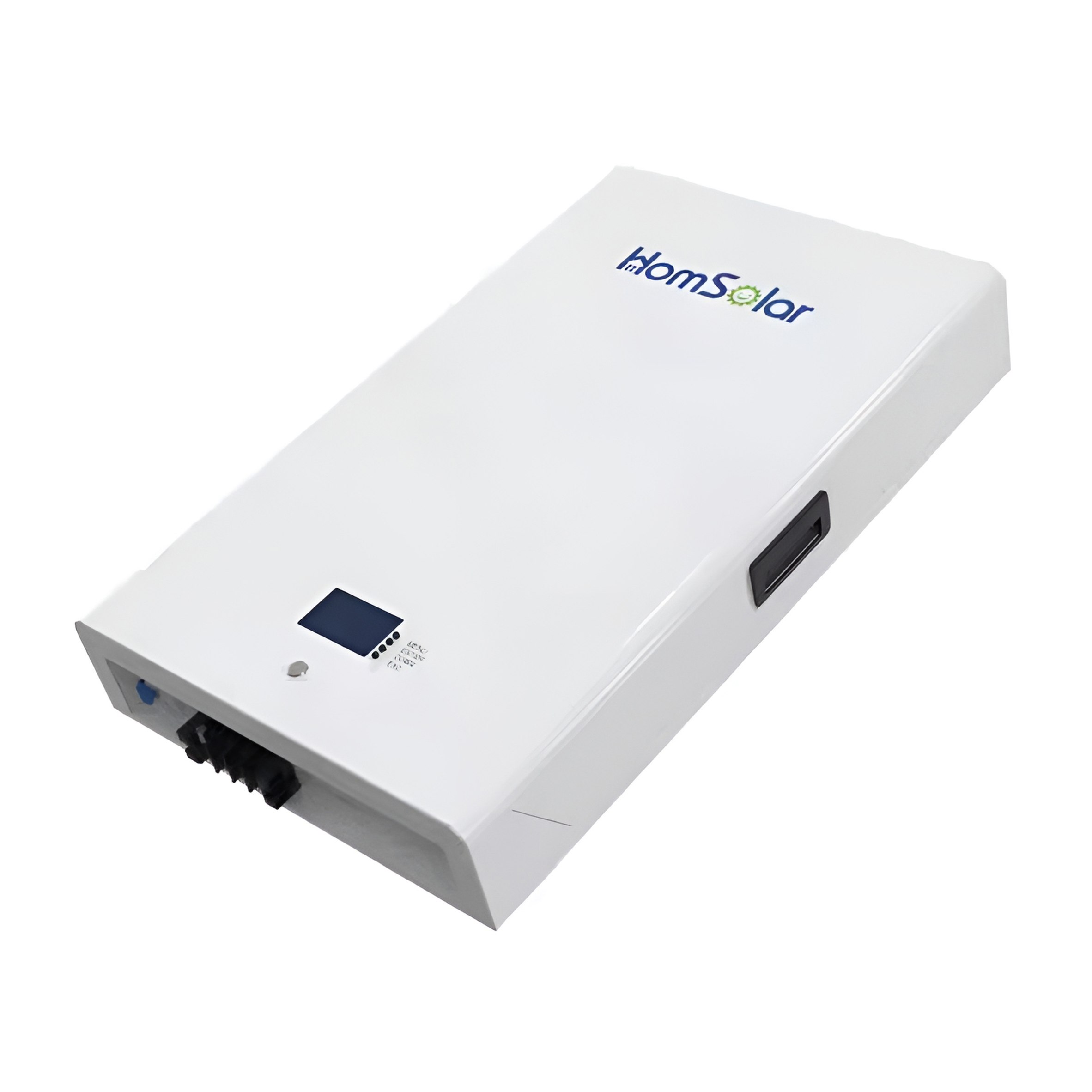
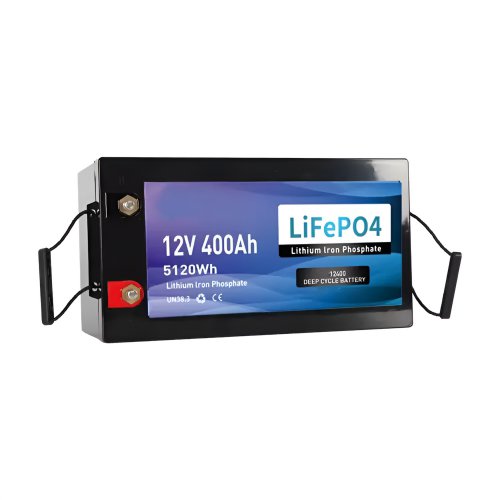
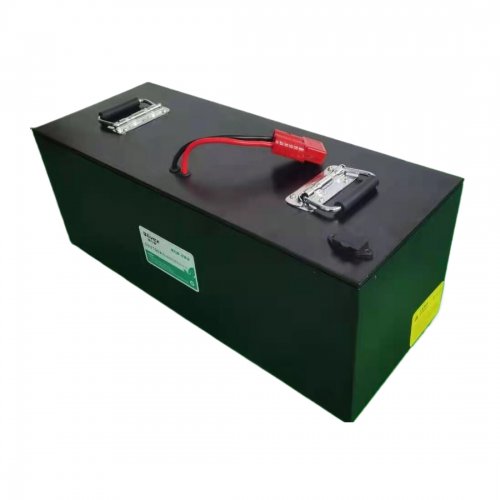
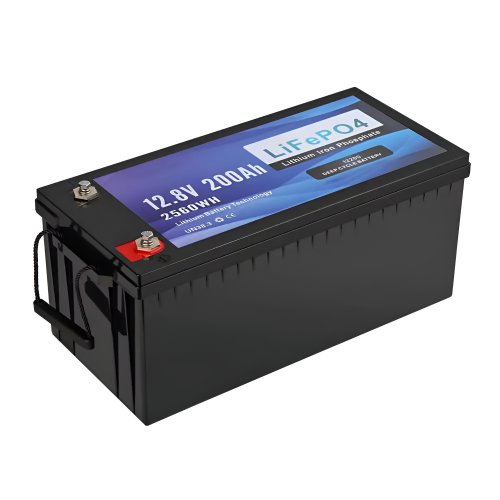
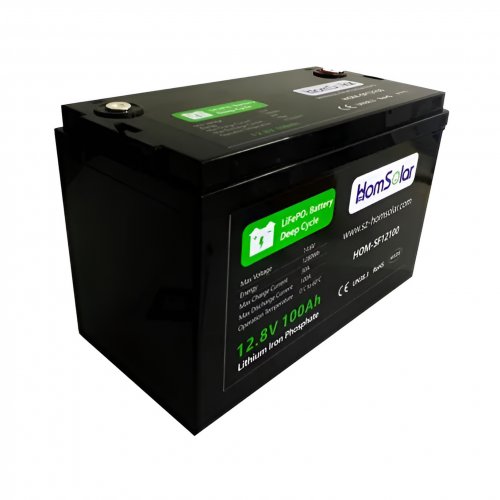
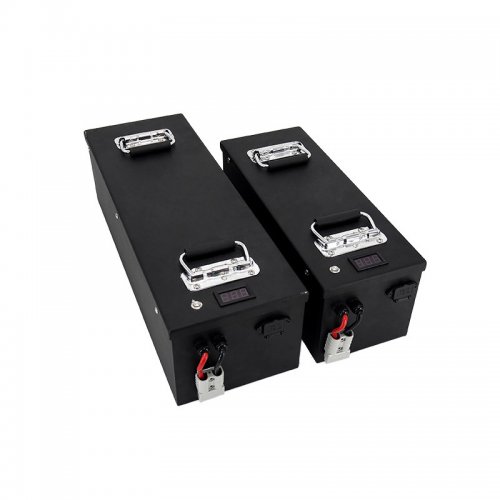
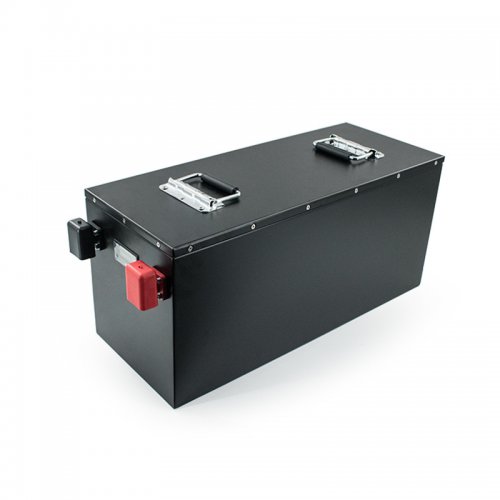
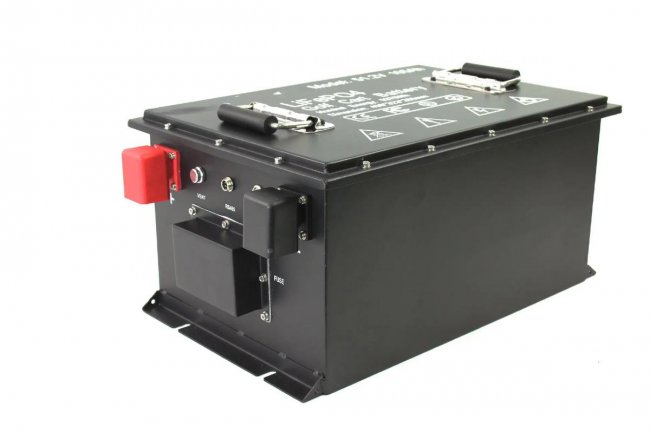
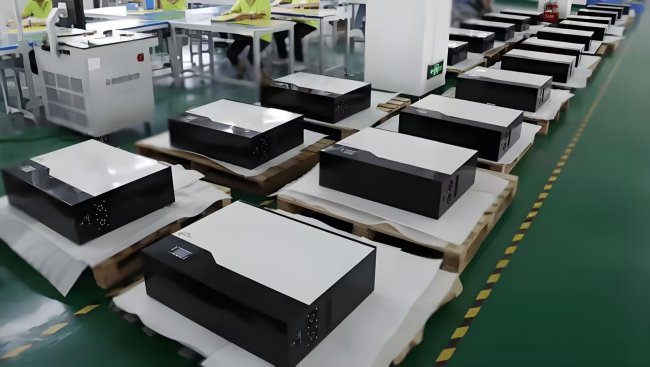
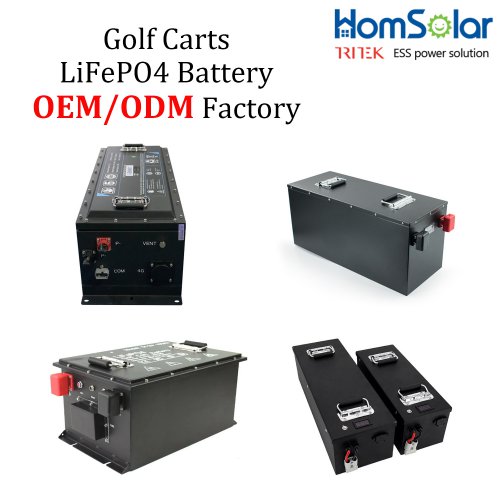
HomSolar Supports Lifepo4 battery pack customization/OEM/ODM service, welcome to contact us and tell us your needs.

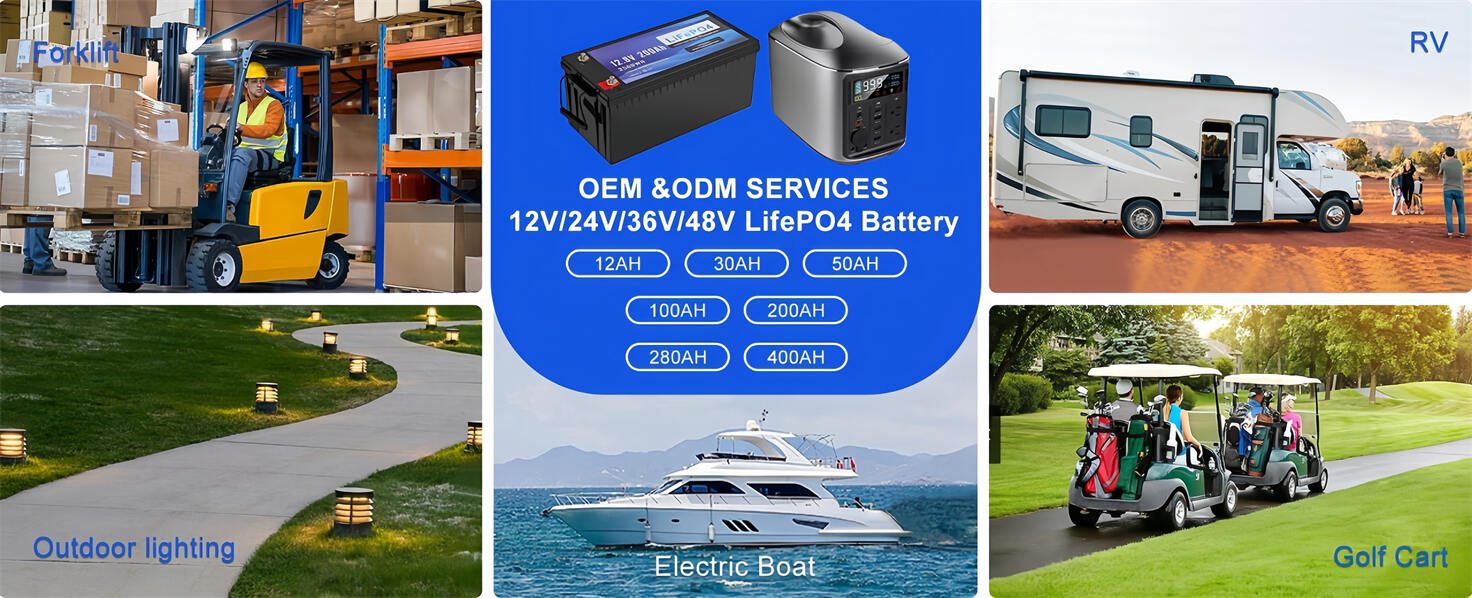
HomSolar: Your One-stop LiFePO4 Battery Pack & ESS Solution Manufacturer
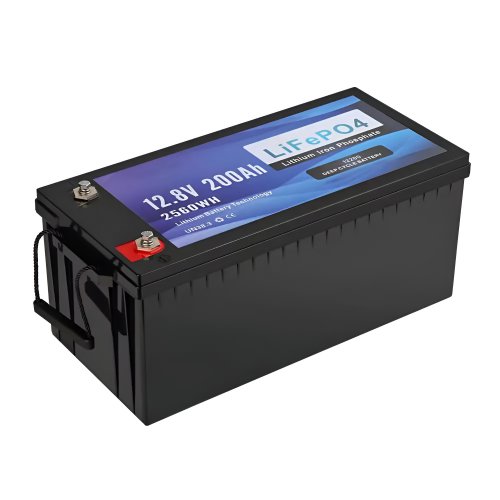
Our line of LiFePO4 (LFP) batteries offer a solution to demanding applications that require a lighter weight, longer life, and higher capacity battery. Features include advanced battery management systems (BMS), Bluetooth® communication and active intelligent monitoring.
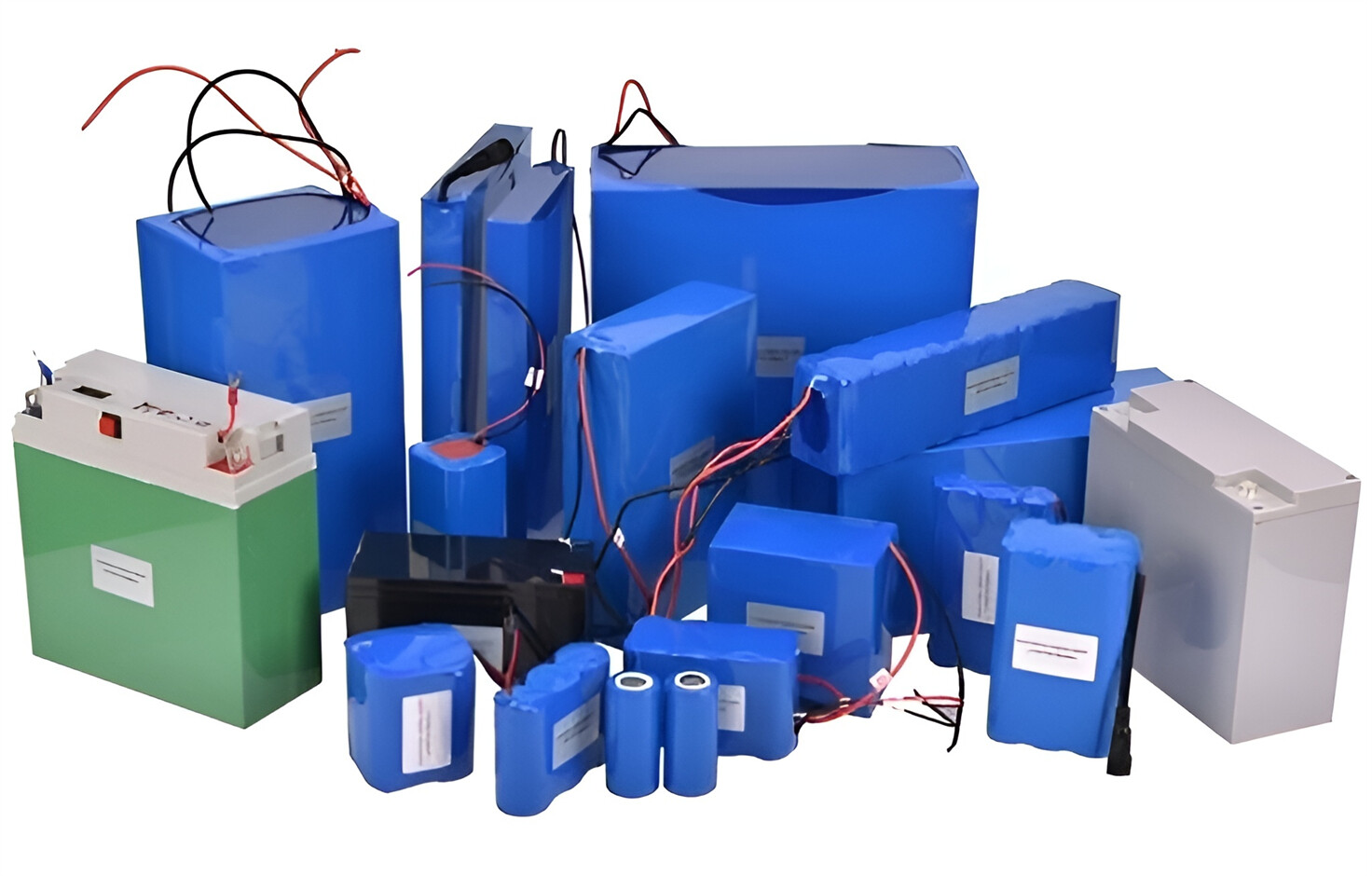
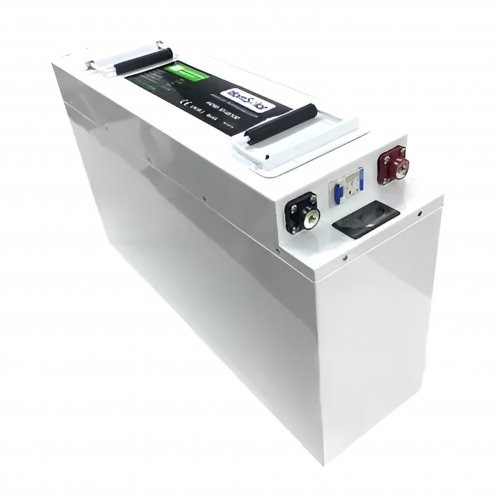
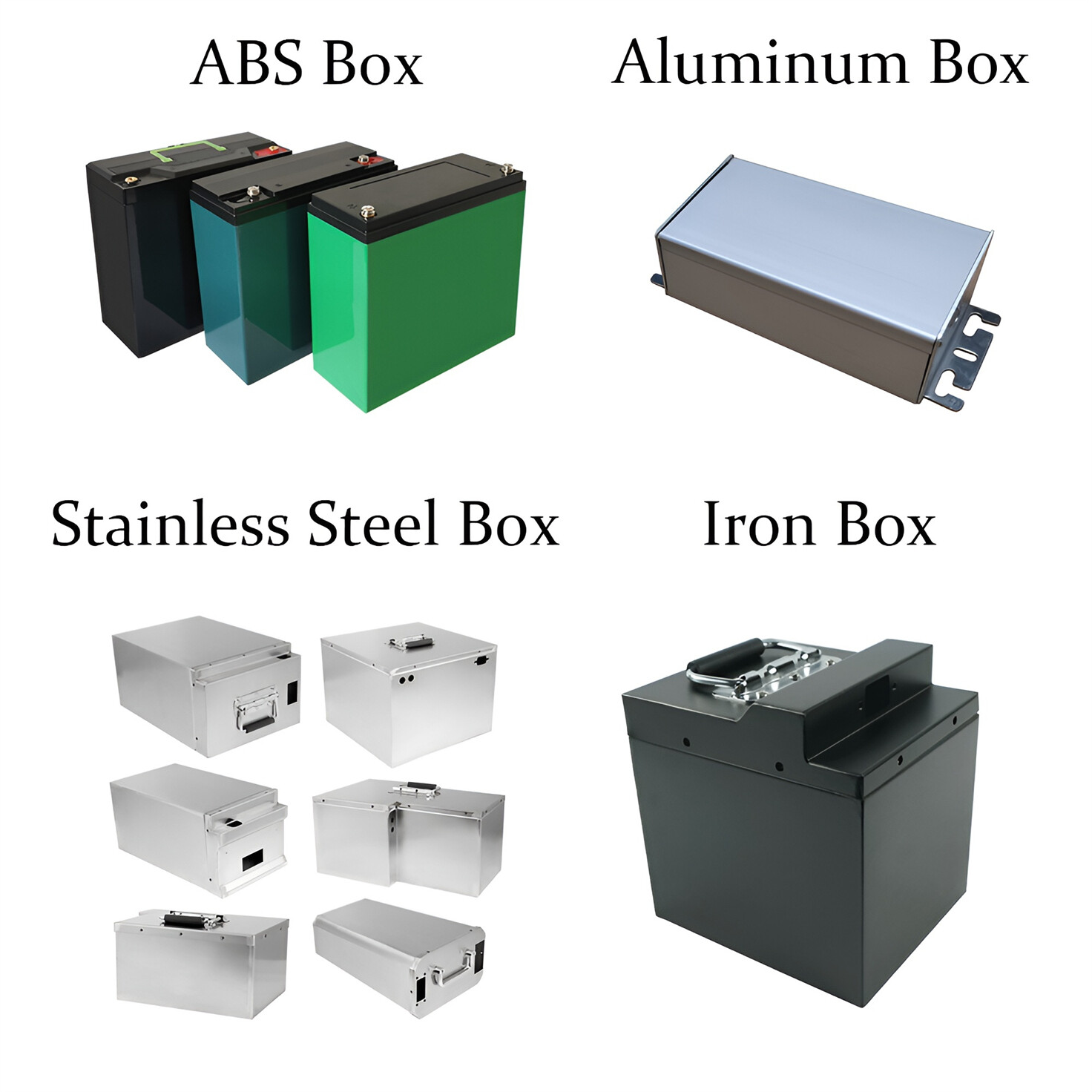
Customised Lithium Iron Phosphate Battery Casing
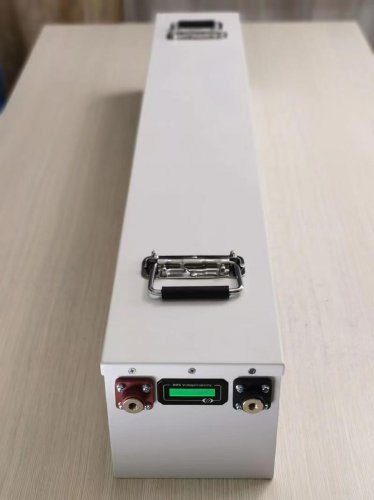
ABS plastic housing, aluminium housing, stainless steel housing and iron housing are available, and can also be designed and customised according to your needs.
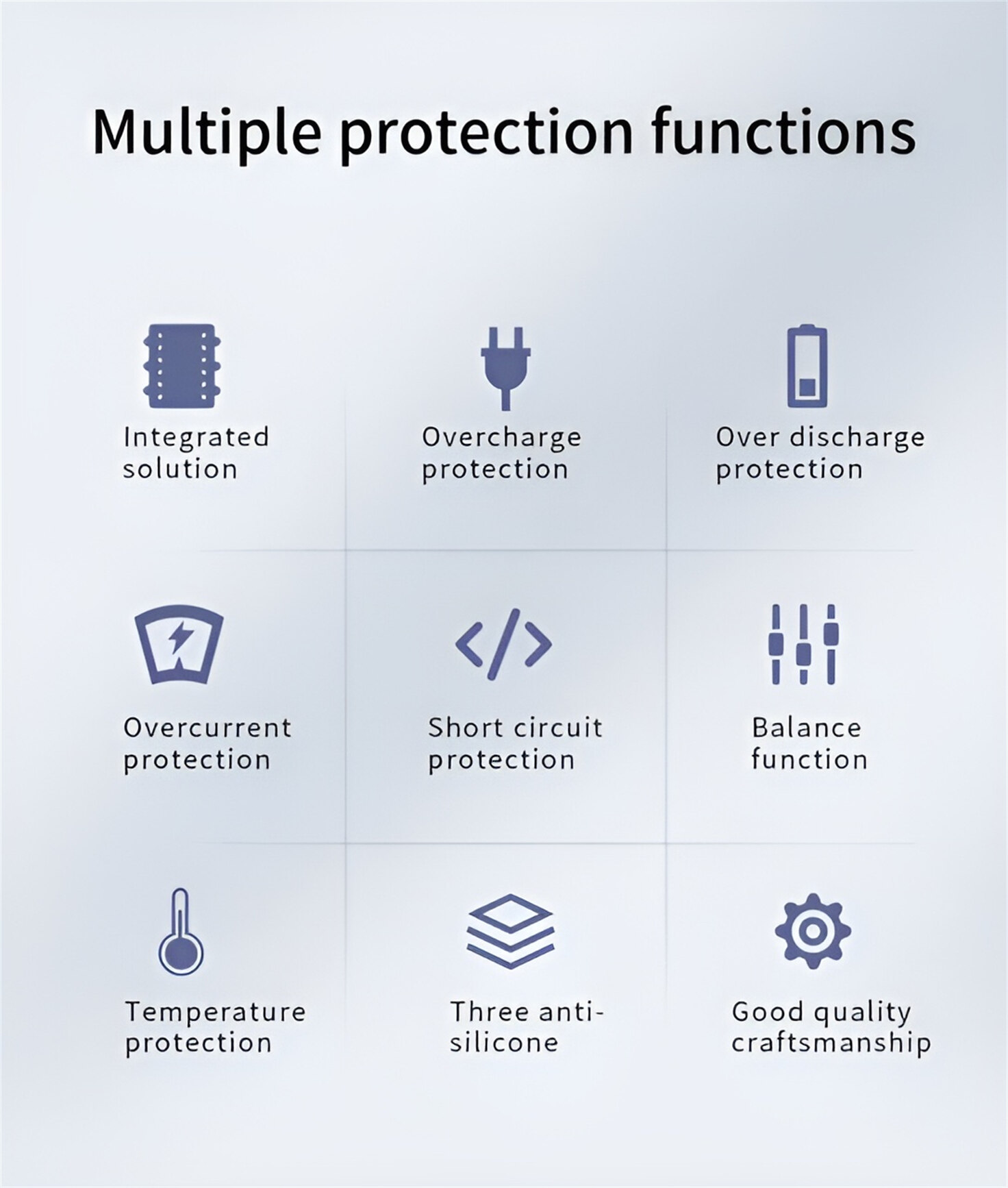
HomSolar Smart BMS
Intelligent Battery Management System for HomSolar Energy Storage System. Bluetooth, temperature sensor, LCD display, CAN interface, UART interface also available.

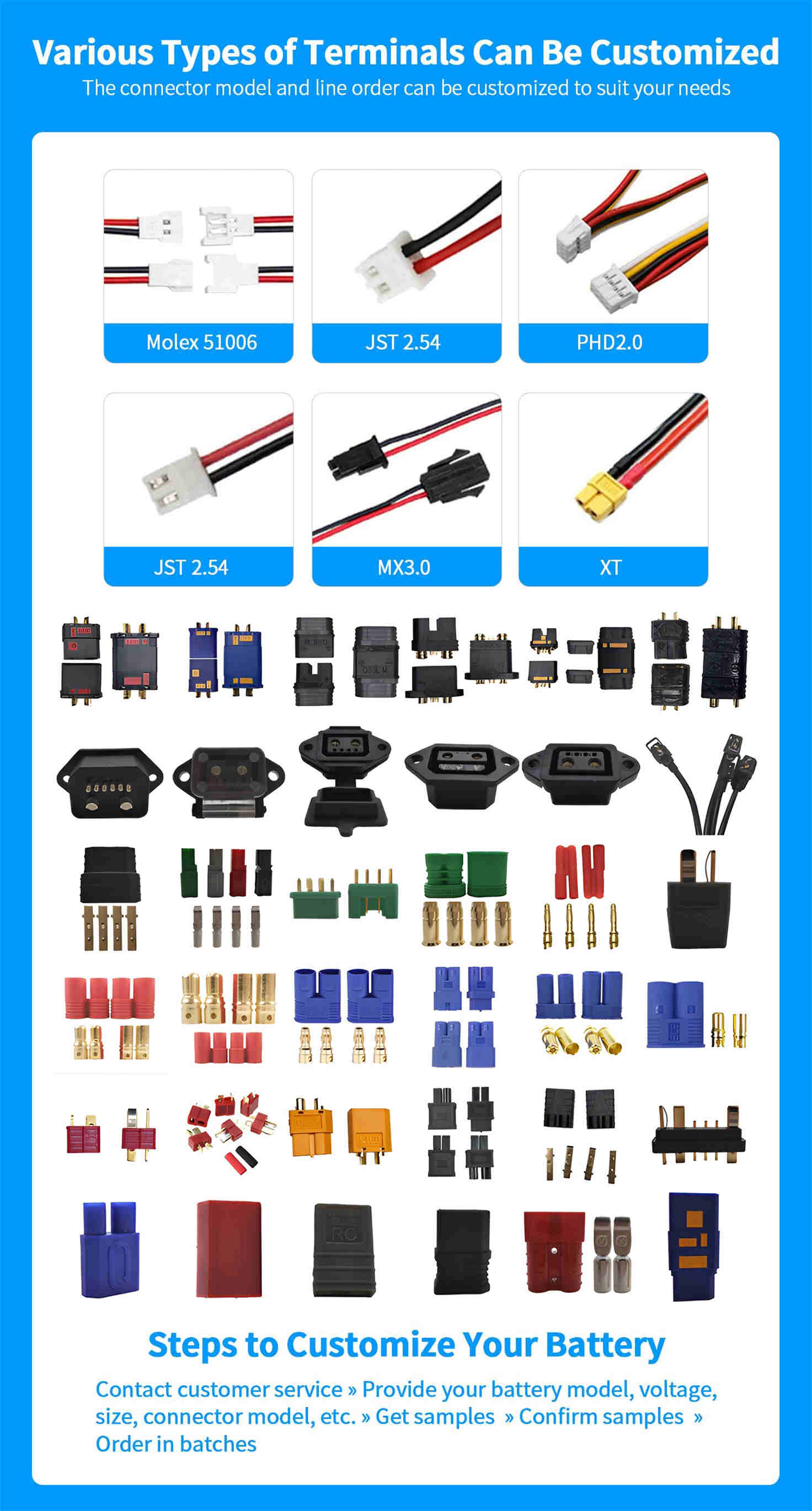
Terminals & Plugs Can Be Customized
A wide range of terminals and plugs can be customised to suit the application needs of your battery products.
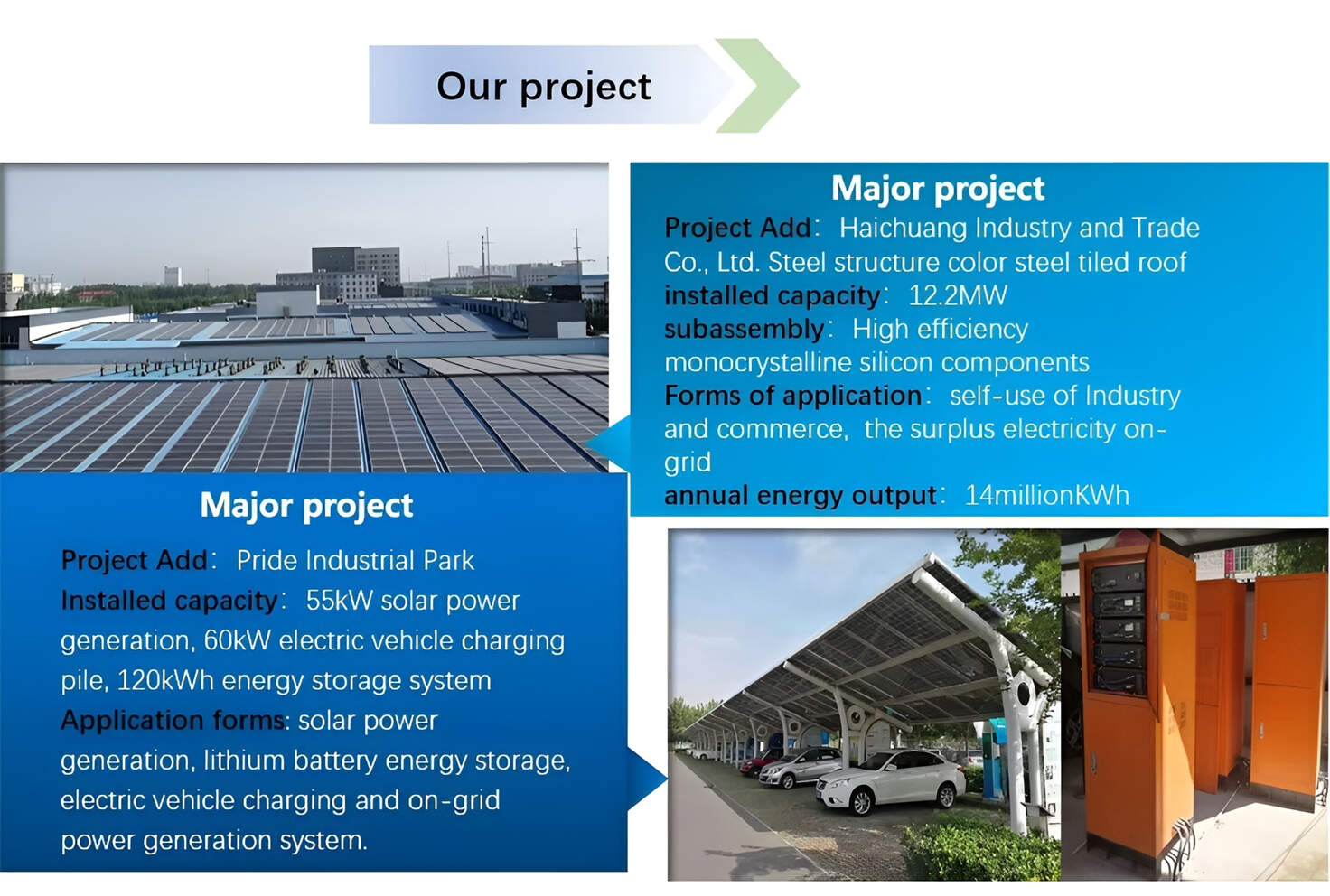
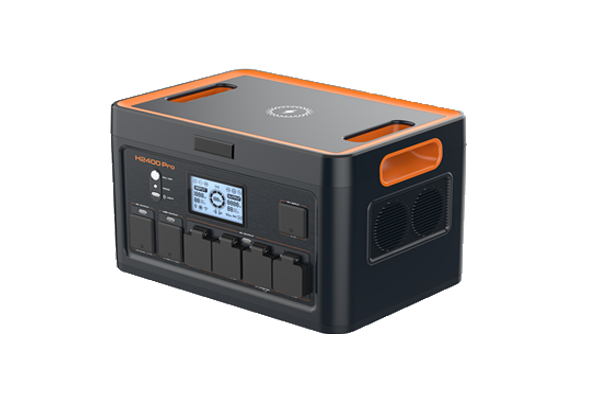
Well-designed Solutions for Energy Storage Systems
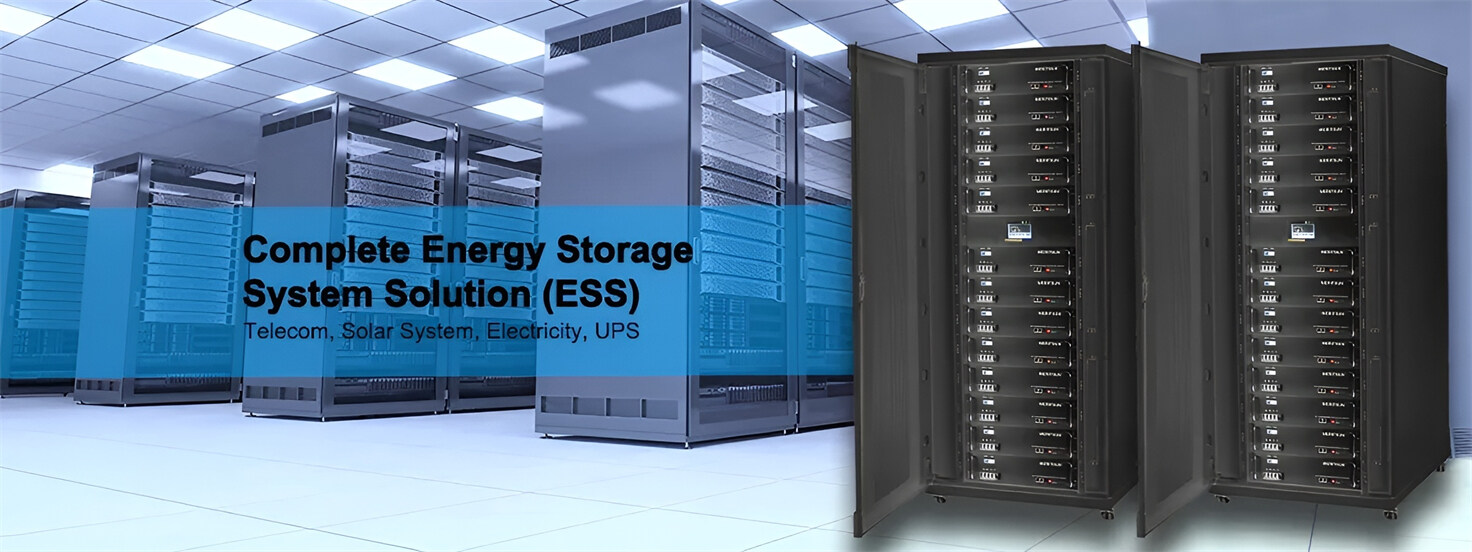
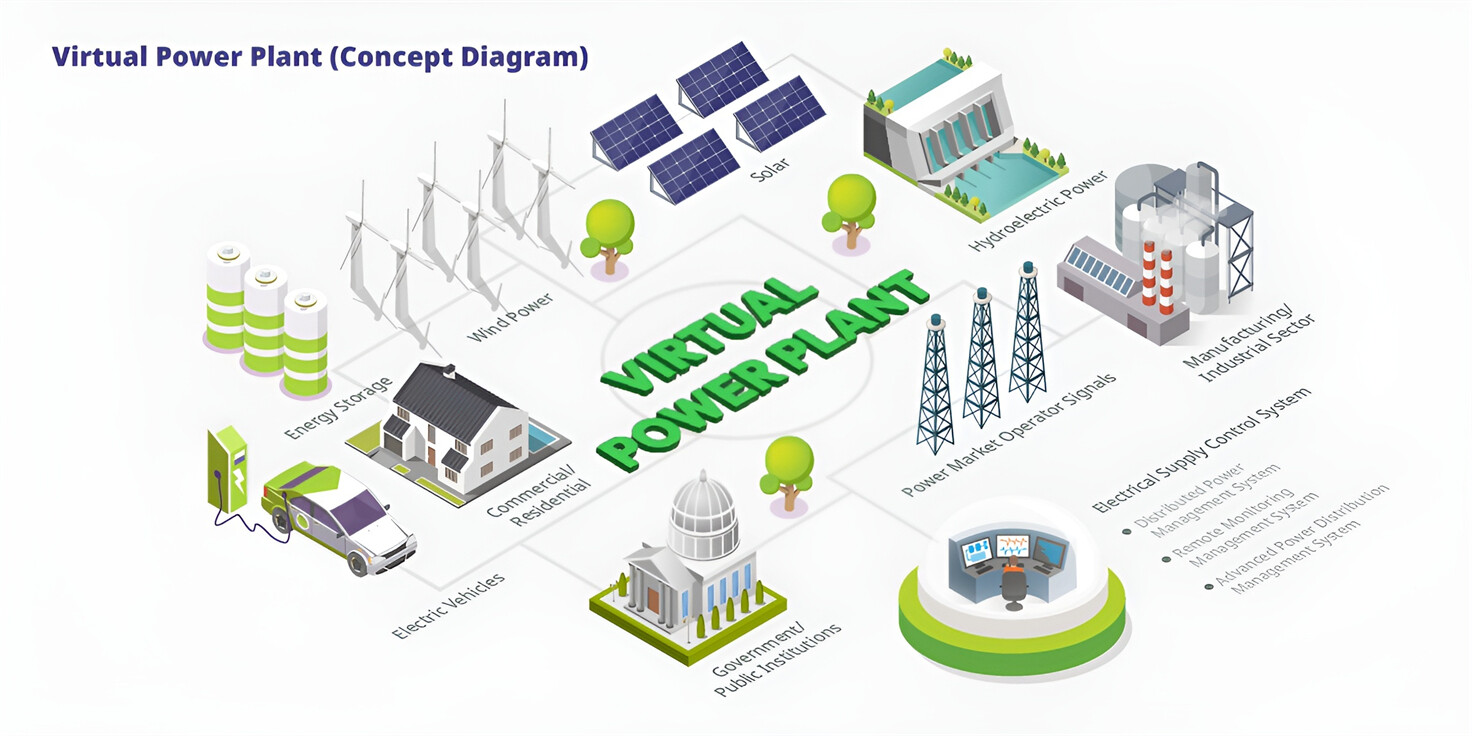
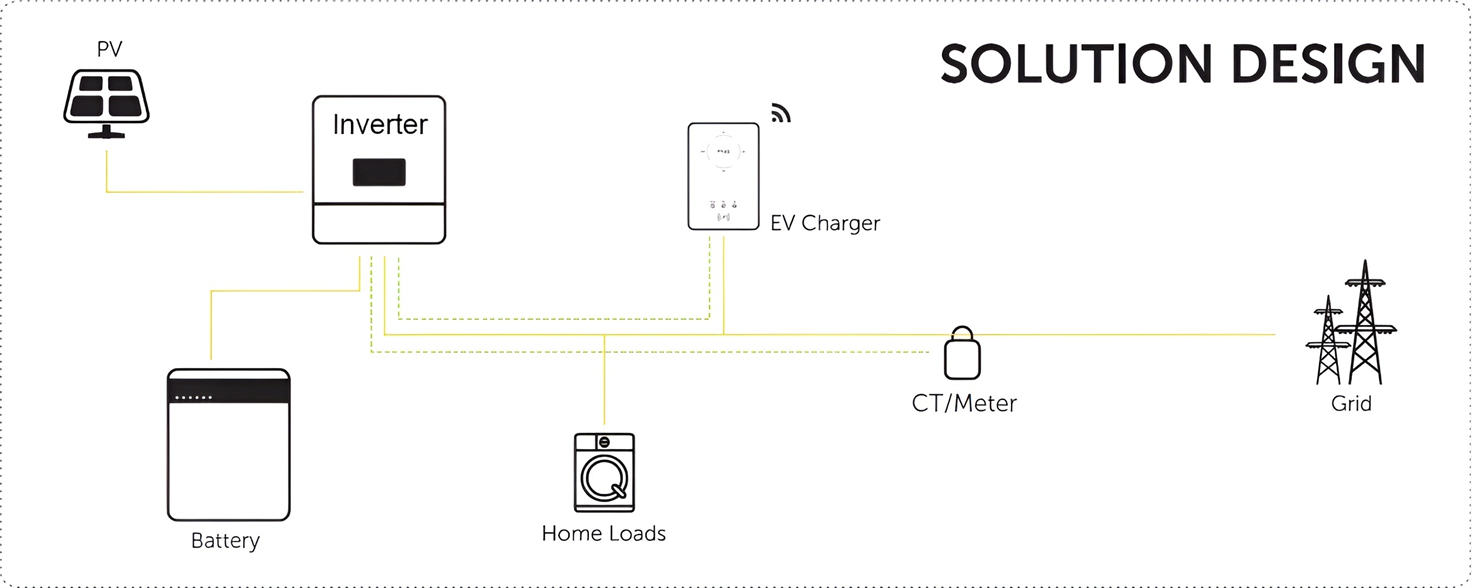
We will design the perfect energy storage system solution according to your needs, so that you can easily solve the specific industry applications of battery products.
About Our Battery Cells
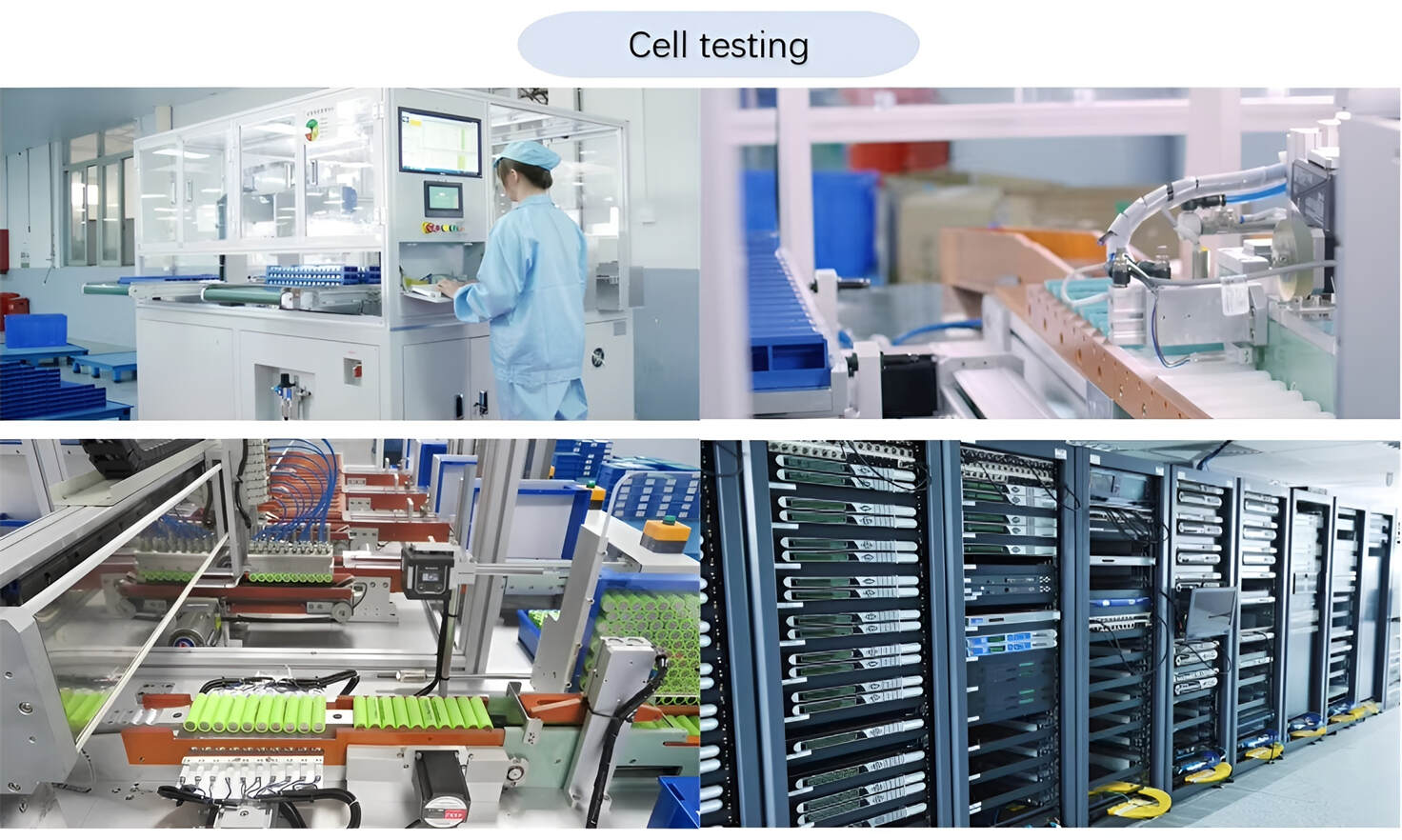
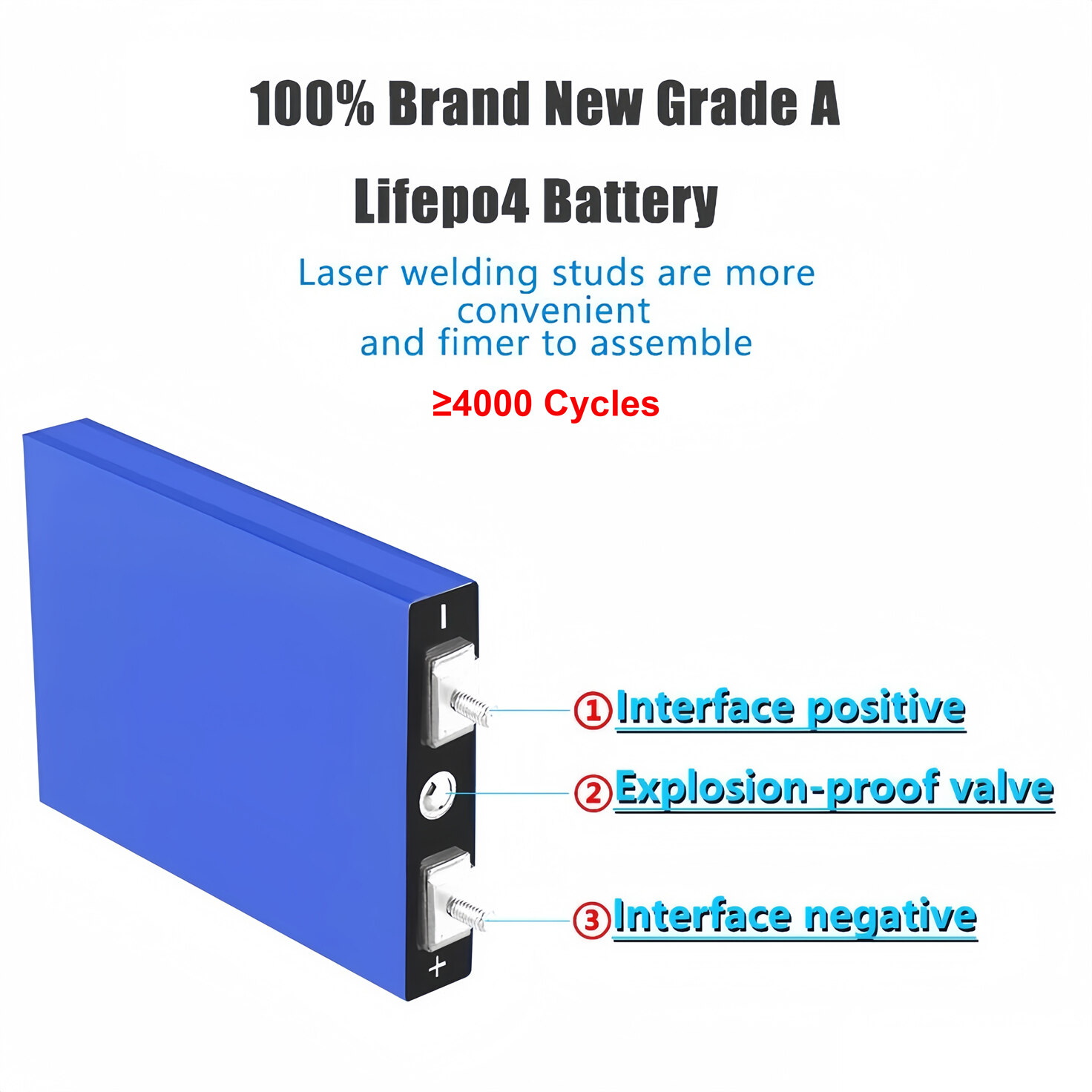
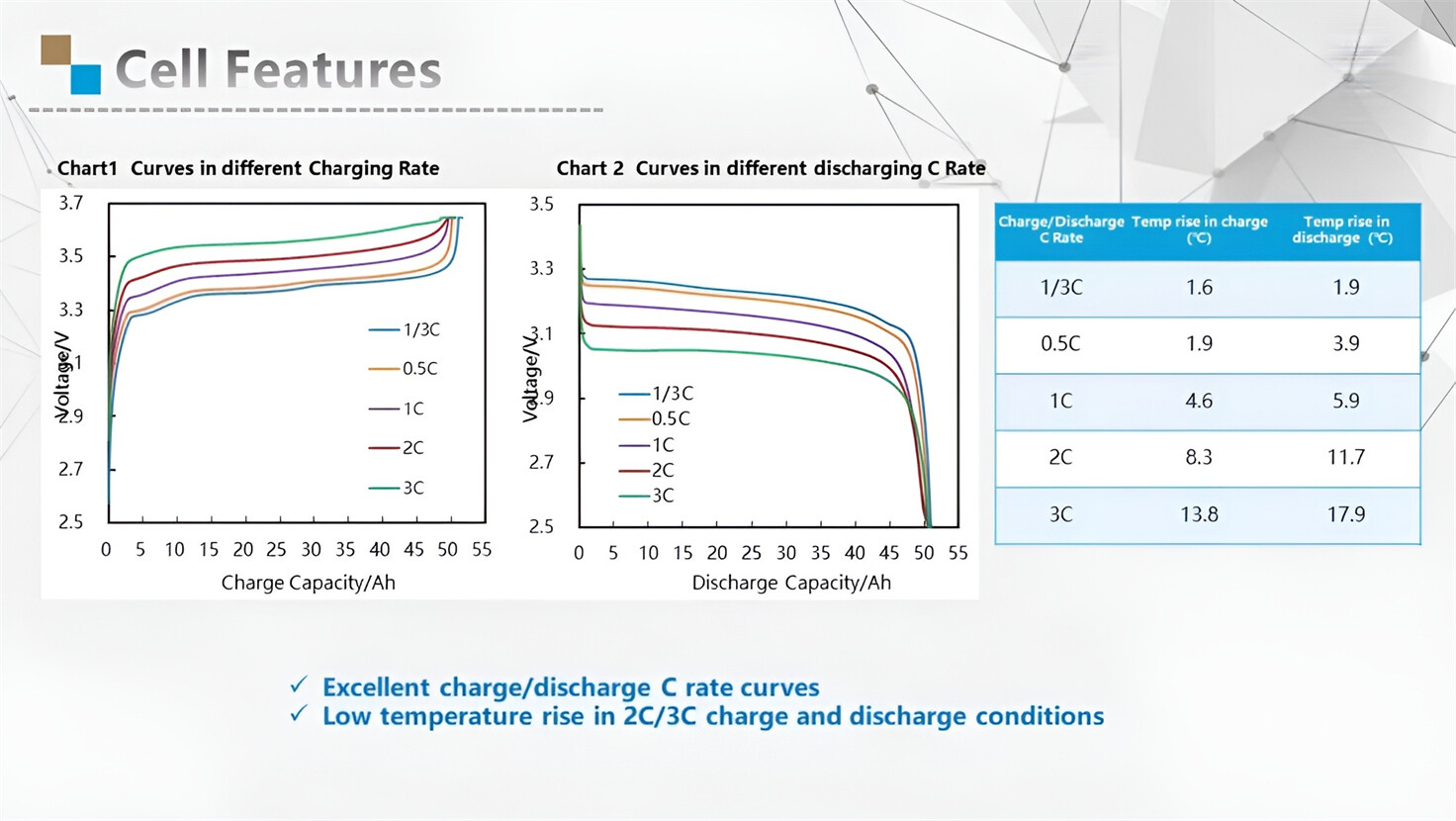
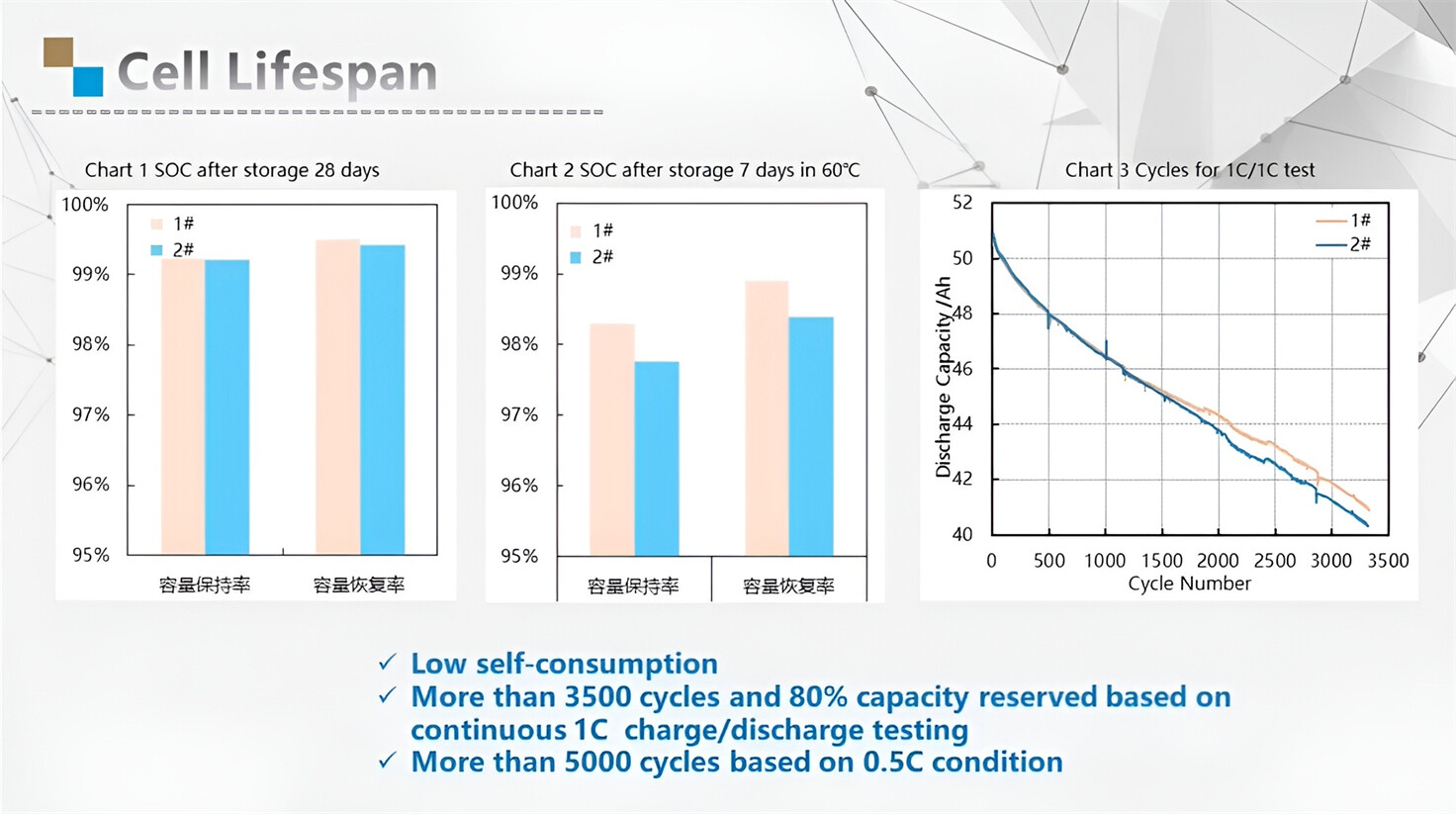
Our energy storage system products use brand new grade A LiFePO4 cells with a battery lifespan of more than 4,000 charge/discharge cycles.
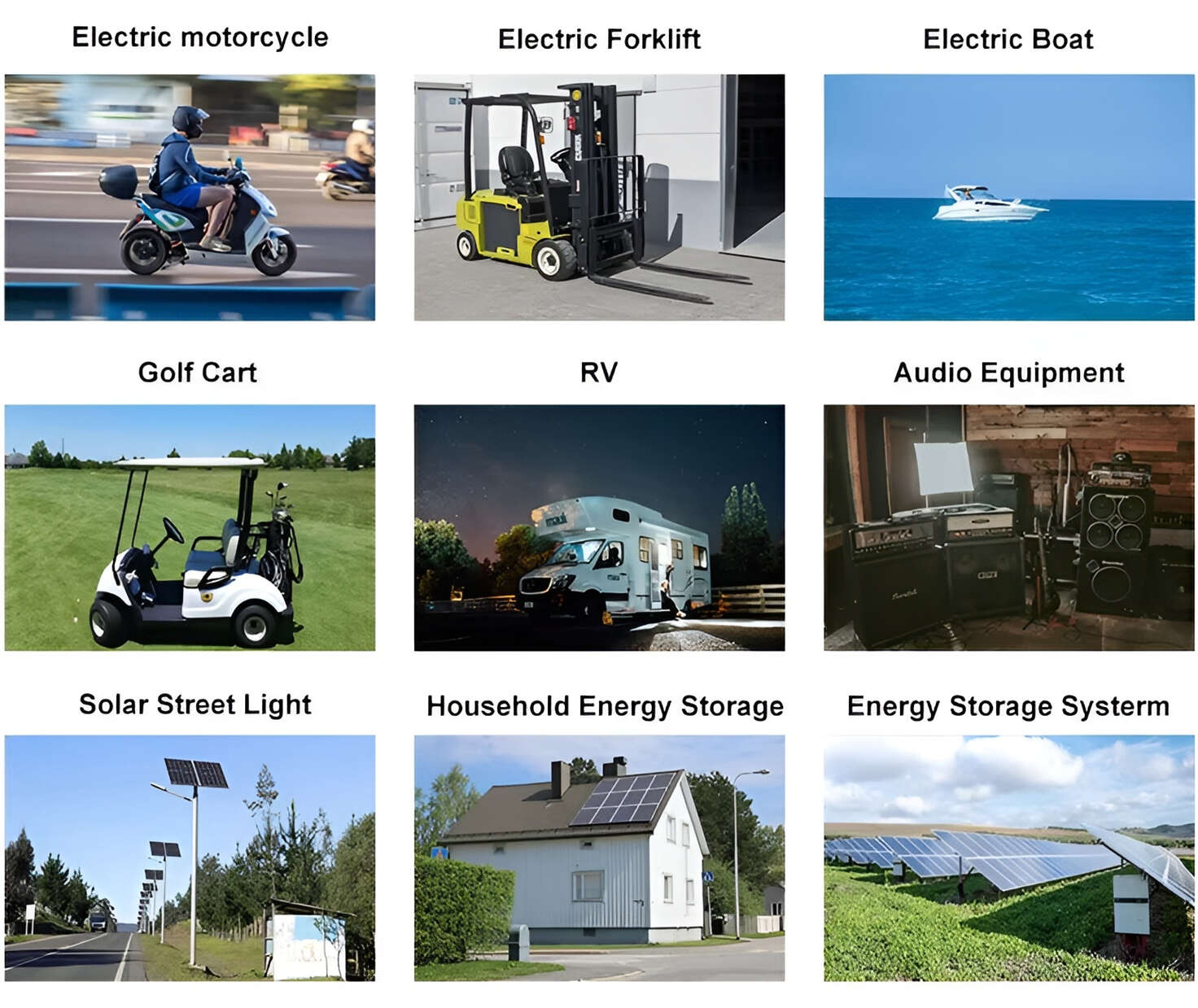
Applications in Different Industries
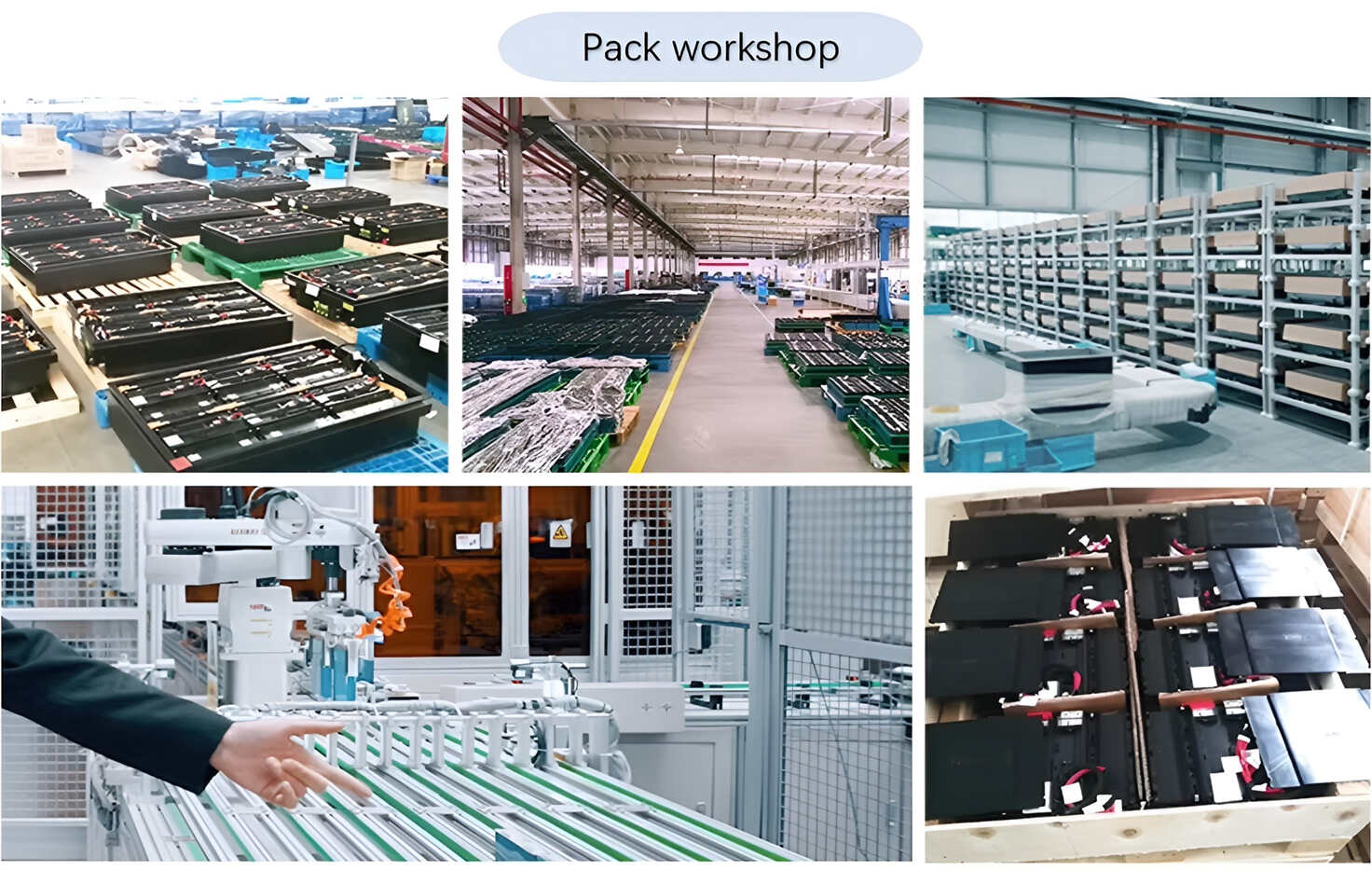
We supply customized & OEM battery pack, assemble cells with wiring, fuse and plastic cover, all the cell wires connected to PCB plug or built BMS.
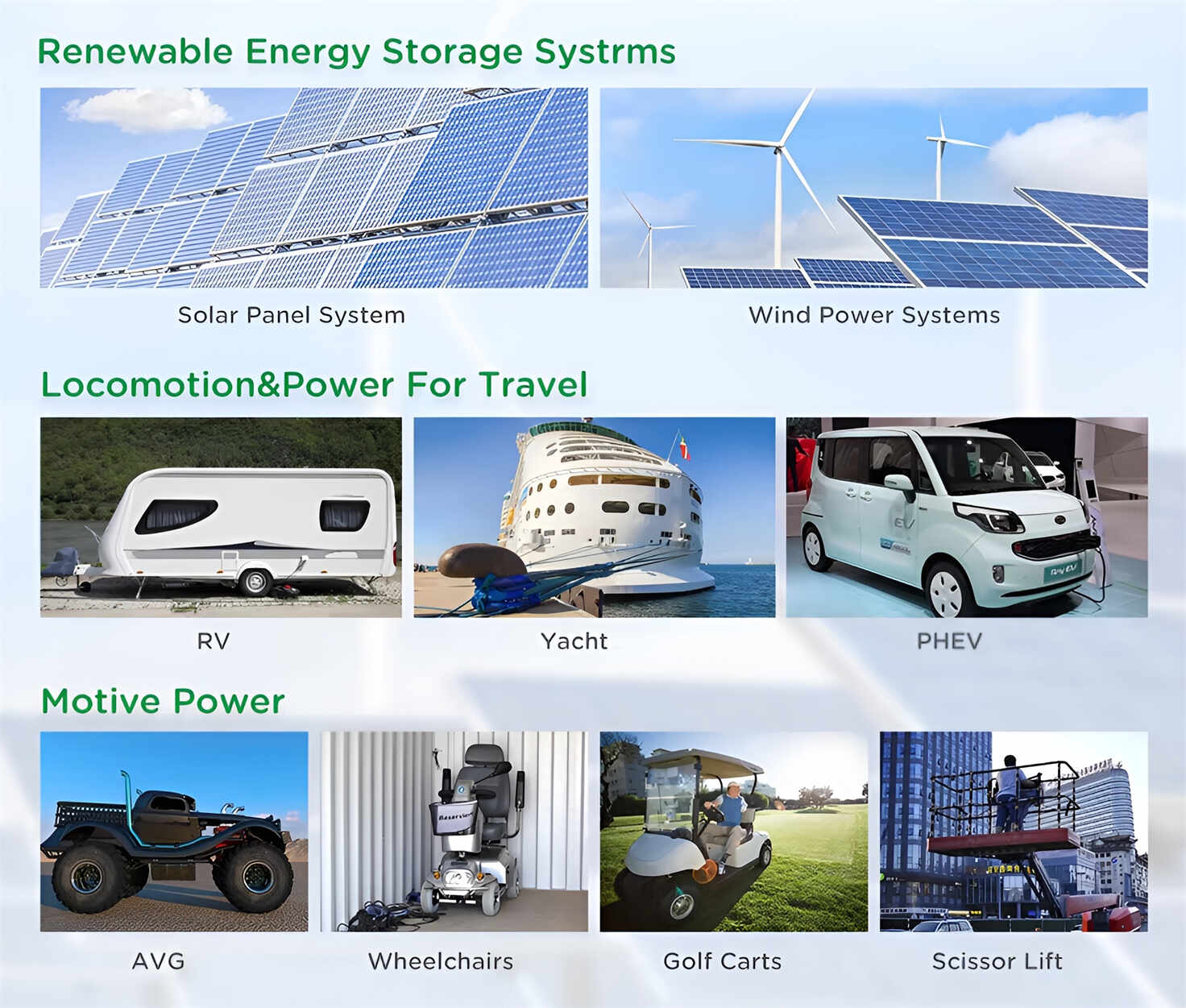
Applications: E-bike, Electric Scooter, Golf Carts, RV, Electric Wheelchair, Electric Tools, Robot Cleaner, Robot Sweeper, Solar Energy Storage System, Emergency Light, Solar Power Light, Medical Equipment, UPS Backup Power Supply.
We can provide you with customized services. We have the ability to provide a vertical supply chain, from single cells to pack/module and to a complete power solution with BMS, etc.
HomSolar (Shenzhen) Technology Co., Ltd