How To Use State Of Charge: A Practical Guide For Battery Management
State of Charge (SoC) is a critical parameter for any battery-powered device, from smartphones to electric vehicles and home energy storage systems. It represents the remaining battery capacity as a percentage of its total capacity, akin to a fuel gauge. Understanding and correctly utilizing the State of Charge is fundamental to maximizing battery lifespan, ensuring device reliability, and optimizing performance. This guide provides a comprehensive, step-by-step approach to effectively using and interpreting SoC.
Understanding the Fundamentals
Before diving into usage, it's essential to grasp what SoC is and is not. SoC is a relative measure, typically displayed as 0% to 100%. It is not a direct measure of energy (like kWh) but a percentage of the energy remaining. The accuracy of this reading is paramount, and it is often estimated by the device's Battery Management System (BMS) using complex algorithms that factor in voltage, current, temperature, and historical usage patterns.
Step-by-Step Guide to Using State of Charge
Step 1: Accurate Initial Calibration For a new device or after a firmware update, the SoC reading may be inaccurate. Calibration ensures the BMS correctly maps the battery's voltage to the 0-100% scale.Operation: Fully charge your device to 100% and keep it plugged in for an additional hour or two if possible. Then, use the device normally until it discharges completely and shuts down. Avoid charging during this cycle. Finally, charge it back to 100% in one uninterrupted session.Frequency: Perform this calibration every 2-3 months for optimal accuracy.
Step 2: Daily Monitoring and Interpretation Make a habit of actively checking your SoC.Operation: Use the built-in display, app, or dashboard to monitor the percentage. Don't just glance at it; interpret it in context. For example, an SoC of 50% in an EV has a very different meaning for a short commute versus a long road trip. Plan your usage accordingly.Tip: Look for trends. If you notice your device's SoC is dropping faster than usual under normal conditions, it could indicate a failing battery or a problematic component.
Step 3: Strategic Charging Based on SoC Your charging habits, guided by SoC, directly impact long-term battery health.Operation: Avoid consistently charging to 100% or depleting to 0%. For daily use, the optimal range is between 20% and 80%. Set charge limiters in your device's settings if available. For long-term storage, charge or discharge the battery to approximately 50-60% SoC.Tip: If you need a full charge for a long journey, time it so the battery reaches 100% shortly before you depart, rather than letting it sit at 100% for extended periods.
Step 4: Discharging and Recharging Cycles Use the SoC to manage your discharge depth.Operation: Plan your usage to avoid deep discharges. If your device's SoC falls below 20%, make an effort to recharge it at the earliest convenience. Shallow discharge cycles (e.g., from 80% to 60%) are far less stressful on the battery than deep cycles (e.g., from 100% to 20%).Tip: For devices with low usage, implement a "top-up" charging routine rather than running them down completely before recharging.
Step 5: Long-Term Storage Procedures If you won't be using a device for weeks or months, SoC management is crucial.Operation: Do not store a battery at 100% or 0% SoC. Both states accelerate chemical degradation. Fully charge and then partially discharge it to a stable storage SoC of 40-60%. Store the device in a cool, dry place.Tip: Check the SoC every few months during storage and recharge it back to the 40-60% range if it has drifted significantly.
Practical Tips and Best Practices
1. Understand Your Device's BMS: Familiarize yourself with your specific device's battery settings. Many modern EVs and gadgets offer "Daily" and "Trip" charge modes, which automatically limit the maximum SoC to 80-90% for daily use. 2. Factor in Environmental Conditions: SoC readings and battery health are affected by temperature. Extreme cold can cause a temporary, sharp drop in indicated SoC and reduce available power. Extreme heat accelerates chemical aging. Try to use and charge your devices in moderate temperatures. 3. Use SoC for Trip Planning (EVs): In an Electric Vehicle, the SoC is your primary navigation tool. Use it alongside the "Range" estimate. When planning a long trip, identify charging stations along your route where you can stop with an SoC between 10% and 20%, and charge only to the level needed to reach your next destination or a comfortable buffer (e.g., 80%). 4. Distinguish Between SoC and State of Health (SoH): SoC tells you the current "fuel level." State of Health (SoH) indicates the battery's overall condition and maximum capacity compared to when it was new. A low SoH means a 100% SoC represents less actual energy than it did originally.
Important Precautions and WarningsAvoid Deep Discharges: Allowing a battery to remain at 0% SoC for prolonged periods can cause irreversible damage, potentially rendering it unusable and unsafe.Minimize Time at Extreme SoC: Just as 0% is harmful, keeping a battery at 100% SoC for extended periods (days or weeks) puts significant stress on the battery chemistry, leading to faster capacity fade.SoC is an Estimate: Remember that the SoC percentage is a BMS calculation, not a perfect physical measurement. Its accuracy can be affected by age, temperature, and recent usage patterns. Trust the general trend more than a single percentage point.Prioritize Manufacturer Guidelines: Always refer to your device's user manual for specific SoC and charging recommendations, as battery chemistries (e.g., LFP, NMC) can have different optimal ranges.
By treating State of Charge not just as a number but as a dynamic tool for informed decision-making, you can significantly enhance the performance, safety, and longevity of your valuable battery-powered investments. Consistent, mindful management based on SoC will ensure you get the most out of your technology for years to come.
Customized/OEM/ODM Service
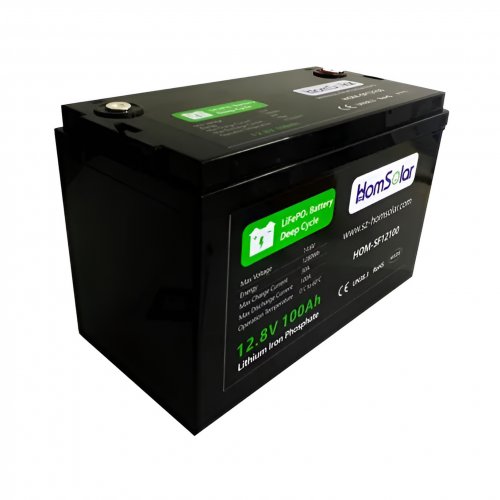
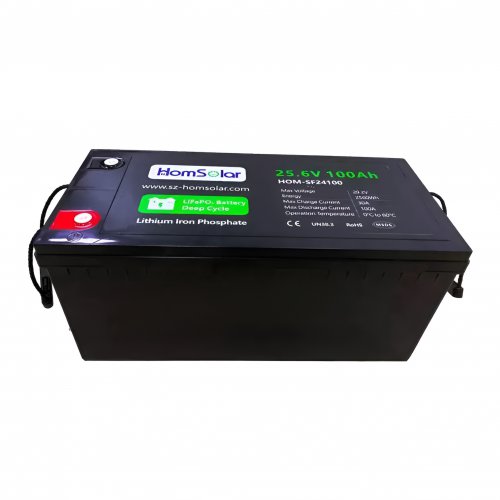
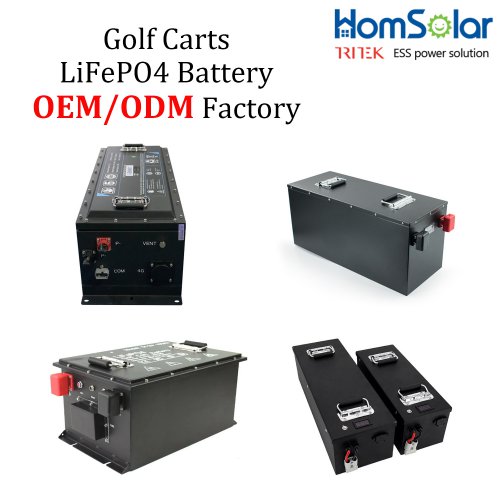
HomSolar Supports Lifepo4 battery pack customization/OEM/ODM service, welcome to contact us and tell us your needs.


HomSolar: Your One-stop LiFePO4 Battery Pack & ESS Solution Manufacturer
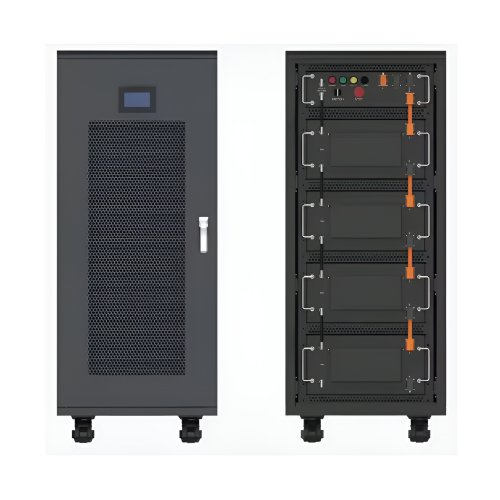
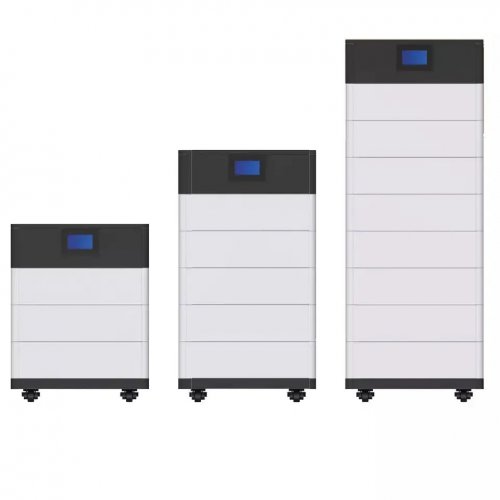
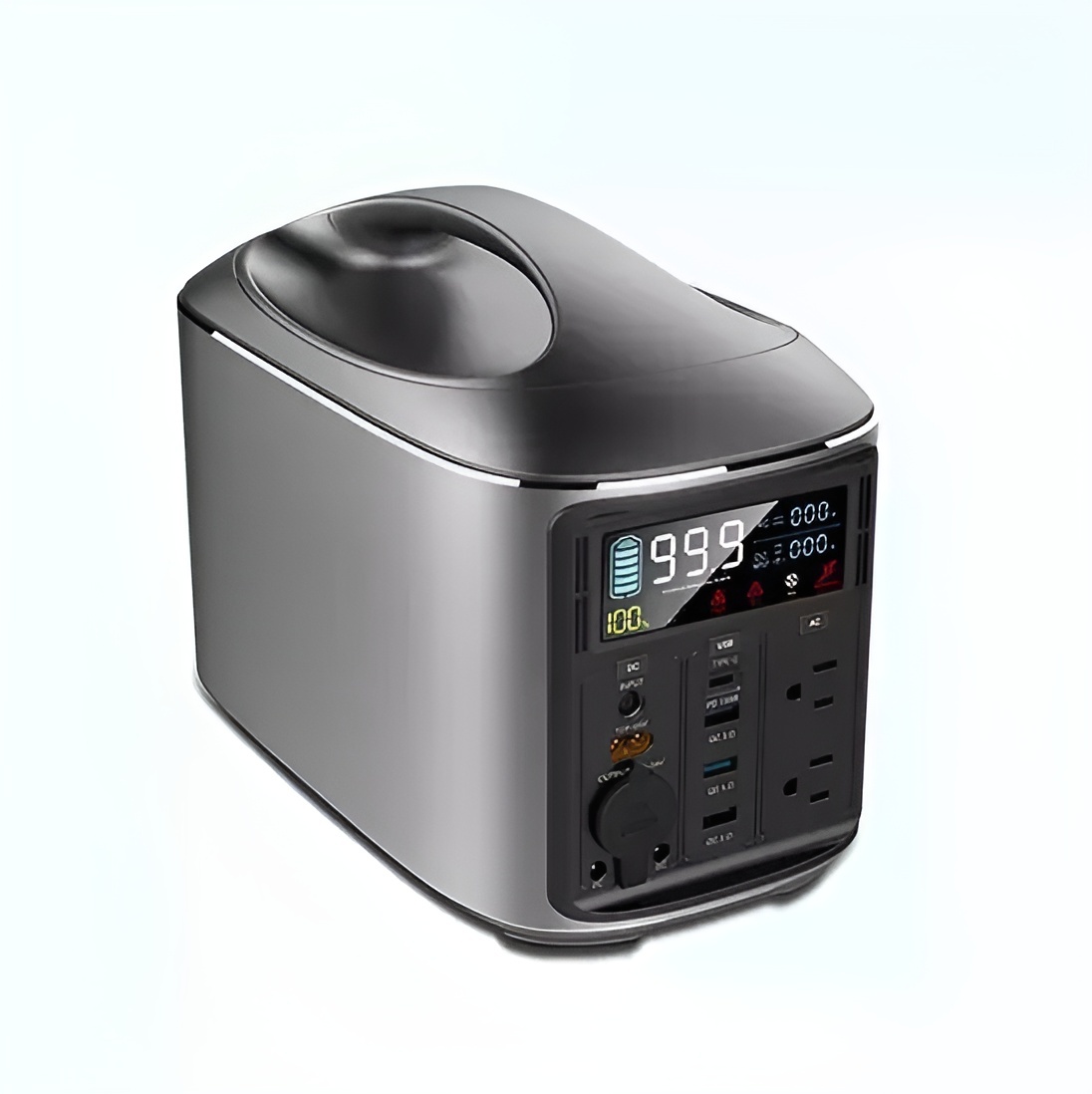
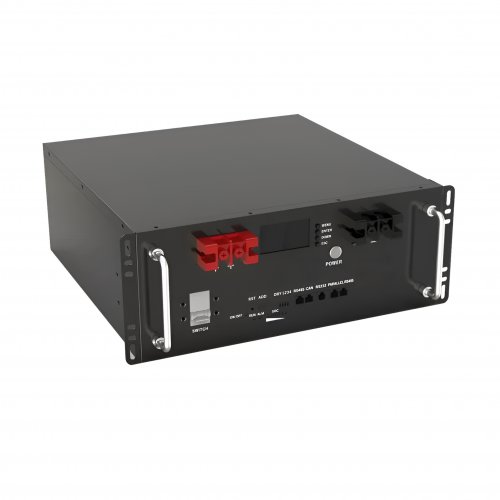
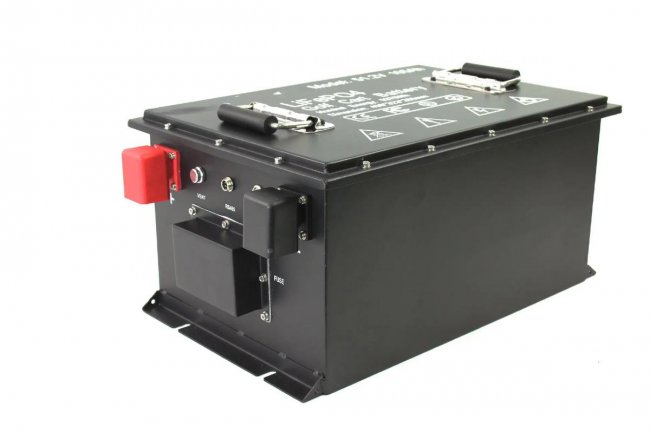
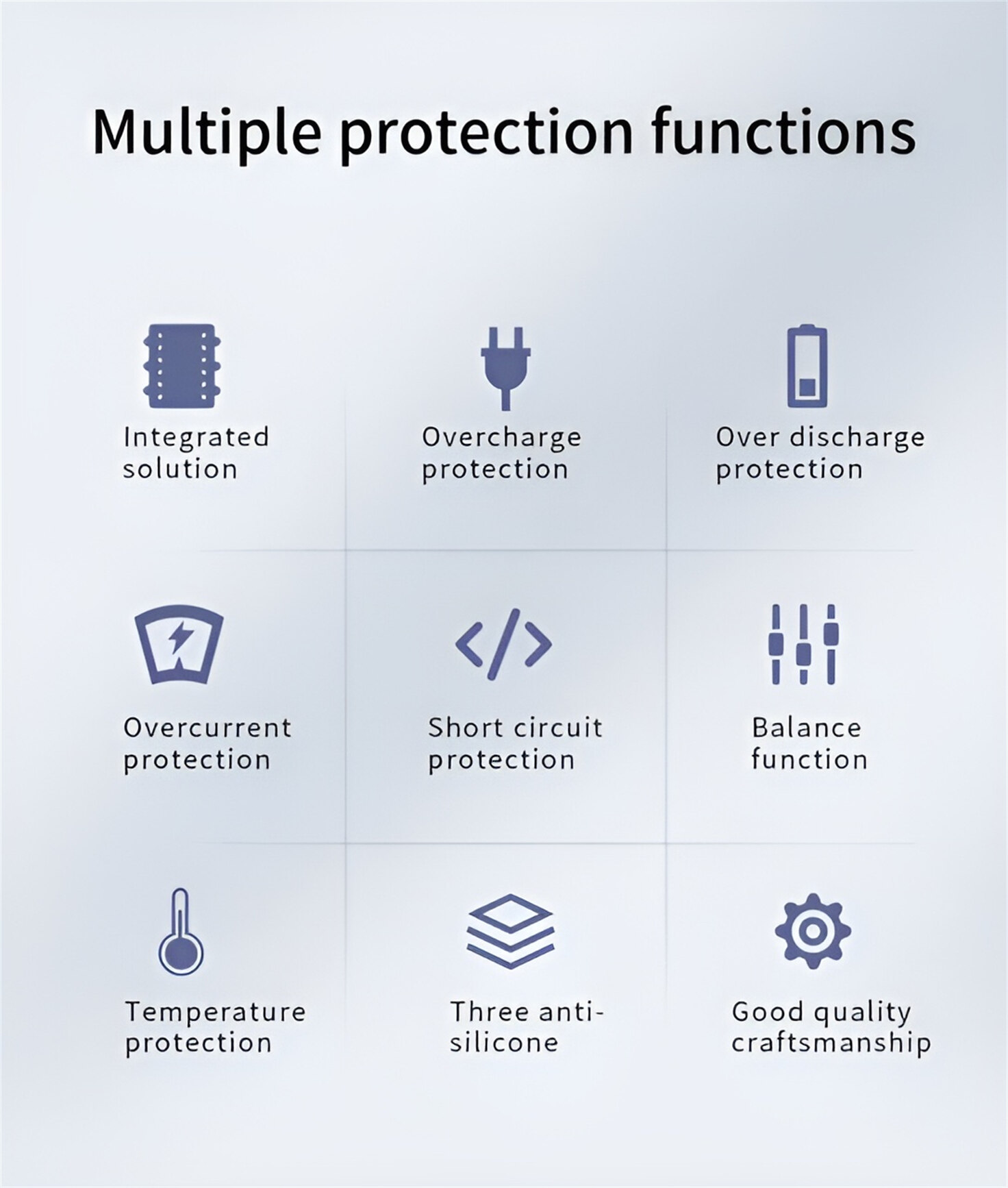
Our line of LiFePO4 (LFP) batteries offer a solution to demanding applications that require a lighter weight, longer life, and higher capacity battery. Features include advanced battery management systems (BMS), Bluetooth® communication and active intelligent monitoring.
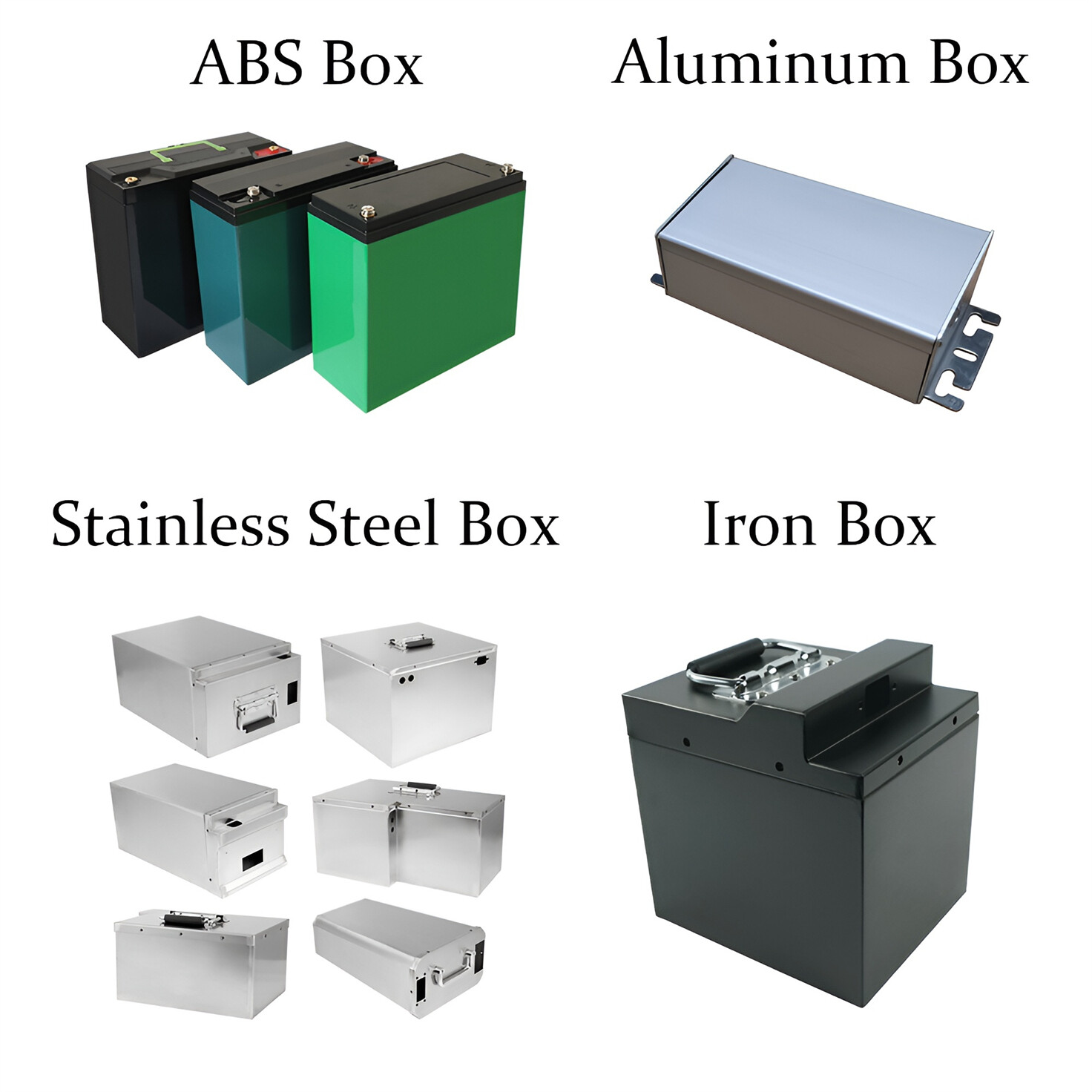
Customised Lithium Iron Phosphate Battery Casing
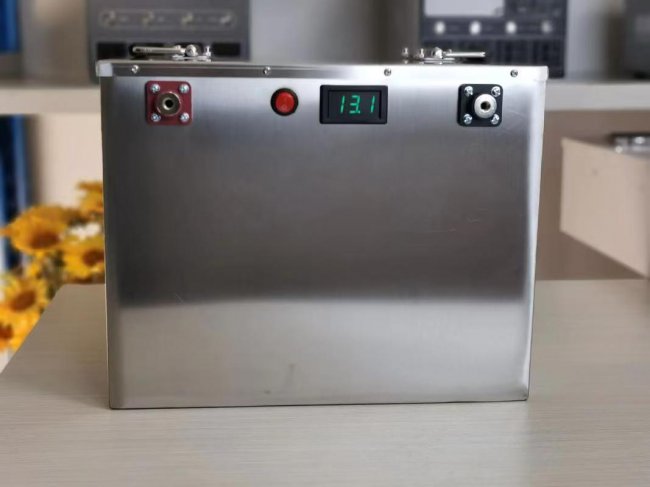
ABS plastic housing, aluminium housing, stainless steel housing and iron housing are available, and can also be designed and customised according to your needs.
HomSolar Smart BMS
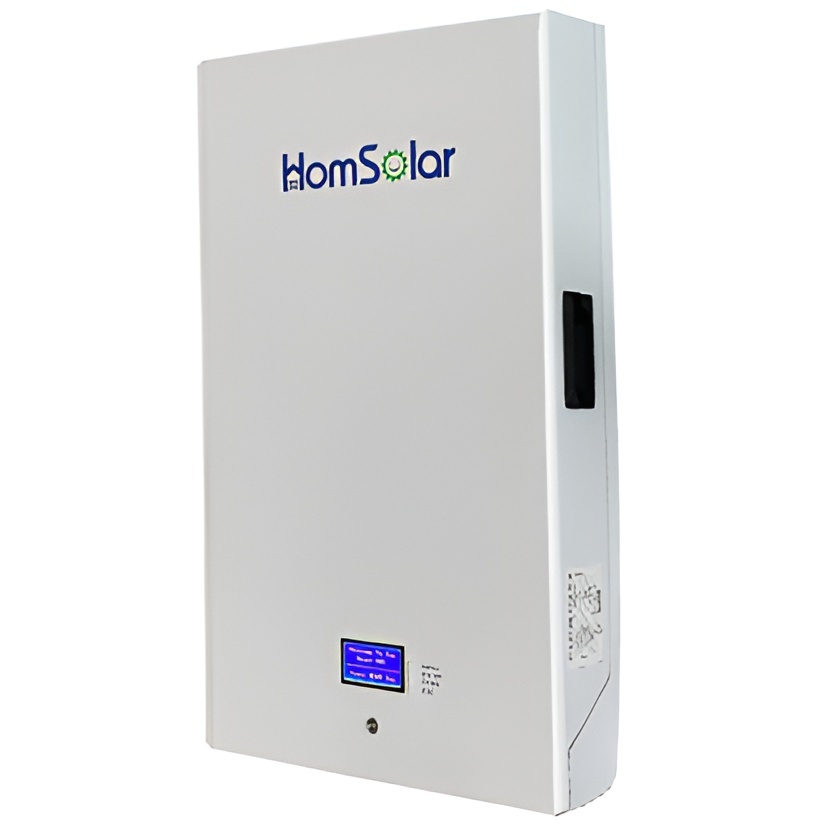
Intelligent Battery Management System for HomSolar Energy Storage System. Bluetooth, temperature sensor, LCD display, CAN interface, UART interface also available.

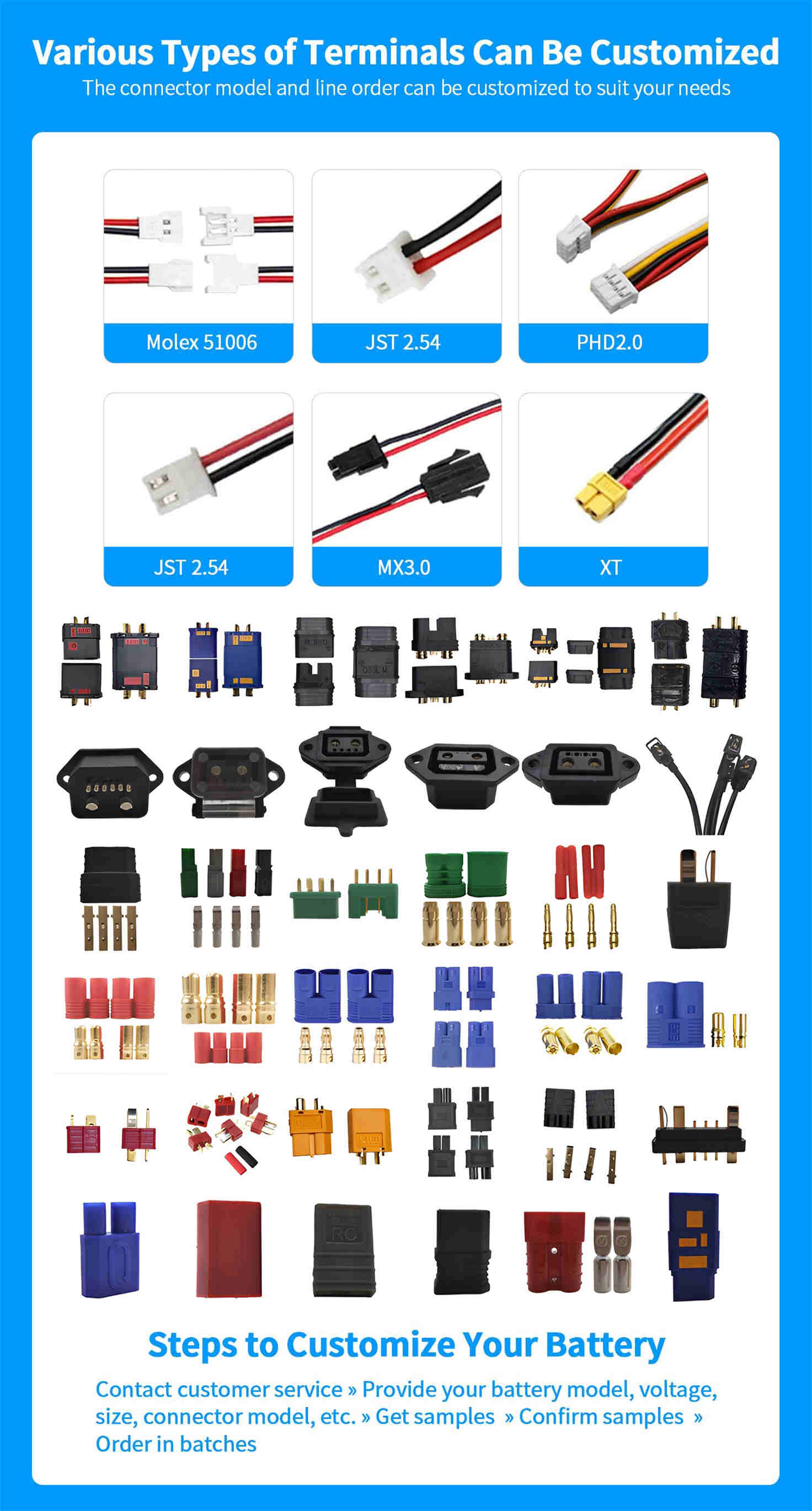
Terminals & Plugs Can Be Customized
A wide range of terminals and plugs can be customised to suit the application needs of your battery products.
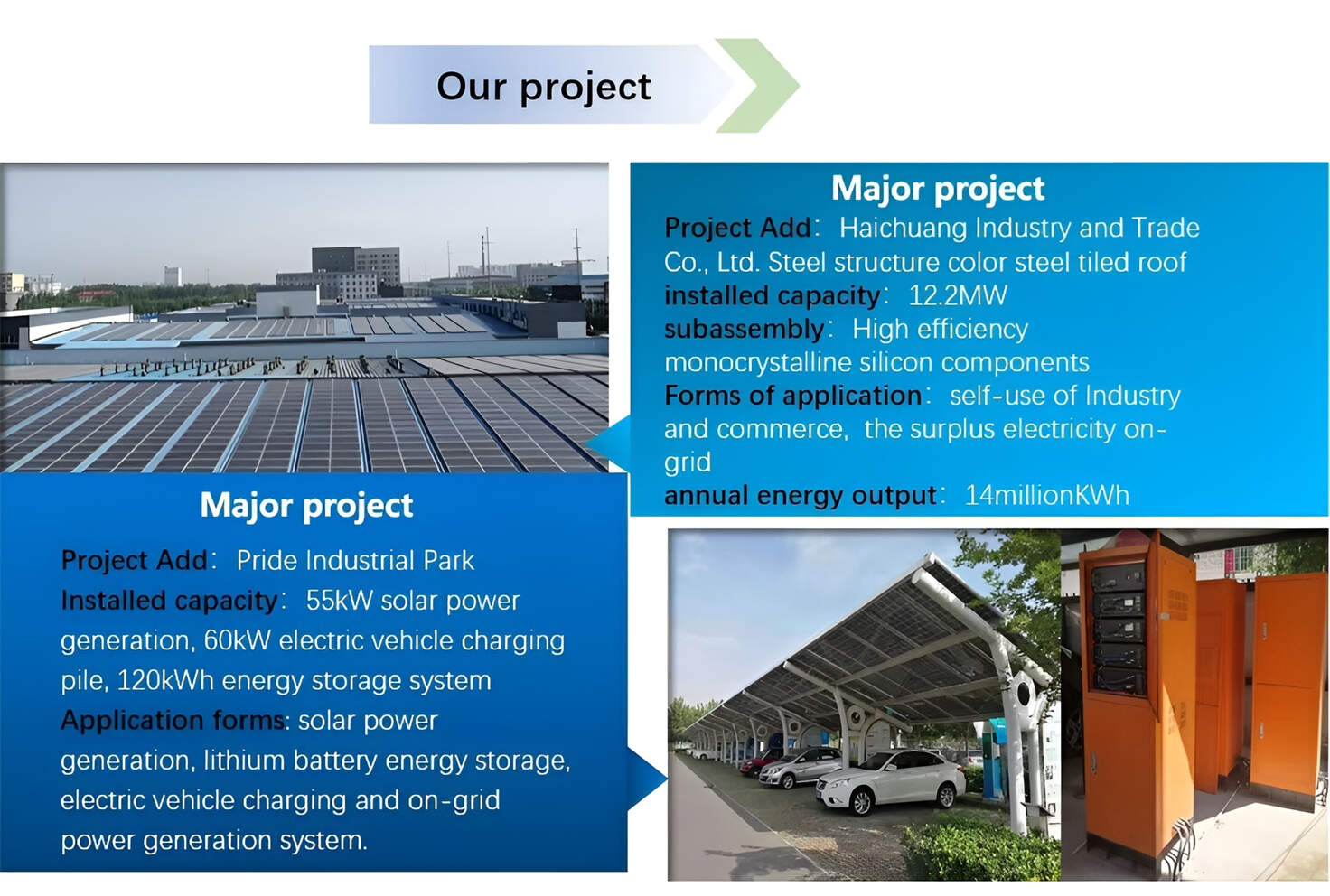
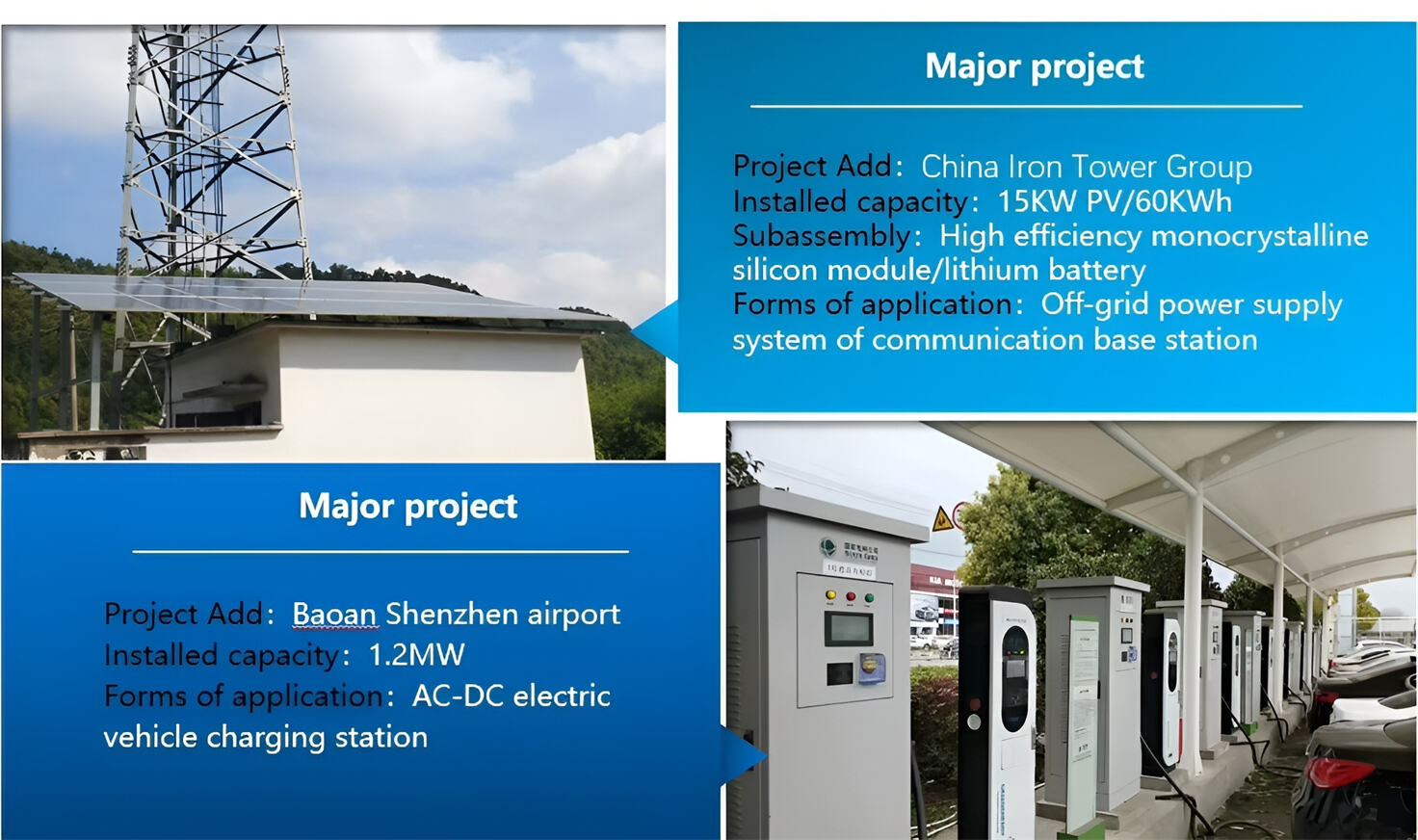
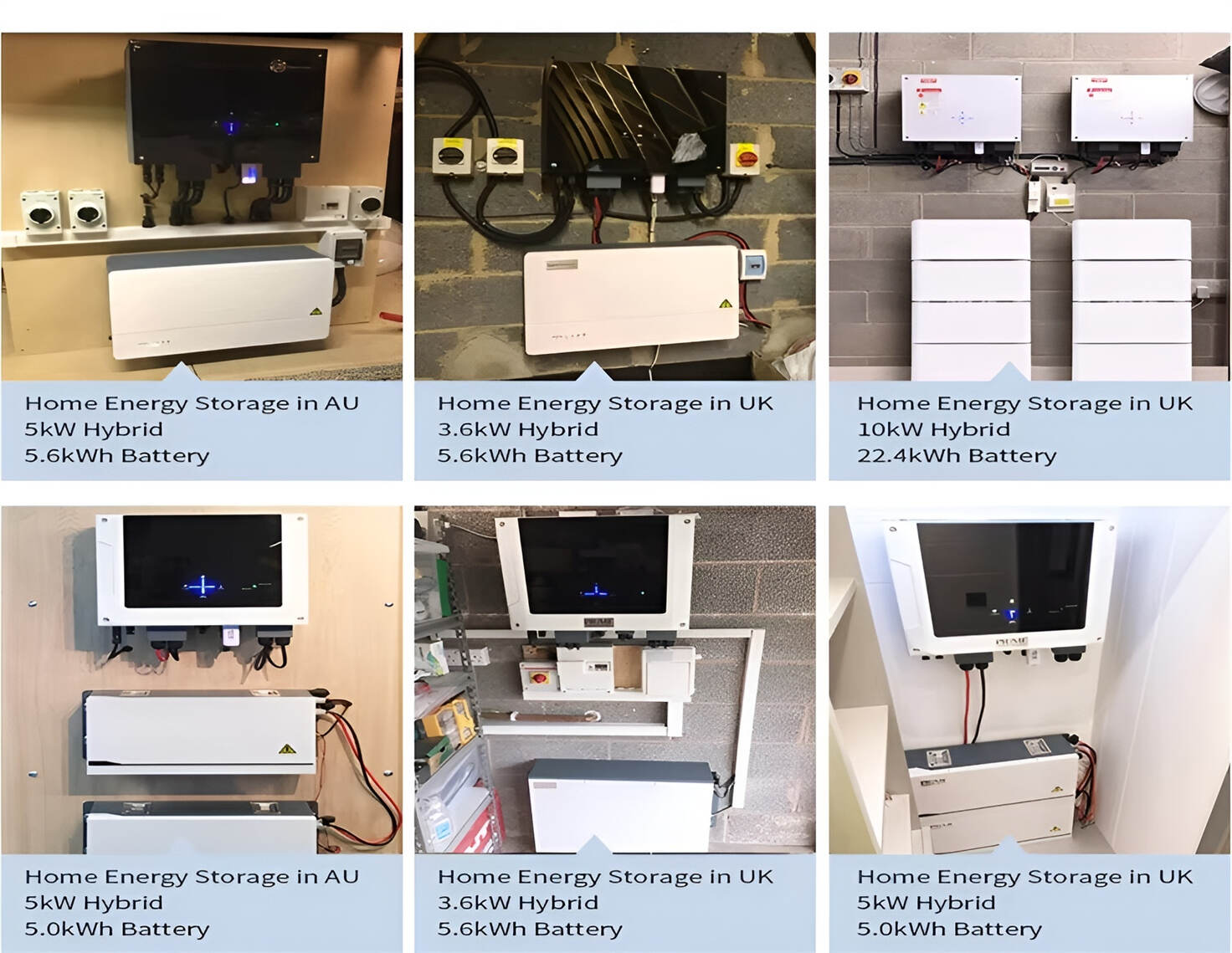
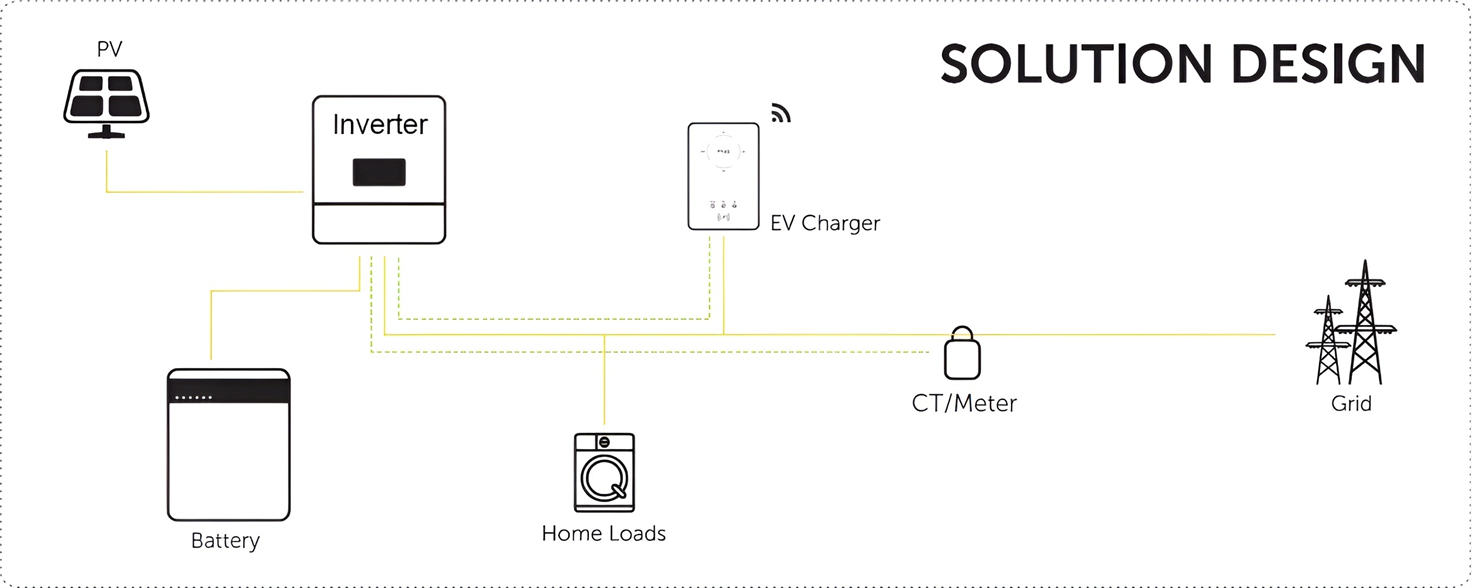
Well-designed Solutions for Energy Storage Systems
We will design the perfect energy storage system solution according to your needs, so that you can easily solve the specific industry applications of battery products.


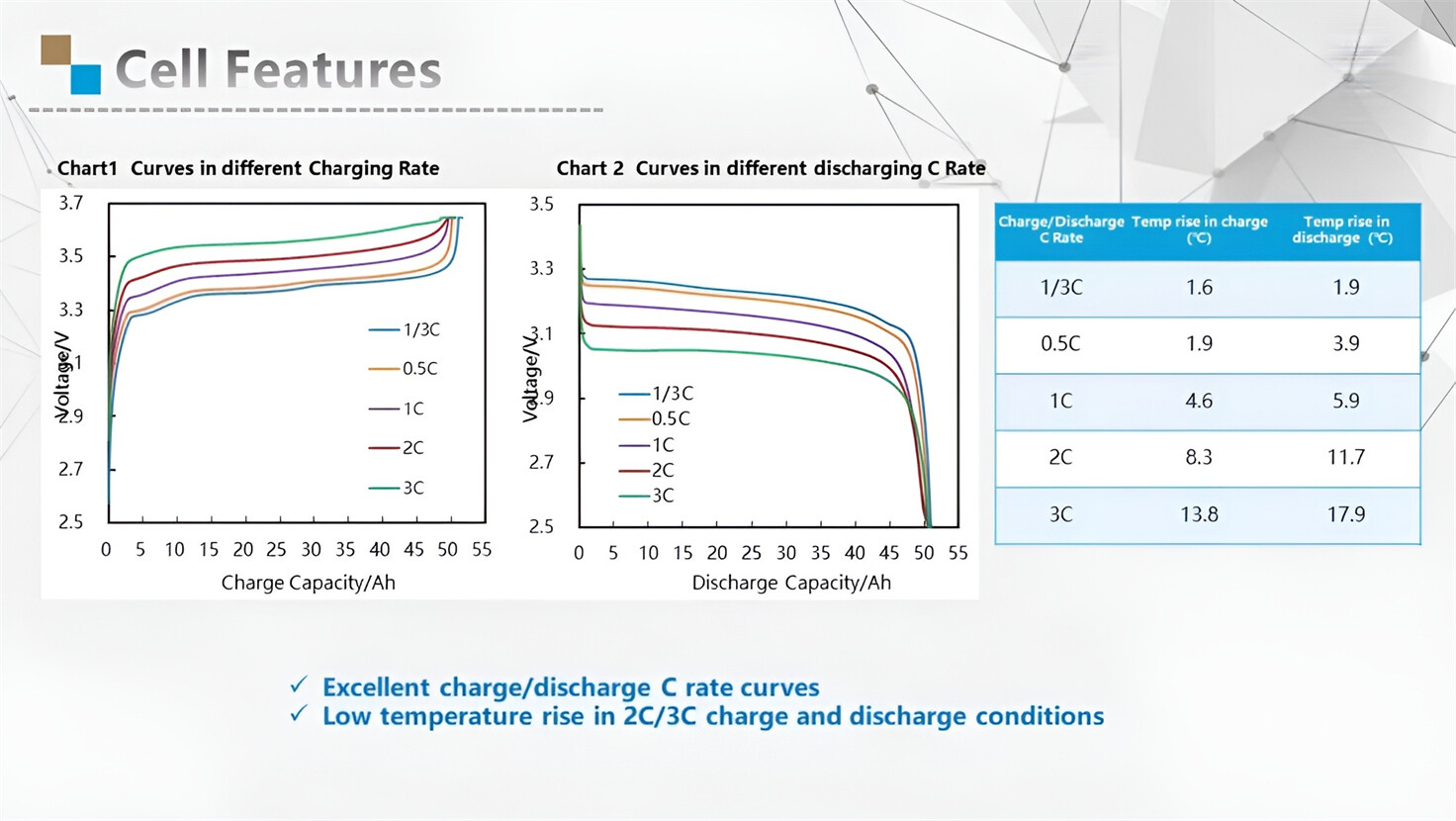
About Our Battery Cells
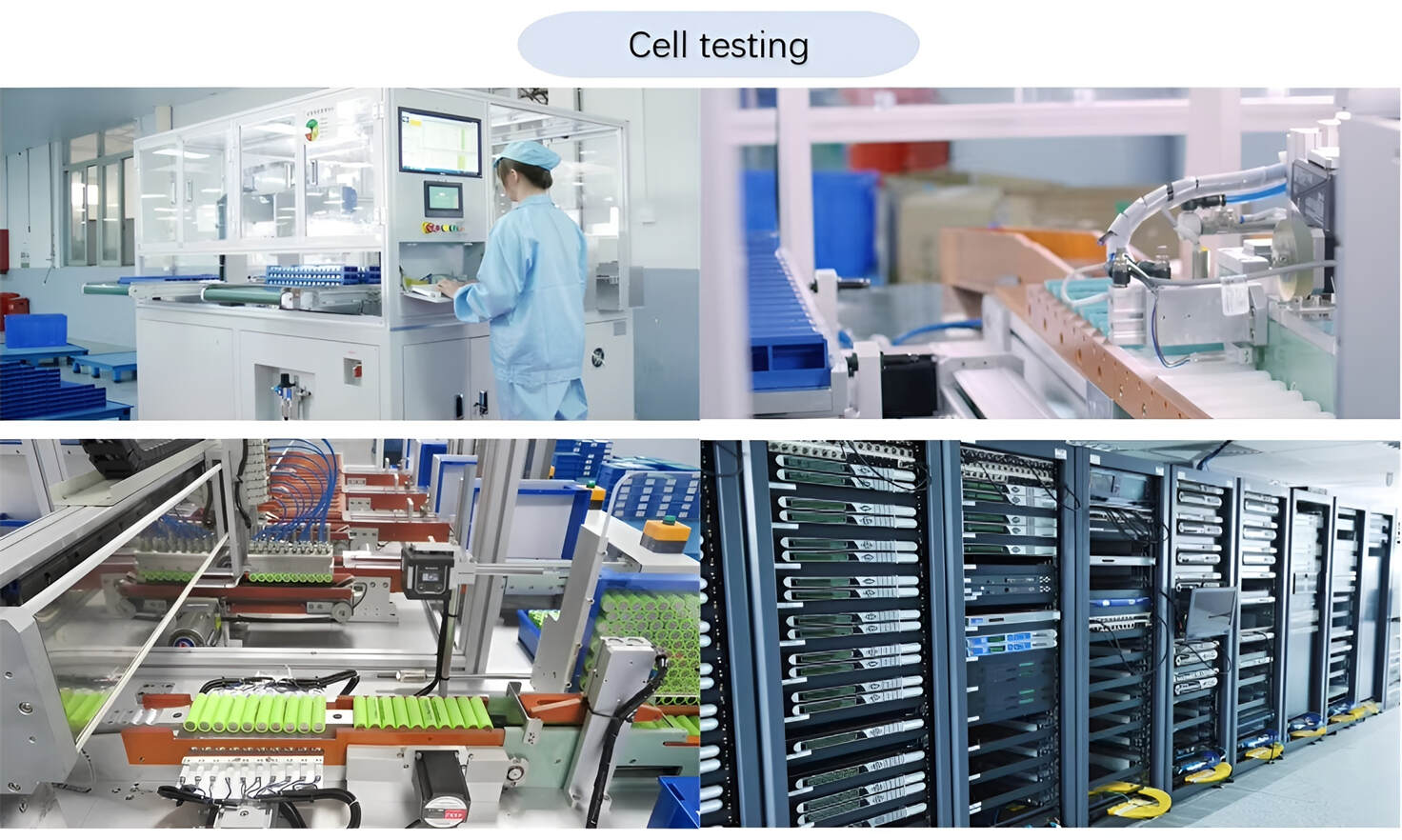
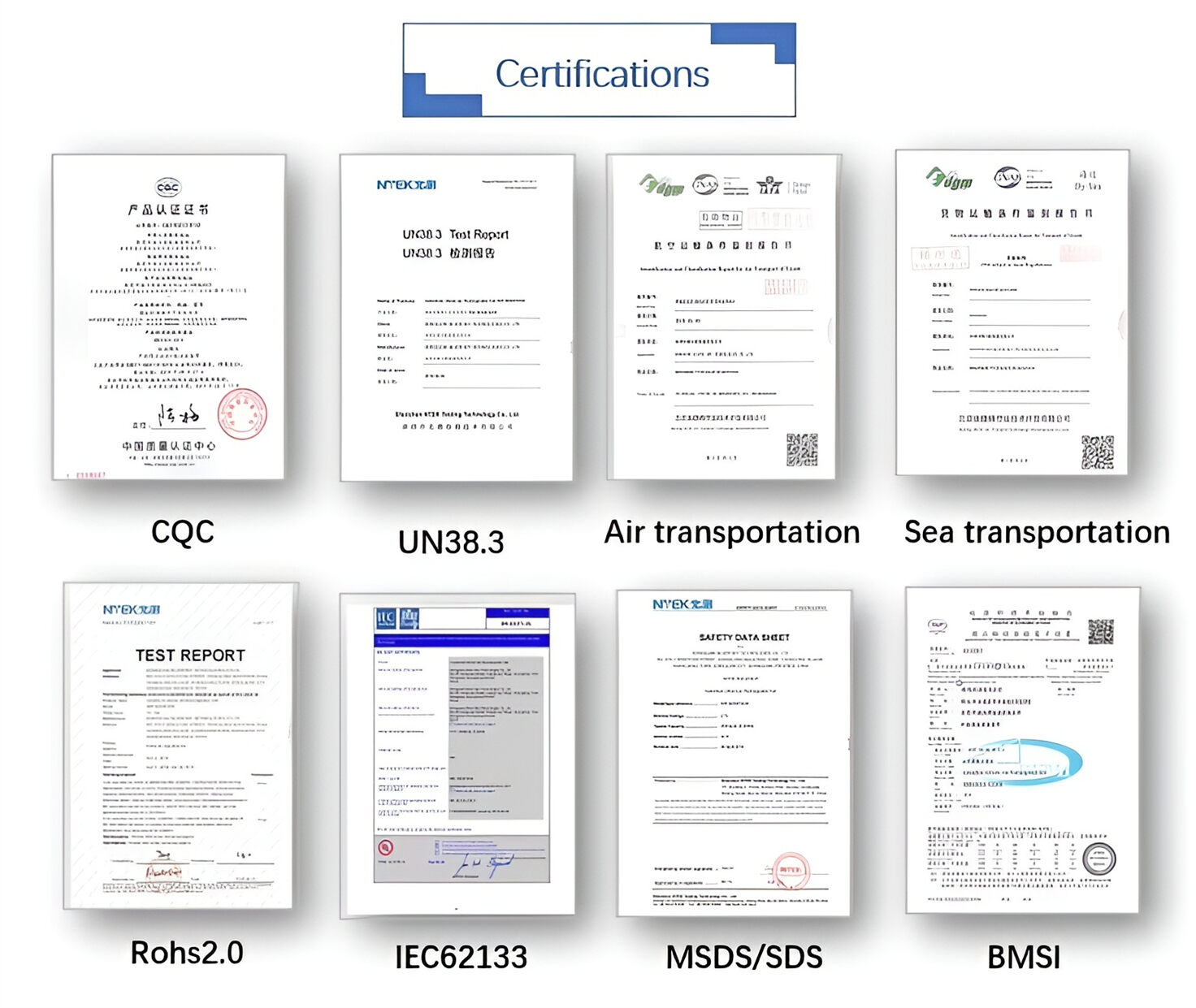
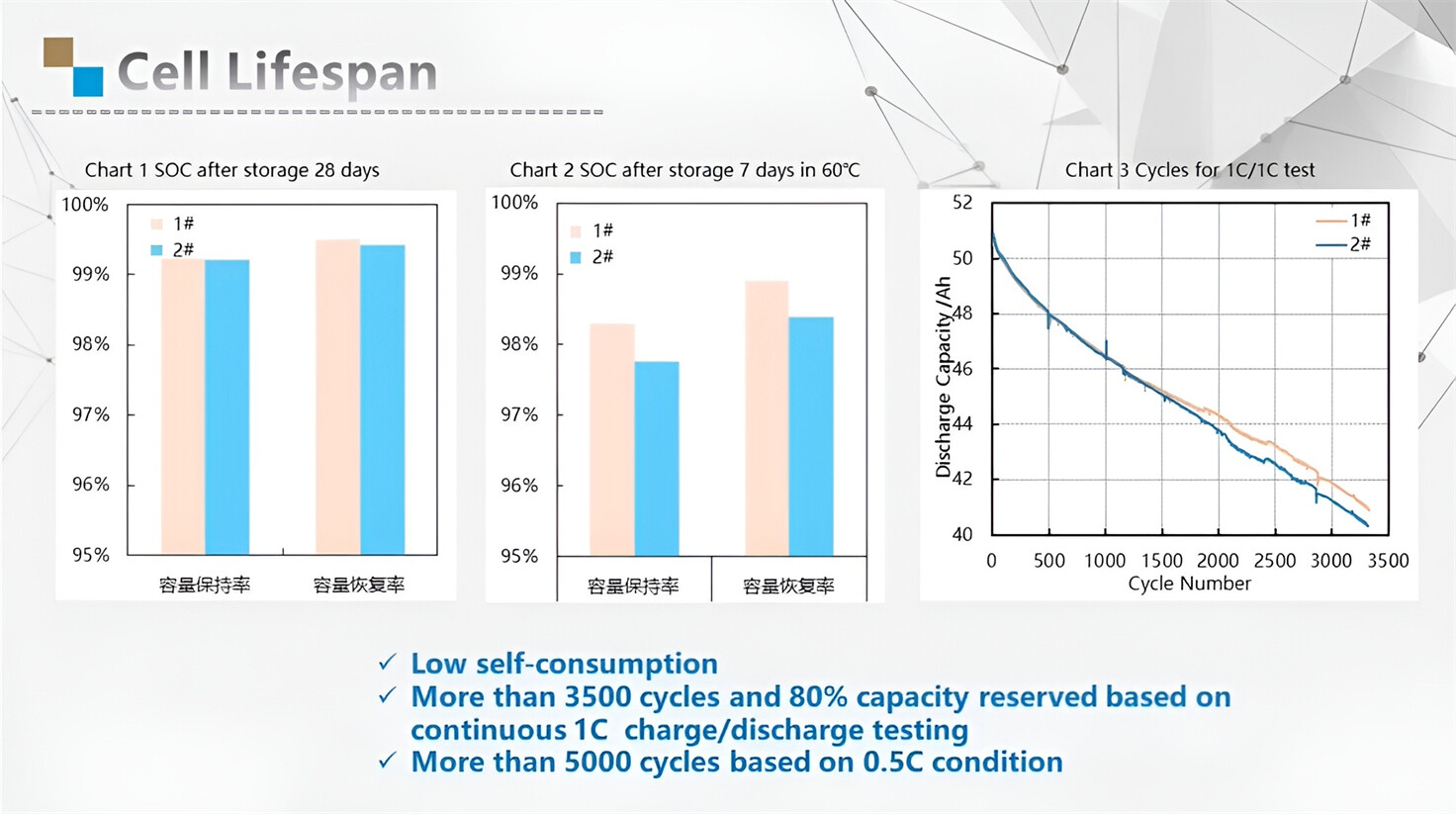
Our energy storage system products use brand new grade A LiFePO4 cells with a battery lifespan of more than 4,000 charge/discharge cycles.

Applications in Different Industries
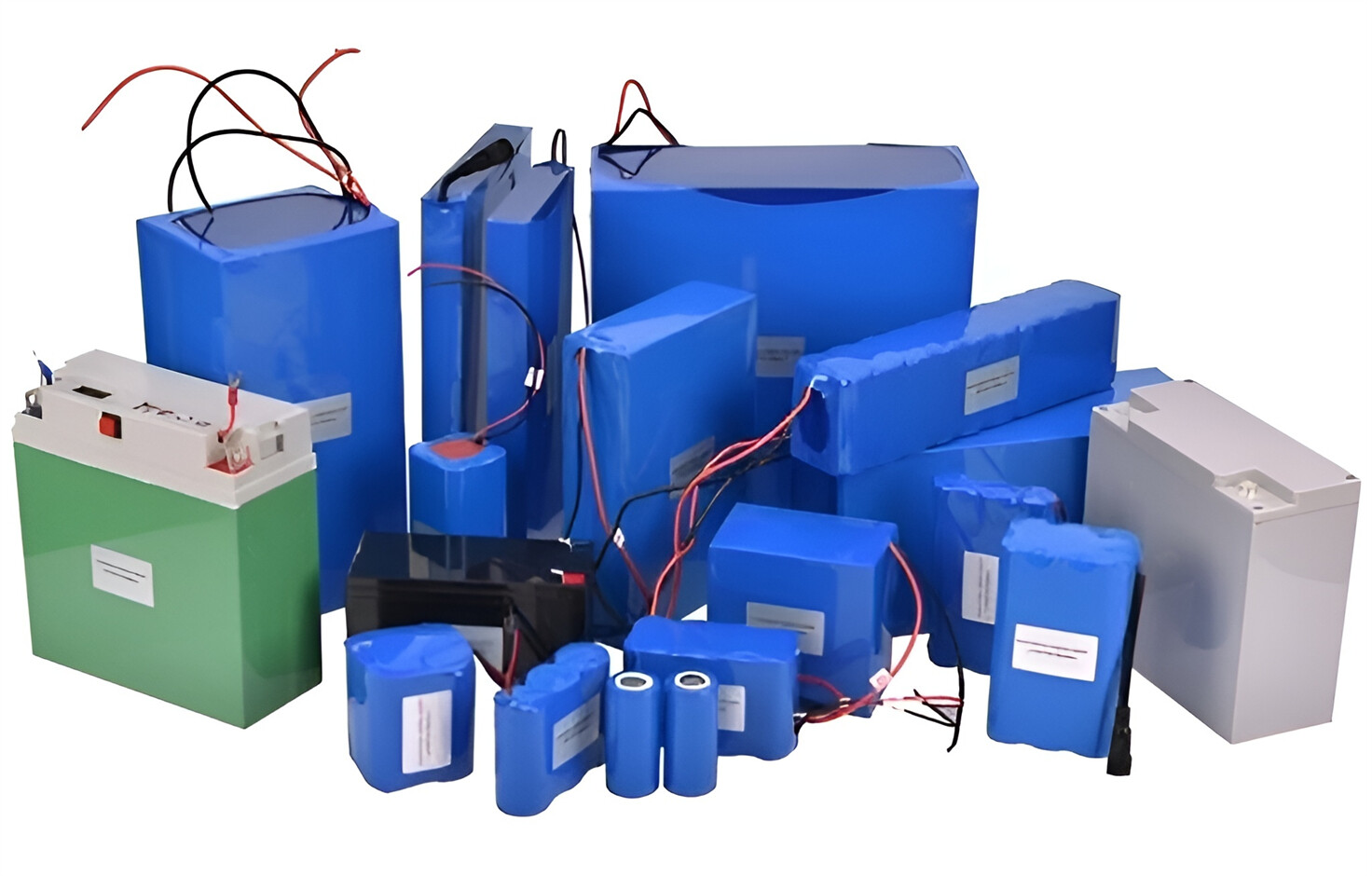
We supply customized & OEM battery pack, assemble cells with wiring, fuse and plastic cover, all the cell wires connected to PCB plug or built BMS.
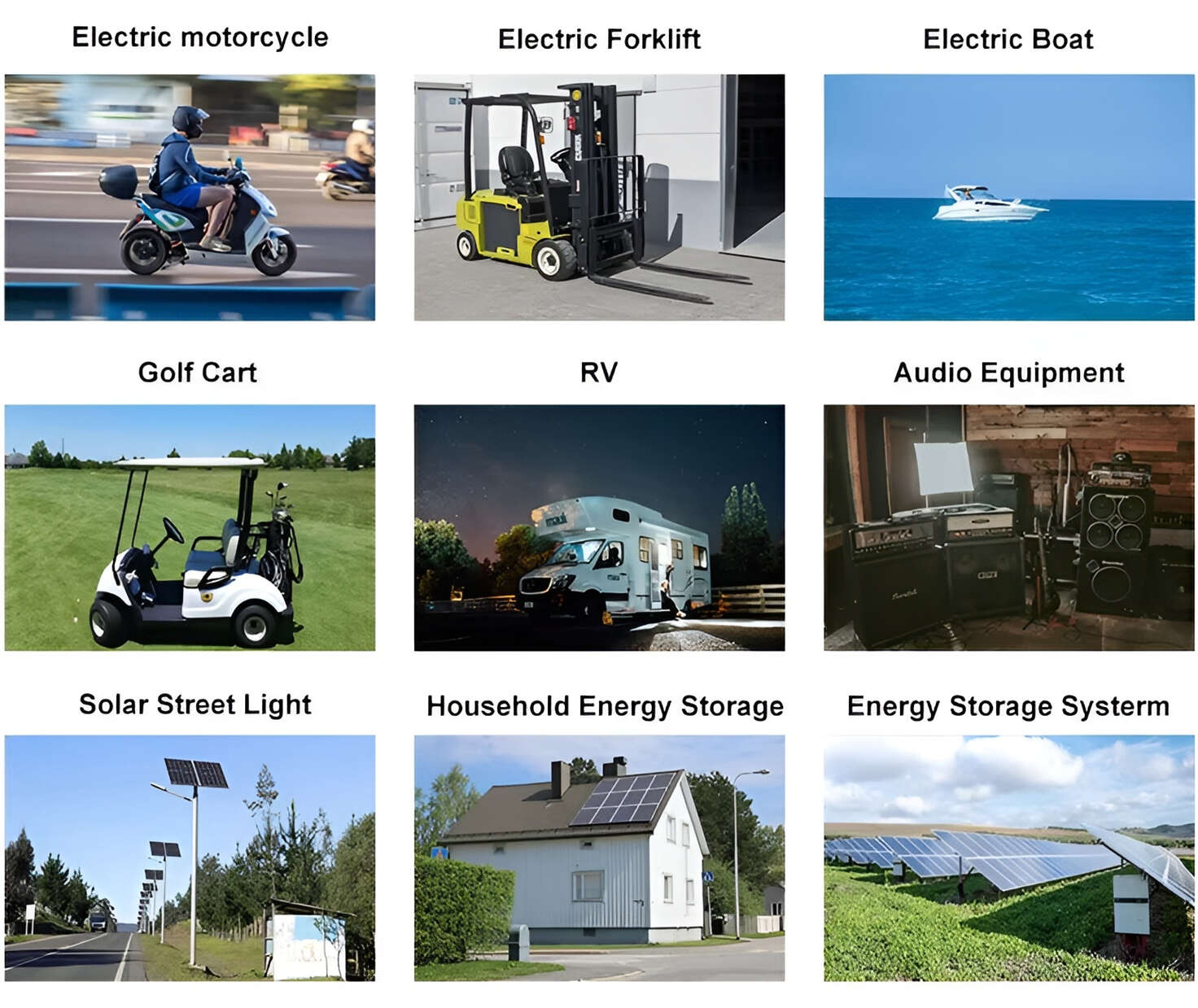
Applications: E-bike, Electric Scooter, Golf Carts, RV, Electric Wheelchair, Electric Tools, Robot Cleaner, Robot Sweeper, Solar Energy Storage System, Emergency Light, Solar Power Light, Medical Equipment, UPS Backup Power Supply.
We can provide you with customized services. We have the ability to provide a vertical supply chain, from single cells to pack/module and to a complete power solution with BMS, etc.

HomSolar (Shenzhen) Technology Co., Ltd