How To Use Discharging: A Comprehensive Guide To Safe And Effective Battery Management
The term "discharging" is fundamental to understanding and managing any rechargeable battery-powered device, from smartphones and laptops to electric vehicles and large-scale energy storage systems. Proper discharging is not merely about using a device until it powers off; it is a critical process that, when managed correctly, can significantly impact the performance, longevity, and safety of your battery. This guide will walk you through the principles, steps, and best practices for effective discharging.
Understanding the Basics of Discharging
At its core, discharging is the process by which a battery delivers stored electrical energy to power a device. Inside the battery, chemical reactions occur, releasing electrons that flow through an external circuit. The key metric for discharging is the Depth of Discharge (DoD). A 100% DoD means using all the battery's capacity before recharging, while a 50% DoD means only using half. For most modern lithium-ion batteries, avoiding extreme DoD is crucial for longevity.
Step-by-Step Guide to Intentional and Safe Discharging
While daily use involves natural discharging, there are times when you might need to perform an intentional discharge, such as for calibration or safe storage.
Step 1: Determine Your Objective First, identify why you are discharging the battery. The two most common reasons are:Battery Calibration: For devices like smartphones and laptops whose battery percentage indicators become inaccurate.Long-Term Storage: To prepare a battery for storage to prevent degradation.
Step 2: Prepare Your EnvironmentEnsure Ventilation: Perform the discharge in a well-ventilated, cool, and dry area. Avoid direct sunlight or heat sources.Remove Cases: For small devices, consider removing protective cases to prevent heat buildup.Have a Fire-Resistant Surface Nearby: As a precaution, have a non-flammable surface or container available.
Step 3: Initiate the Controlled DischargeFor Calibration: Use the device normally under moderate load. You can stream video, play a game, or use a benchmarking app. The goal is a steady, controlled discharge rather than an instantaneous one.For Storage: Similarly, use the device or, if it's a power tool battery, use it in a tool until it reaches the desired level (typically 40-60% for lithium-ion).
Step 4: Monitor the Process Closely Do not leave a device unattended during a full, intentional discharge. Keep an eye on the device's temperature. If it becomes uncomfortably warm to the touch, stop the high-load activity and allow it to cool down. Monitor the battery percentage until it reaches your target.
Step 5: Complete the Cycle (For Calibration) If your goal is calibration, allow the device to power off completely once the battery is fully drained. Then, without turning it on, recharge it uninterrupted to 100%. This full cycle helps the device's internal software recalibrate its battery level sensor.
Practical Tips and Techniques for Optimal Discharging
1. The 20-80 Rule: For daily use, try to keep your battery's charge between 20% and 80%. Frequently draining it to 0% or consistently charging it to 100% puts significant stress on the battery, accelerating its capacity loss.
2. Avoid High Loads at Low Charge: Running power-intensive applications (like gaming or video editing) when your battery is below 20% can cause excessive voltage sag and heat, which are detrimental to battery health.
3. Understand Your Device's Chemistry:Lithium-ion (Li-ion): Prefers shallow discharges. Avoid full 0-100% cycles regularly. Ideal storage charge is ~50%.Nickel-metal hydride (NiMH): Benefits from occasional full discharge cycles to mitigate the "memory effect," though this is less pronounced in modern cells.
4. Use Power-Saving Modes: When you need to extend battery life, engage your device's built-in power-saving or low-power mode. This reduces performance and background activity, leading to a gentler, slower discharge.
5. Manage Peripheral Usage: Disconnect Bluetooth devices, turn off Wi-Fi or mobile data when not needed, and reduce screen brightness. These small changes significantly slow the discharge rate.
Critical Precautions and What to Avoid
1. Never Over-Discharge a Battery: Allowing a battery to remain at 0% charge for an extended period can permanently damage it. For lithium-ion batteries, this can render them unstable and unsafe to recharge. Always recharge a fully drained battery as soon as possible.
2. Heat is the Enemy: The combination of a high discharge rate and a hot environment is a primary cause of battery degradation. Never use or charge a device that has become hot during discharge until it has cooled down.
3. Do Not Physically Damage the Battery: Puncturing, crushing, or bending a battery, especially during the discharge process, can lead to short circuits, leakage of hazardous materials, or fire.
4. Avoid Non-Certified Chargers and Cables: When you recharge after discharging, using poor-quality accessories can lead to improper charging, which compounds the stress from the discharge cycle.
5. Listen to Your Device: If your device shuts down unexpectedly at a charge level that is not 0%, or if the battery swells, stop using it immediately. These are signs of a failing battery that requires professional inspection.
In conclusion, mastering the art of discharging is a key component of modern device ownership. By moving beyond the simple act of "using until dead" and adopting a mindful approach centered on partial discharges, temperature management, and understanding your battery's needs, you can unlock significantly better performance and a much longer service life from all your electronic investments.
Customized/OEM/ODM Service
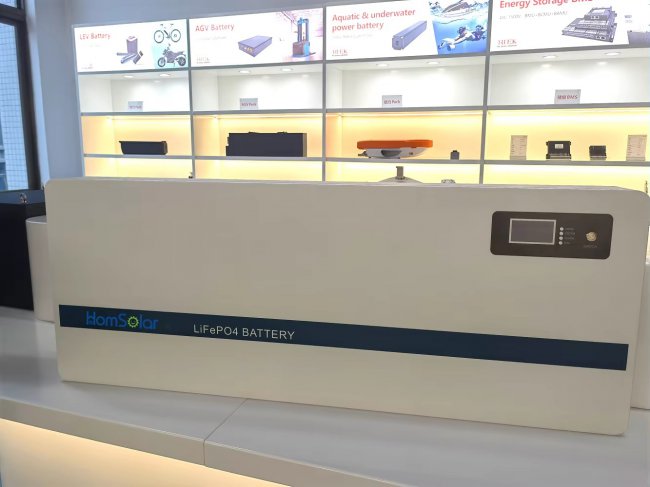
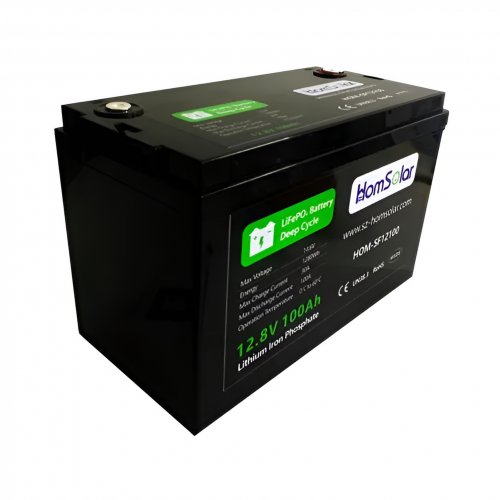
HomSolar Supports Lifepo4 battery pack customization/OEM/ODM service, welcome to contact us and tell us your needs.


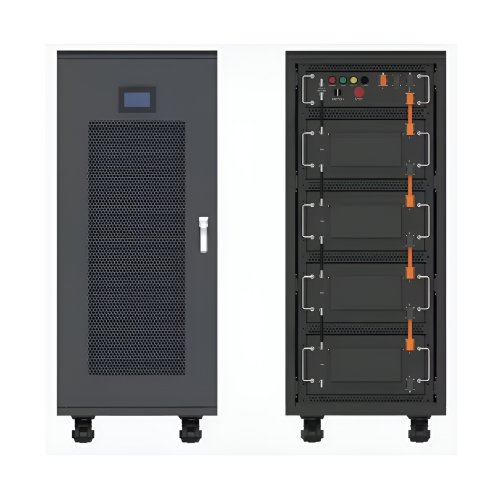
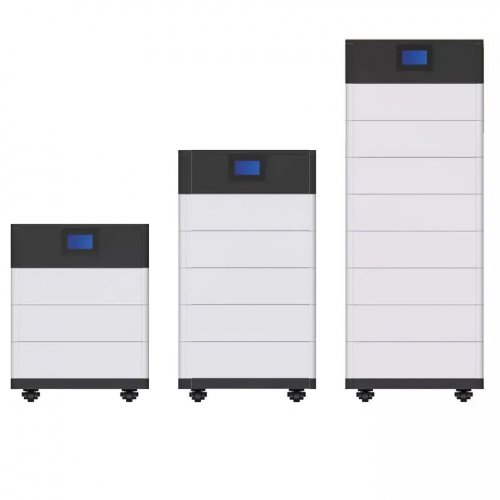
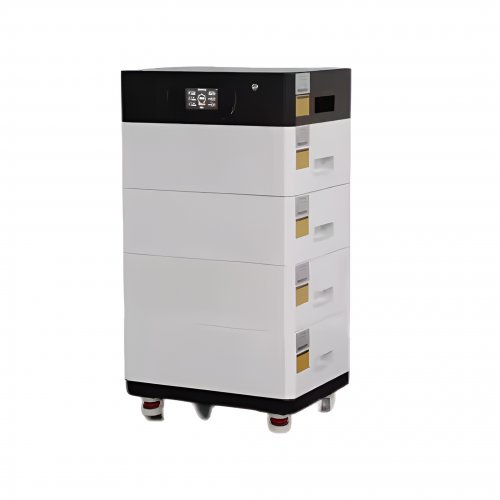
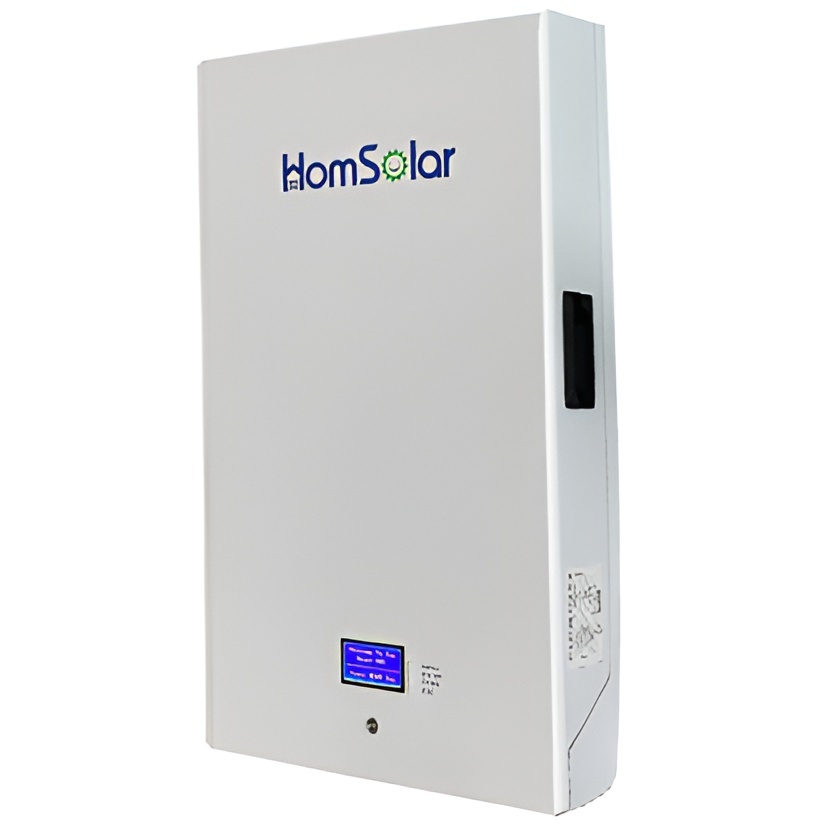
HomSolar: Your One-stop LiFePO4 Battery Pack & ESS Solution Manufacturer
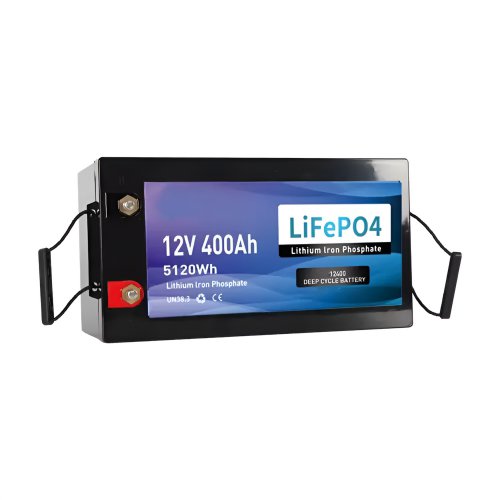
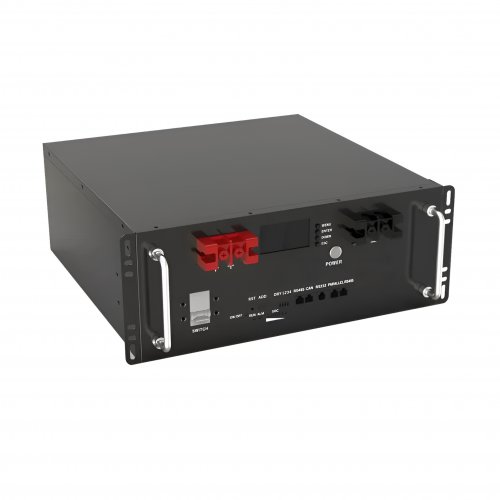
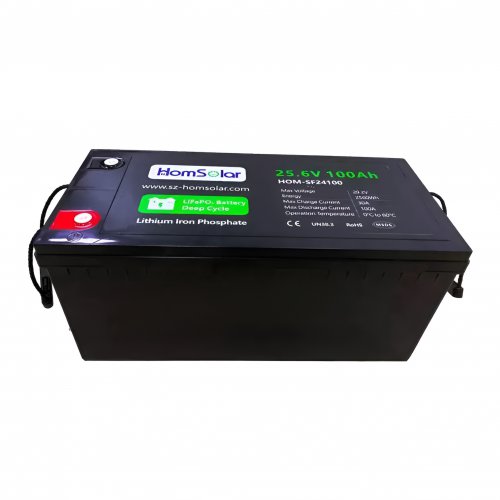
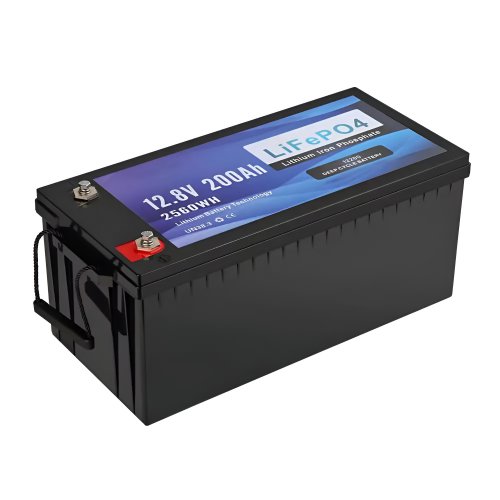
Our line of LiFePO4 (LFP) batteries offer a solution to demanding applications that require a lighter weight, longer life, and higher capacity battery. Features include advanced battery management systems (BMS), Bluetooth® communication and active intelligent monitoring.
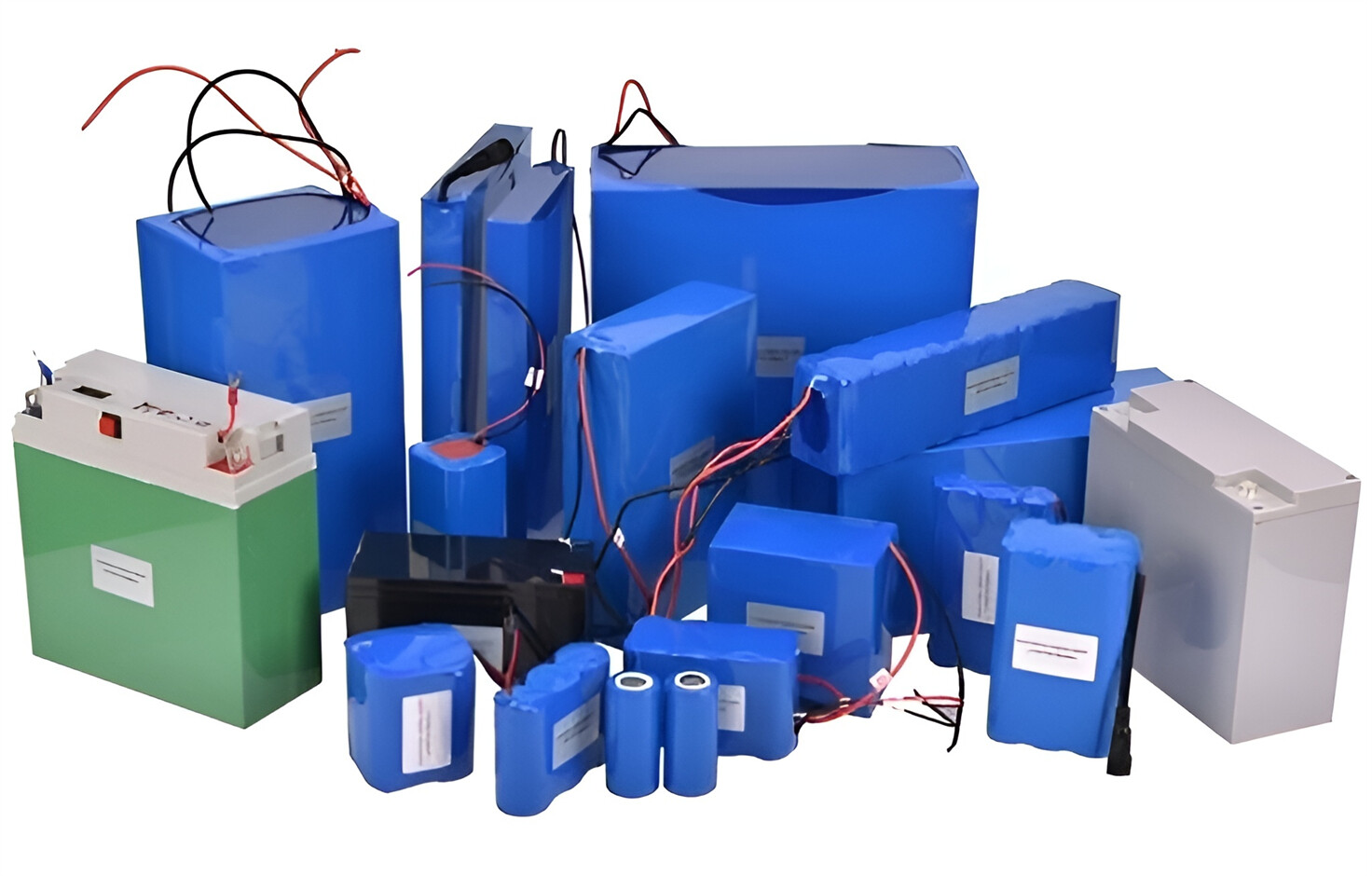
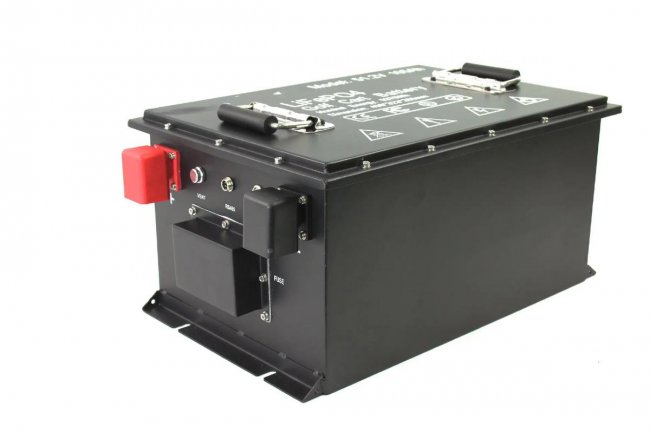
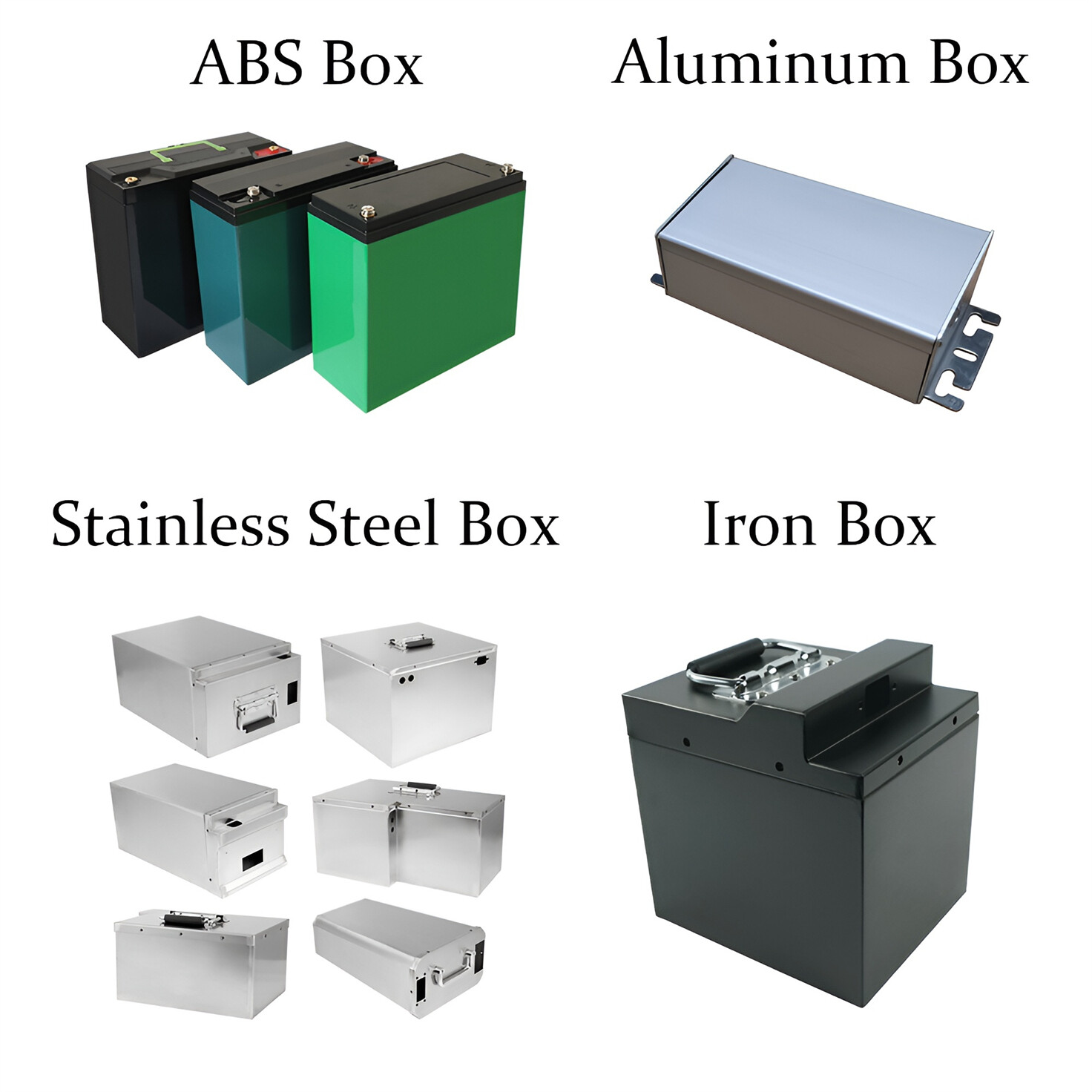
Customised Lithium Iron Phosphate Battery Casing
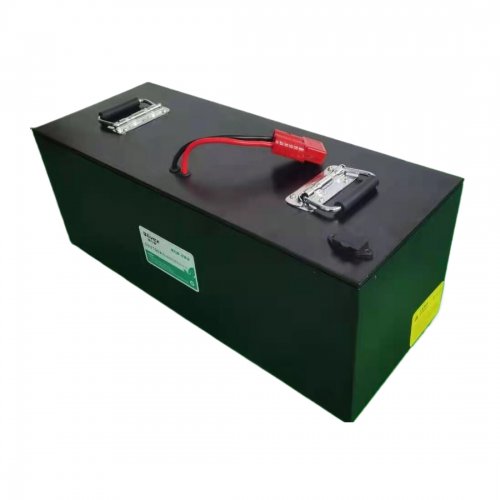
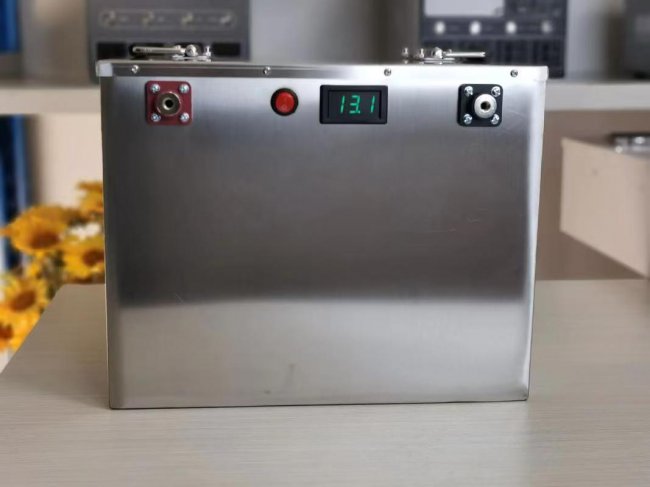
ABS plastic housing, aluminium housing, stainless steel housing and iron housing are available, and can also be designed and customised according to your needs.
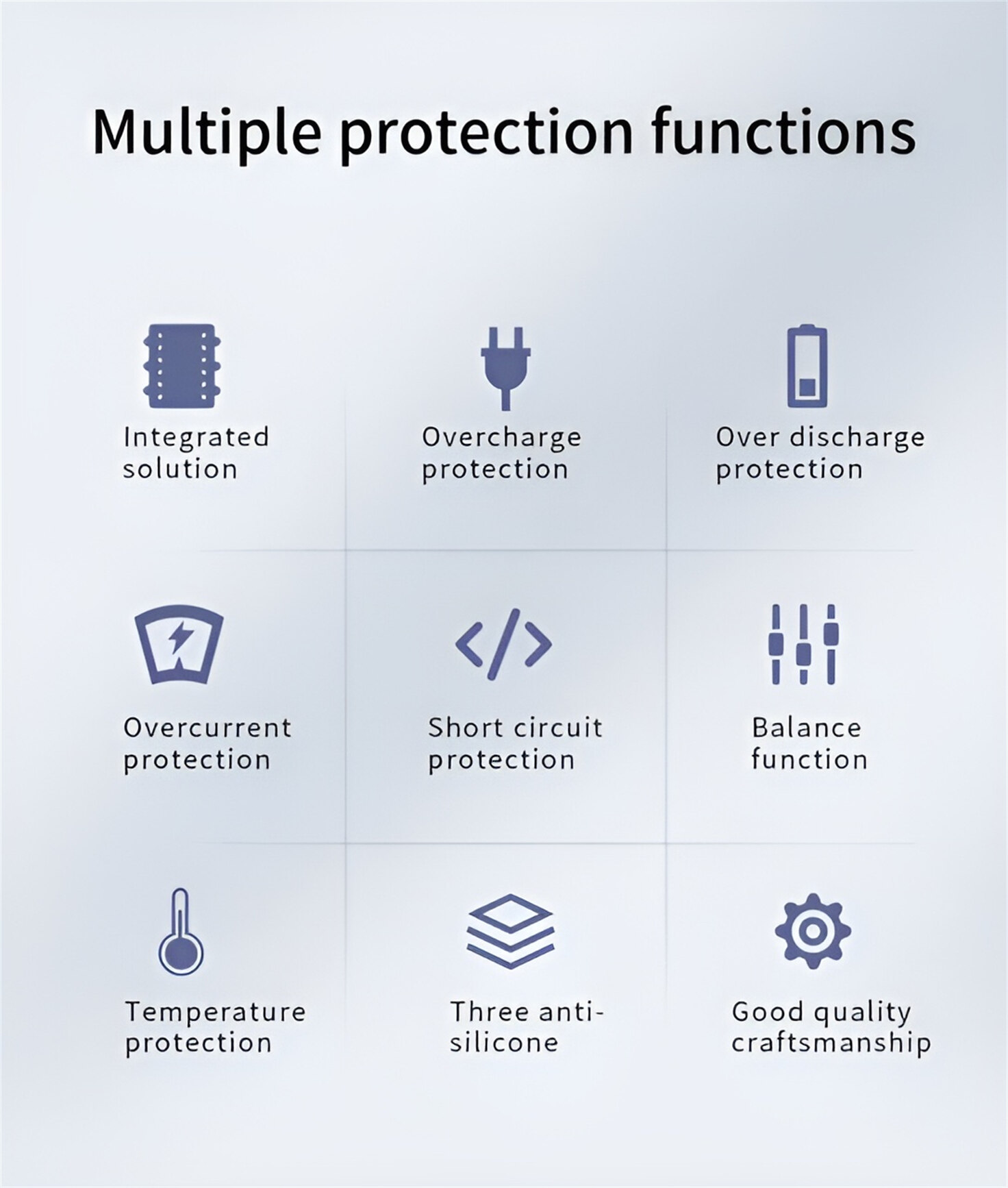
HomSolar Smart BMS
Intelligent Battery Management System for HomSolar Energy Storage System. Bluetooth, temperature sensor, LCD display, CAN interface, UART interface also available.

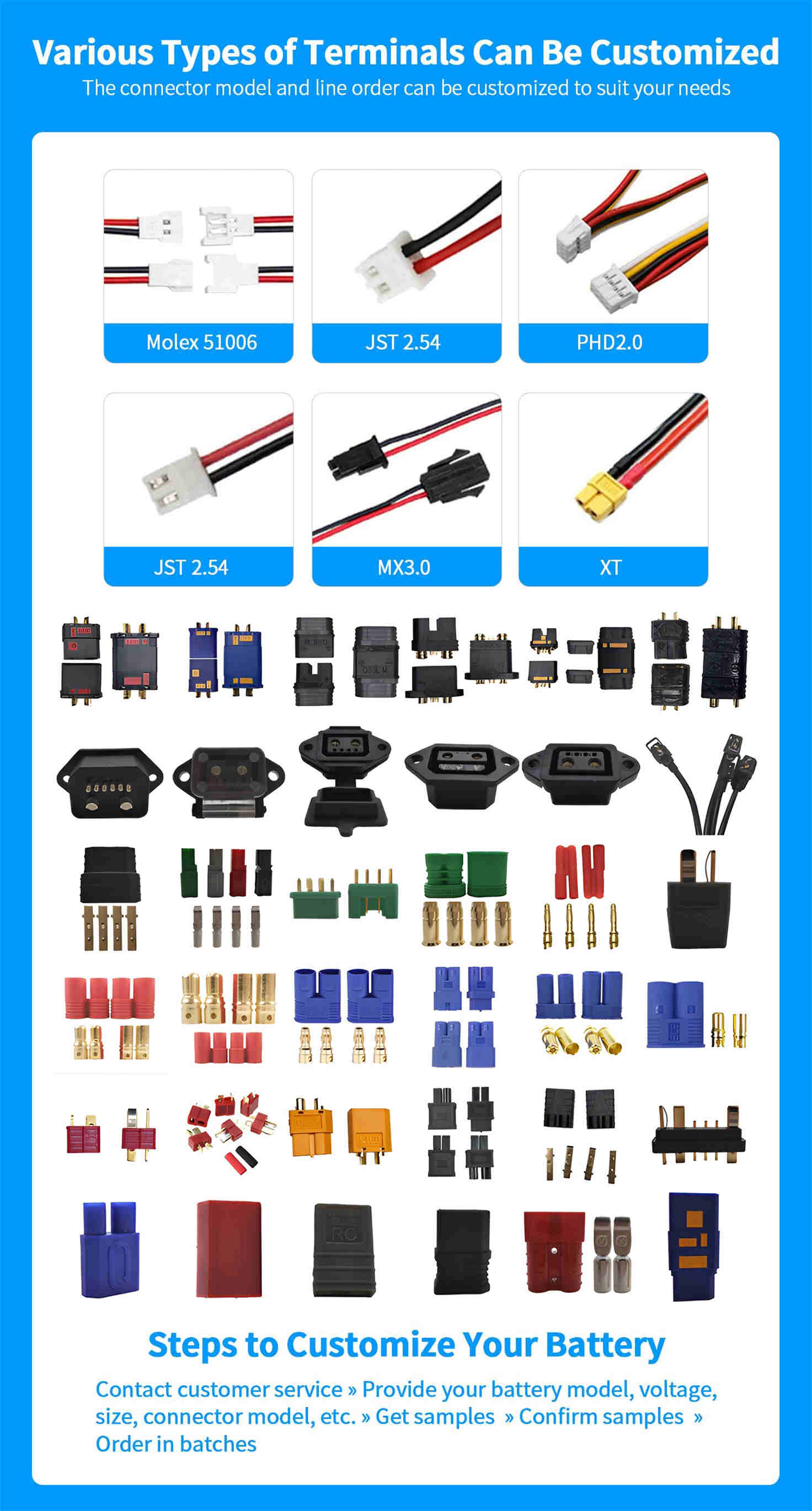
Terminals & Plugs Can Be Customized
A wide range of terminals and plugs can be customised to suit the application needs of your battery products.
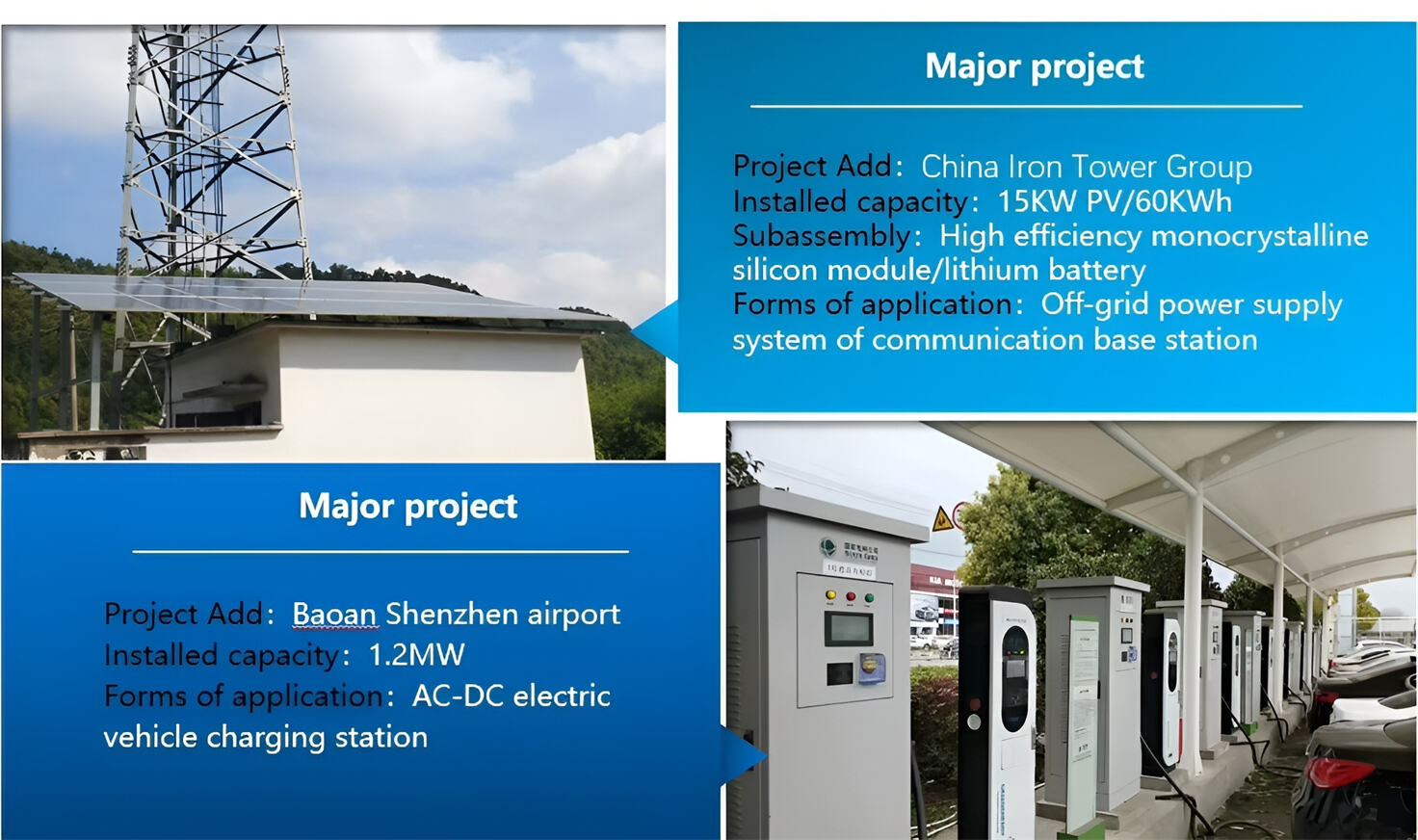
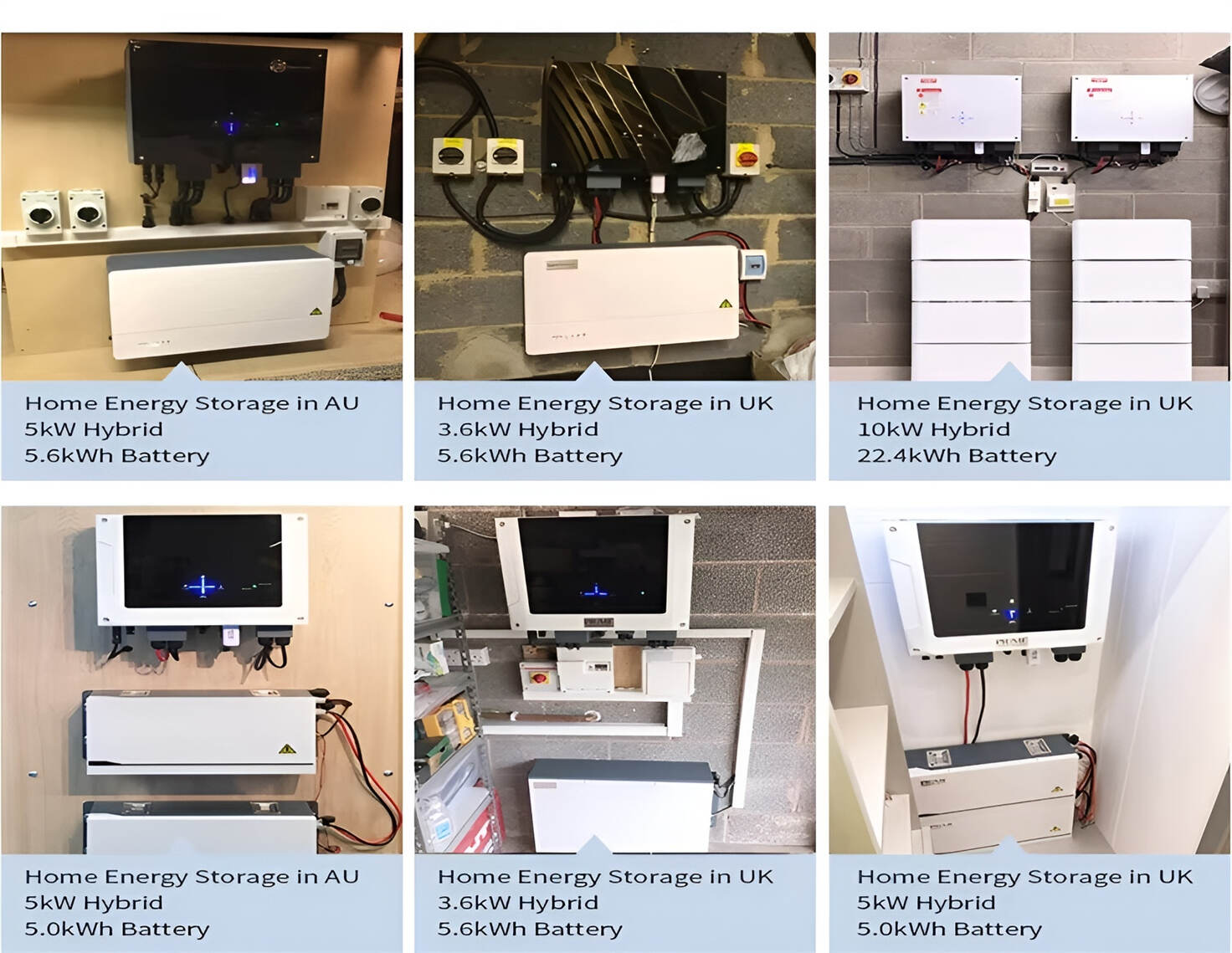
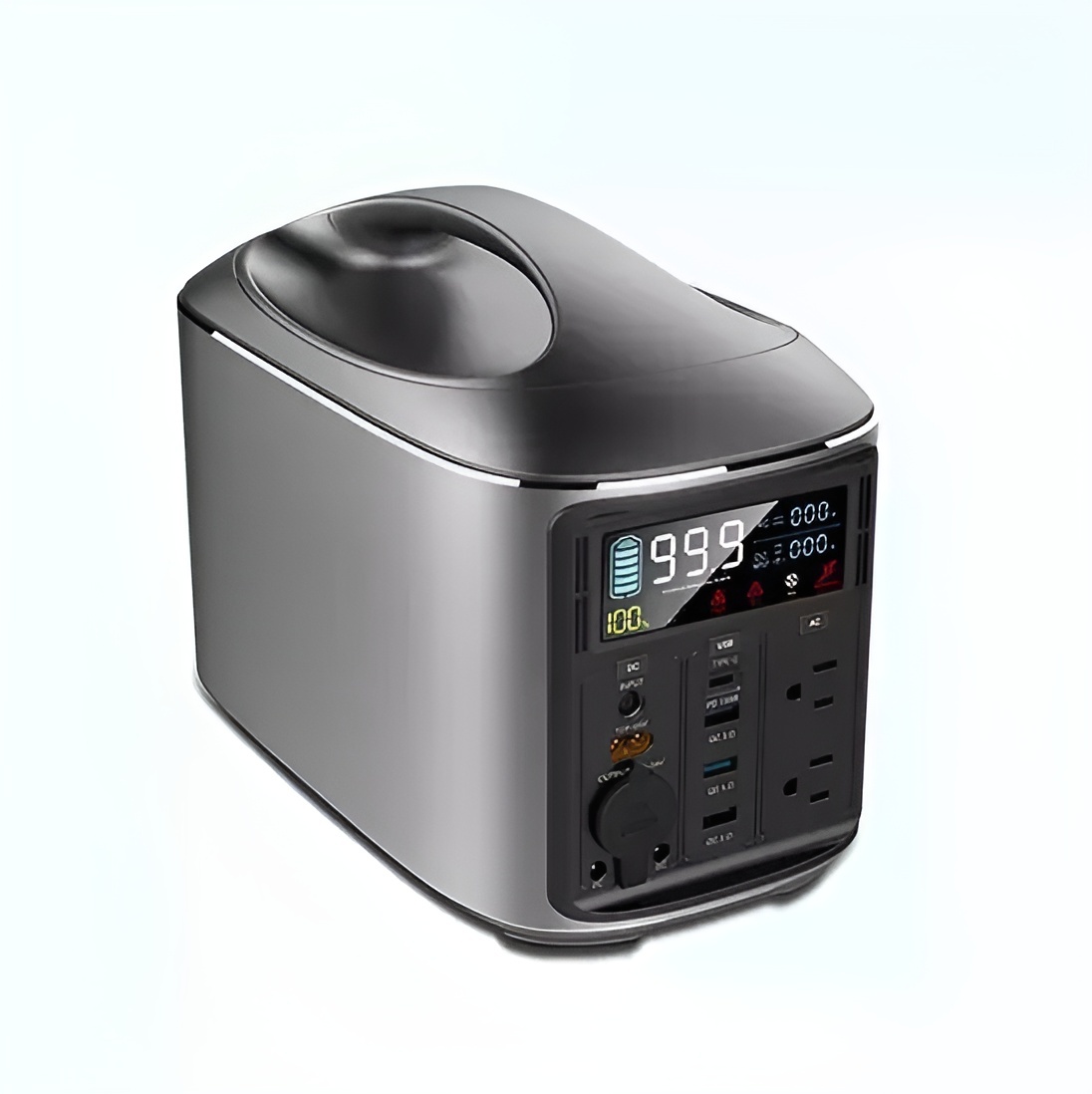
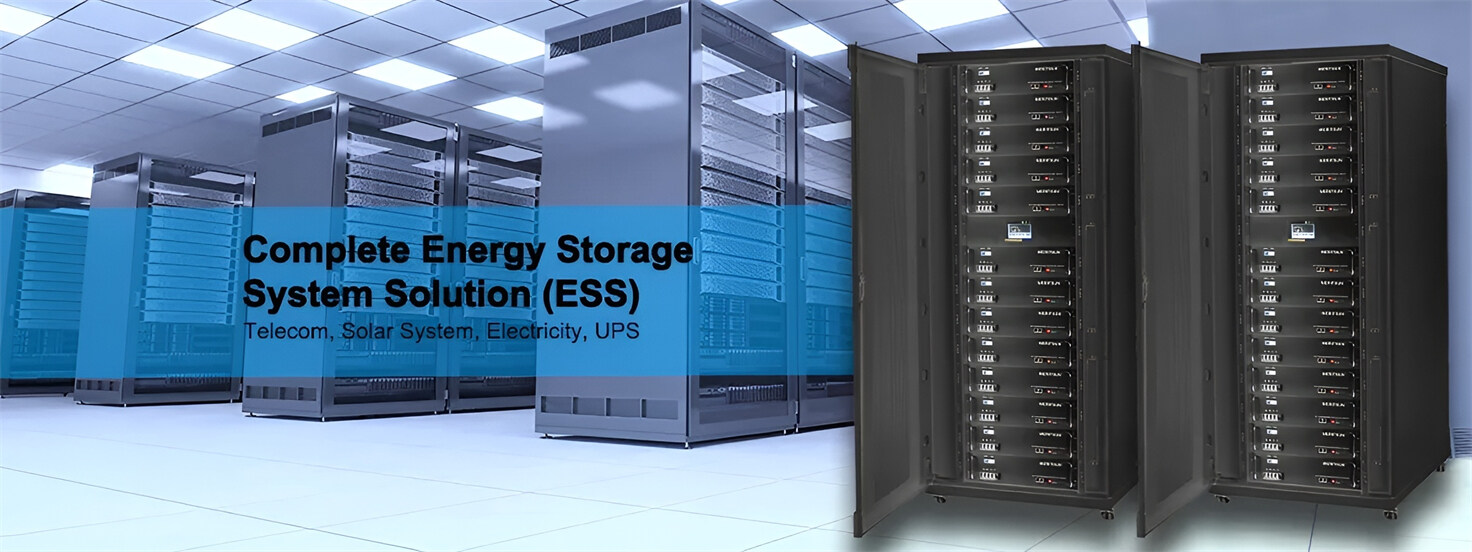
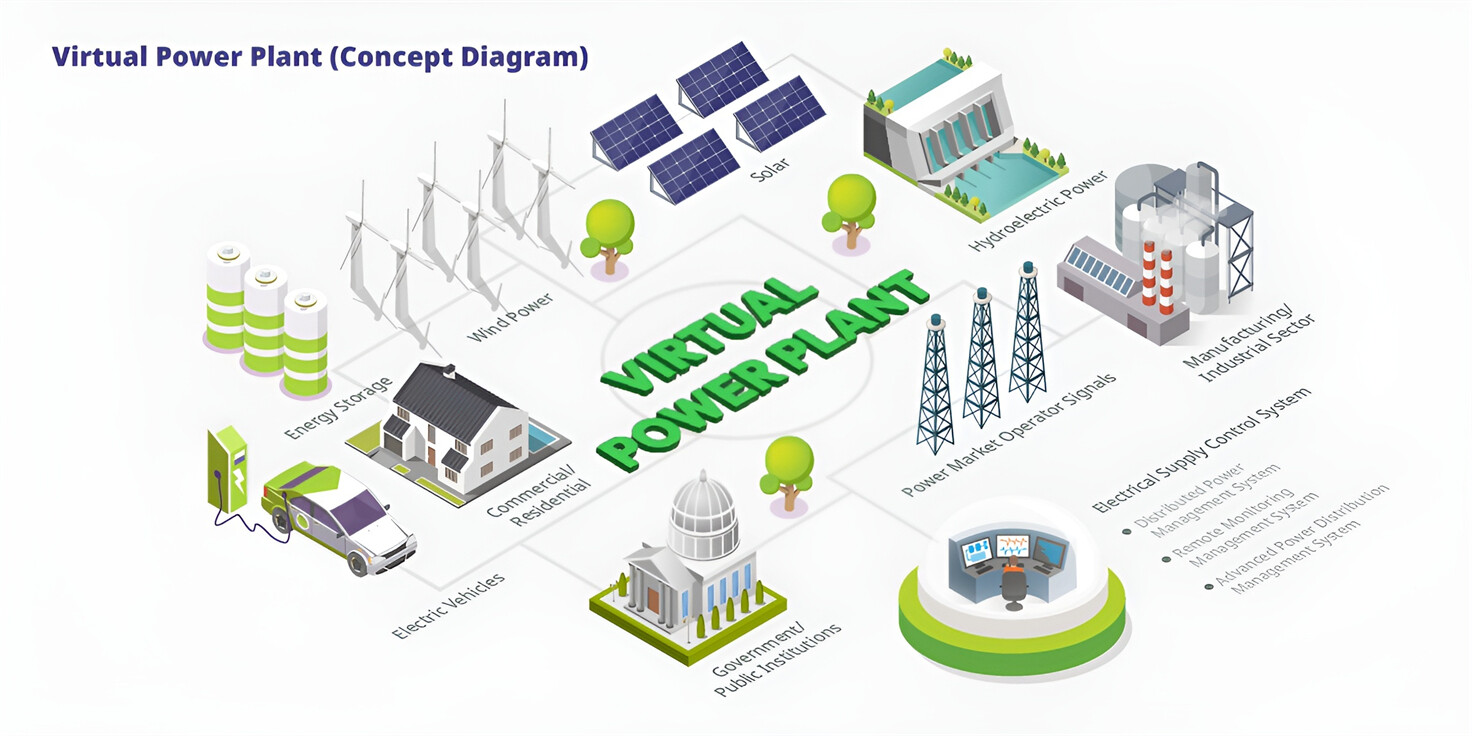
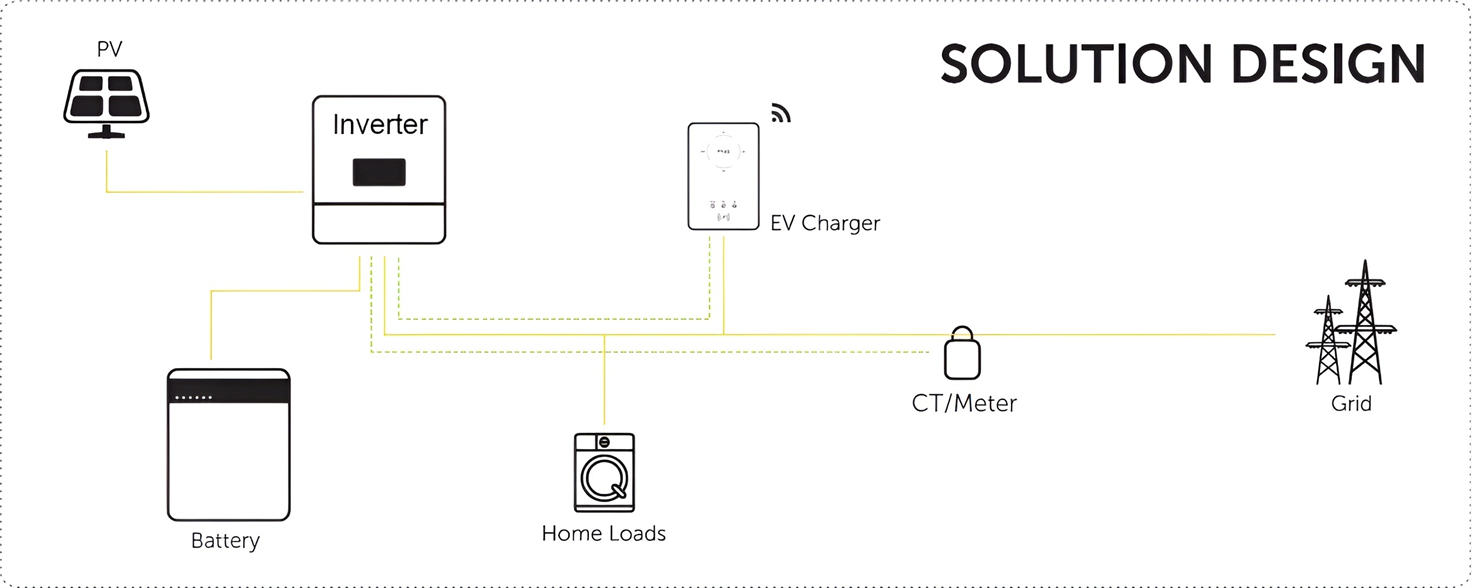
Well-designed Solutions for Energy Storage Systems
We will design the perfect energy storage system solution according to your needs, so that you can easily solve the specific industry applications of battery products.
About Our Battery Cells
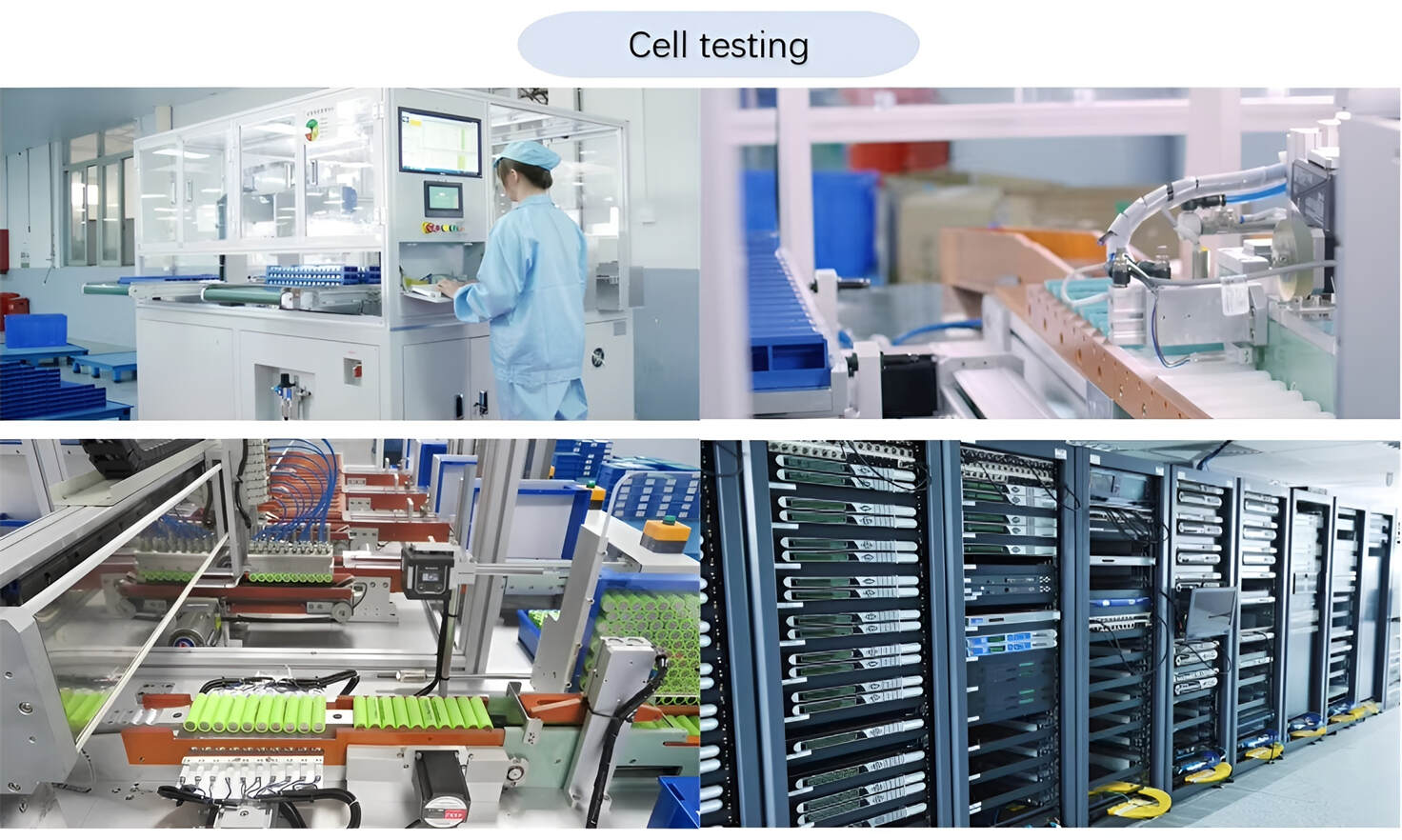
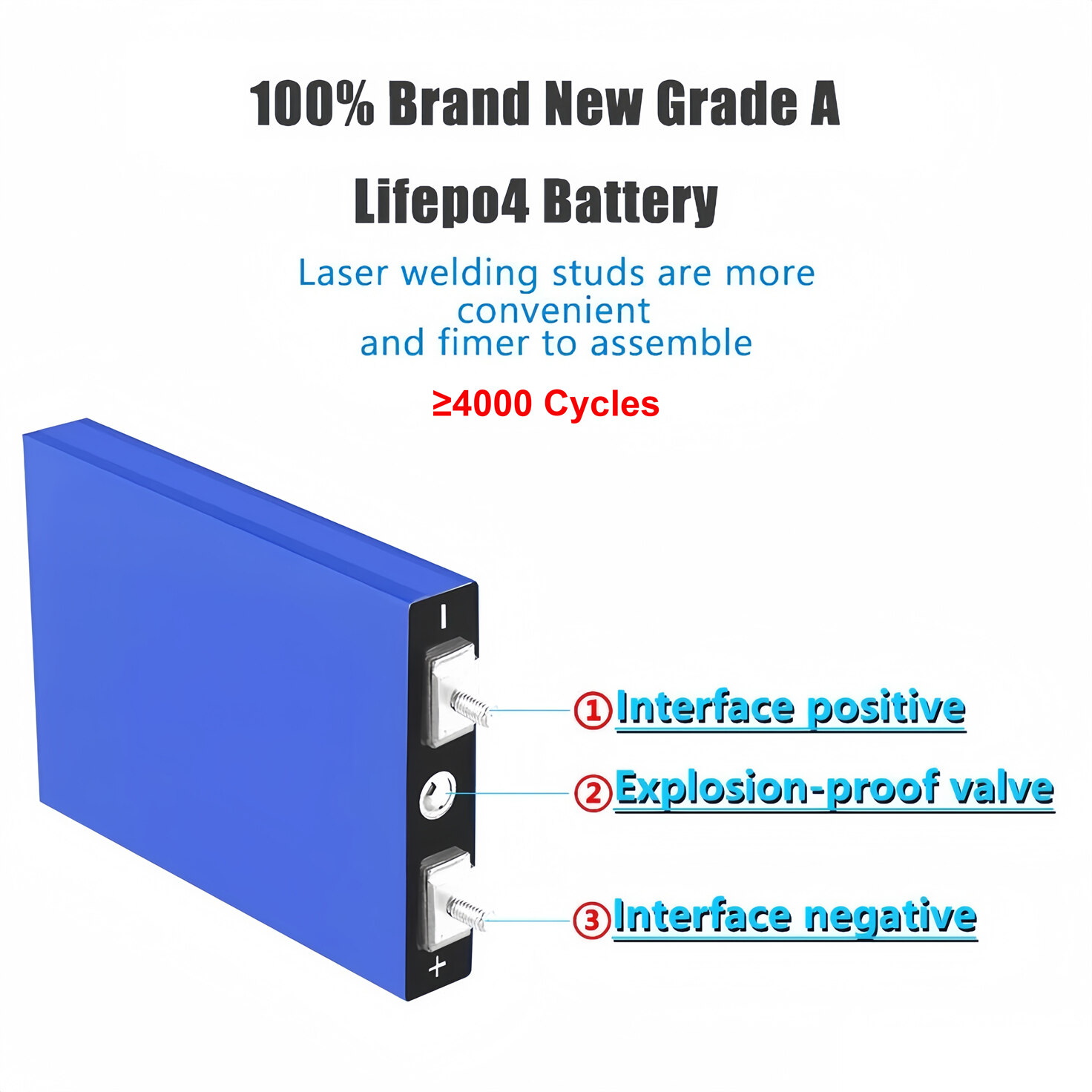
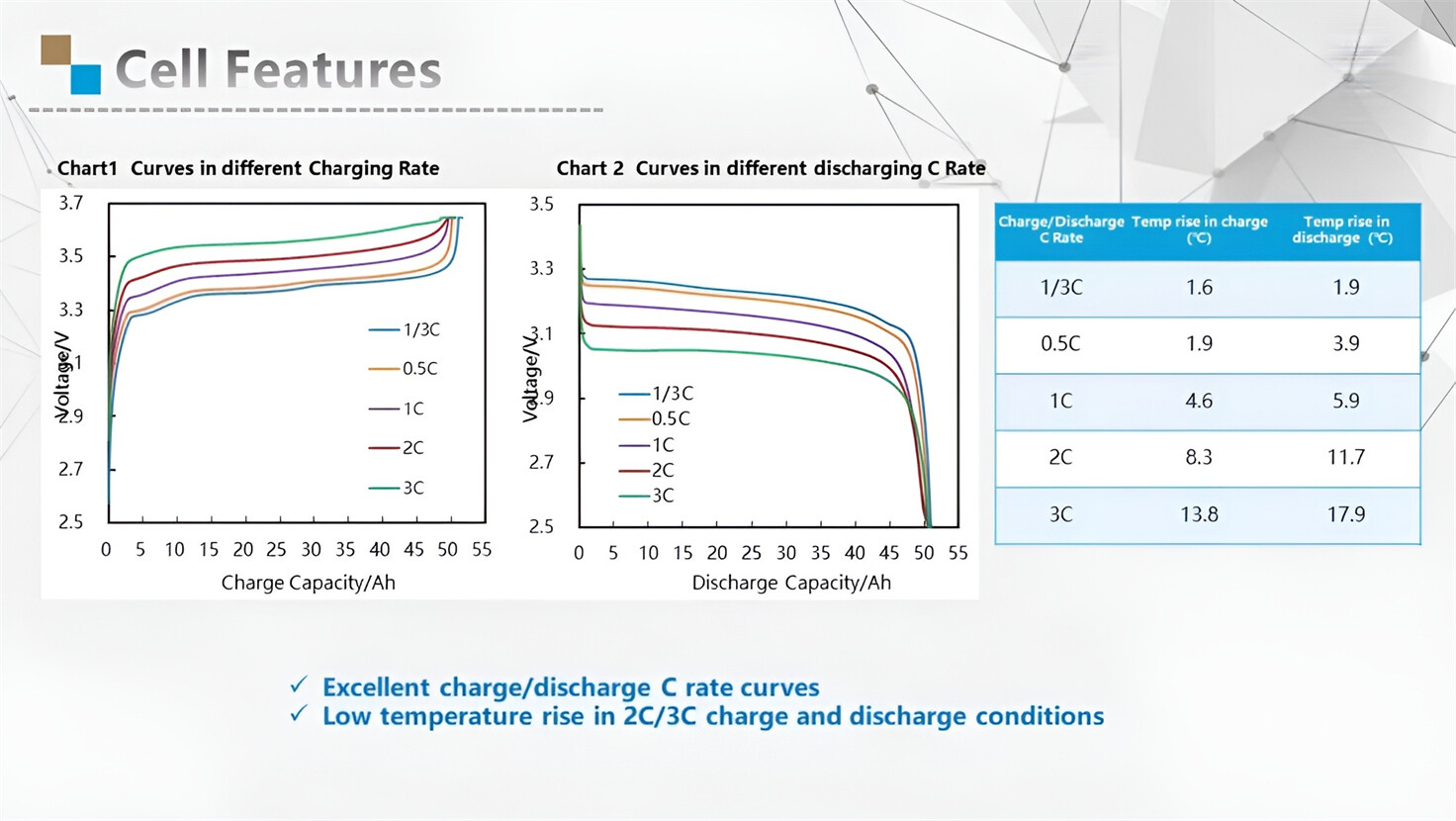
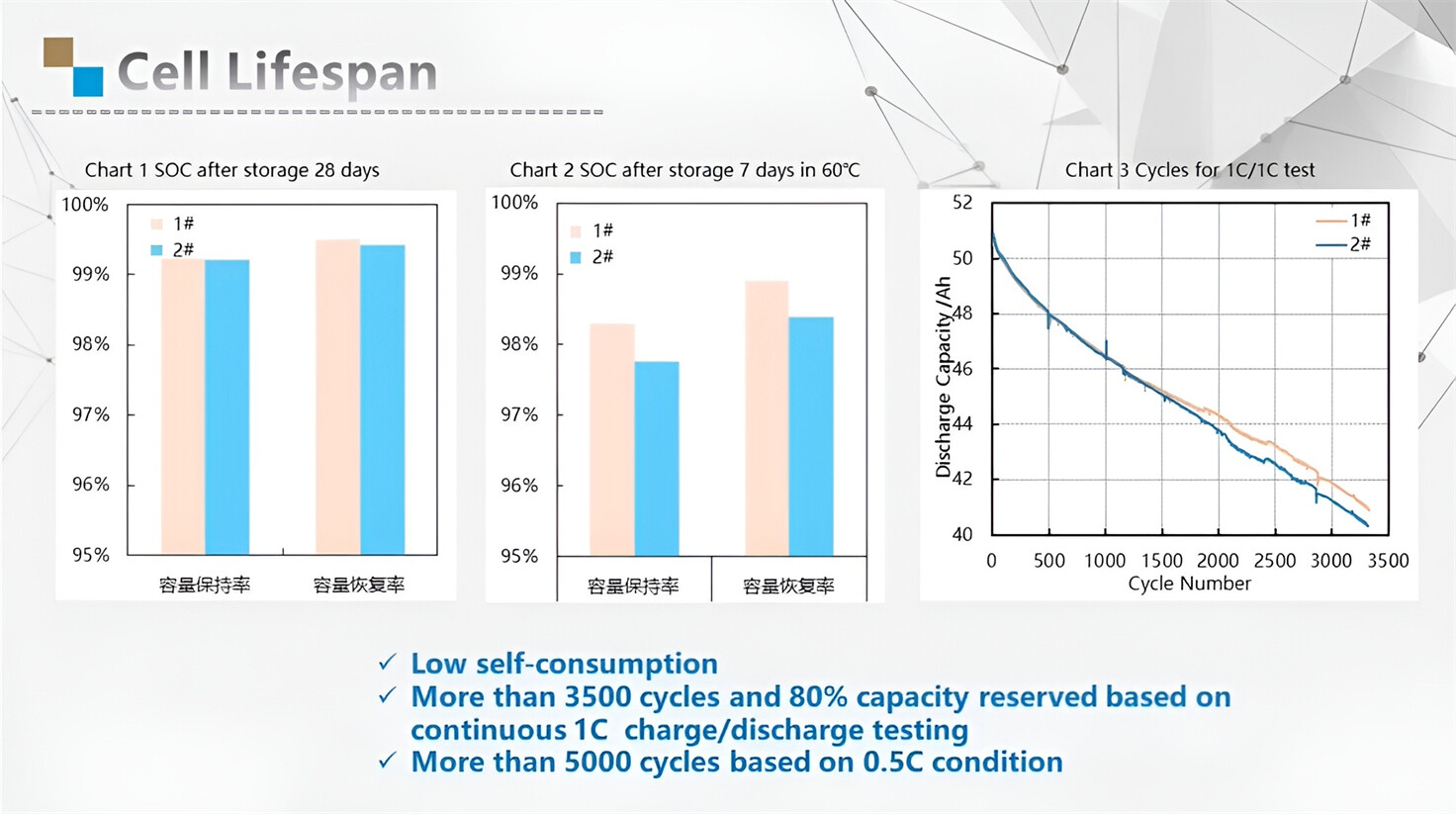
Our energy storage system products use brand new grade A LiFePO4 cells with a battery lifespan of more than 4,000 charge/discharge cycles.
Applications in Different Industries
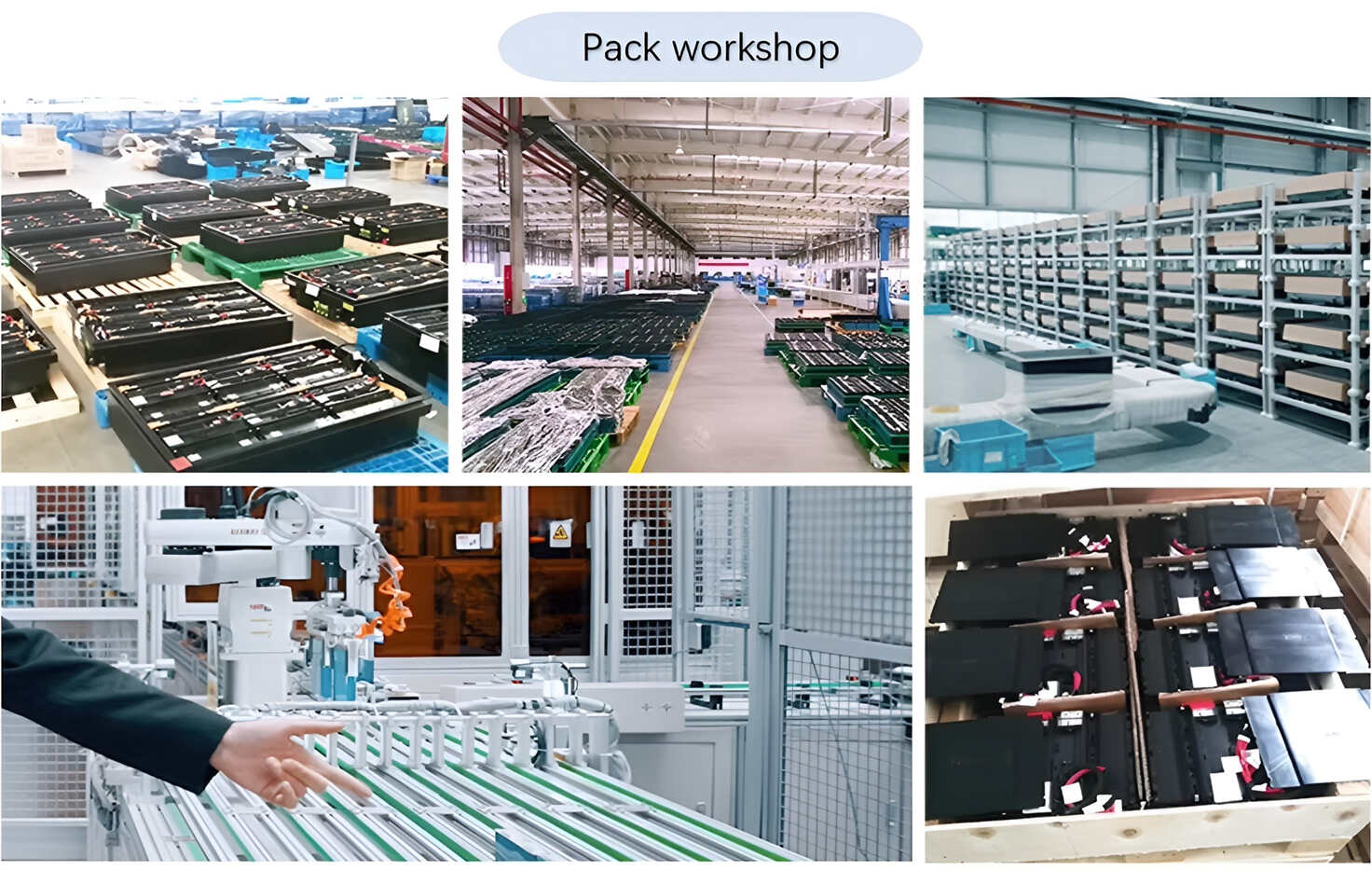
We supply customized & OEM battery pack, assemble cells with wiring, fuse and plastic cover, all the cell wires connected to PCB plug or built BMS.
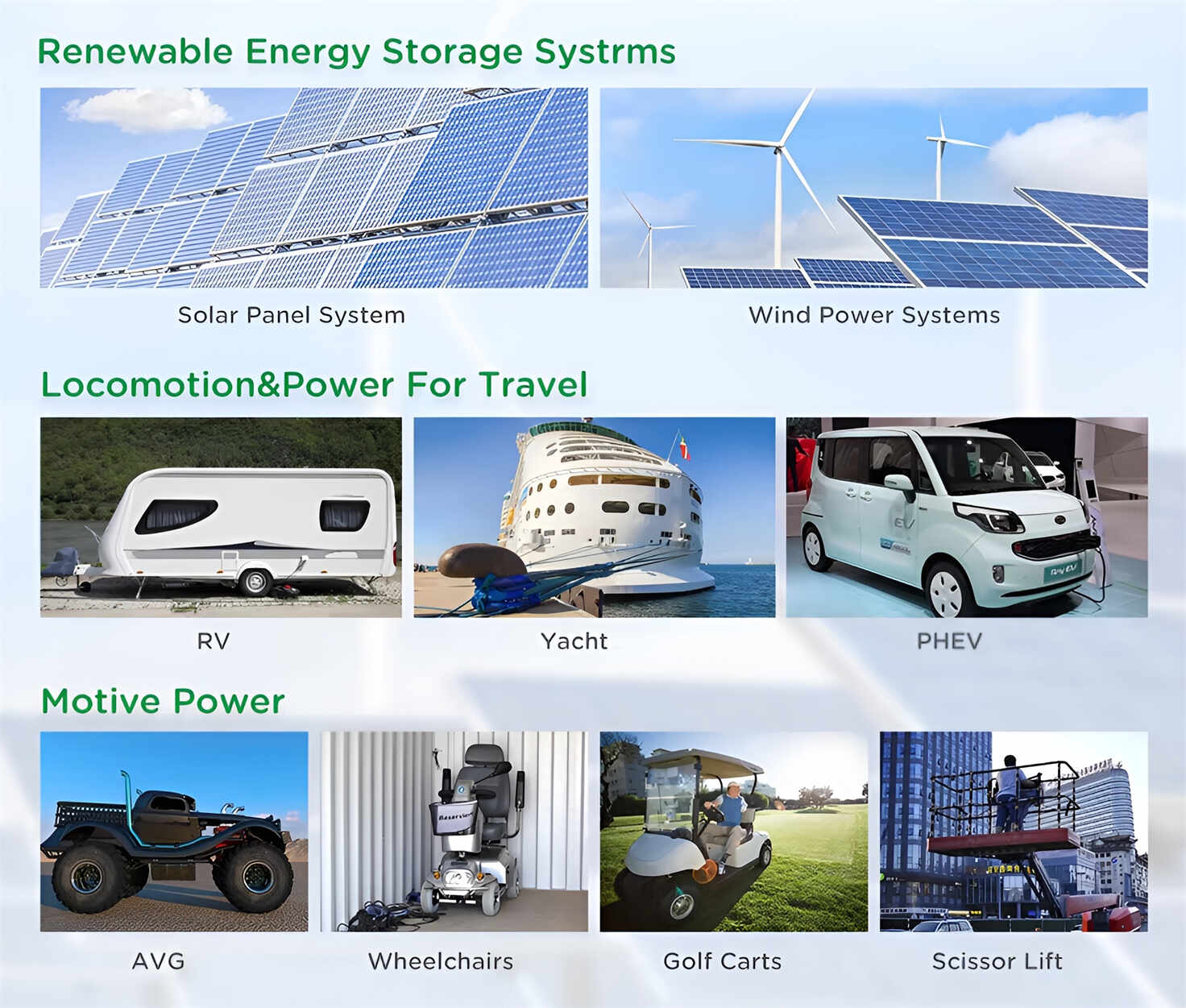
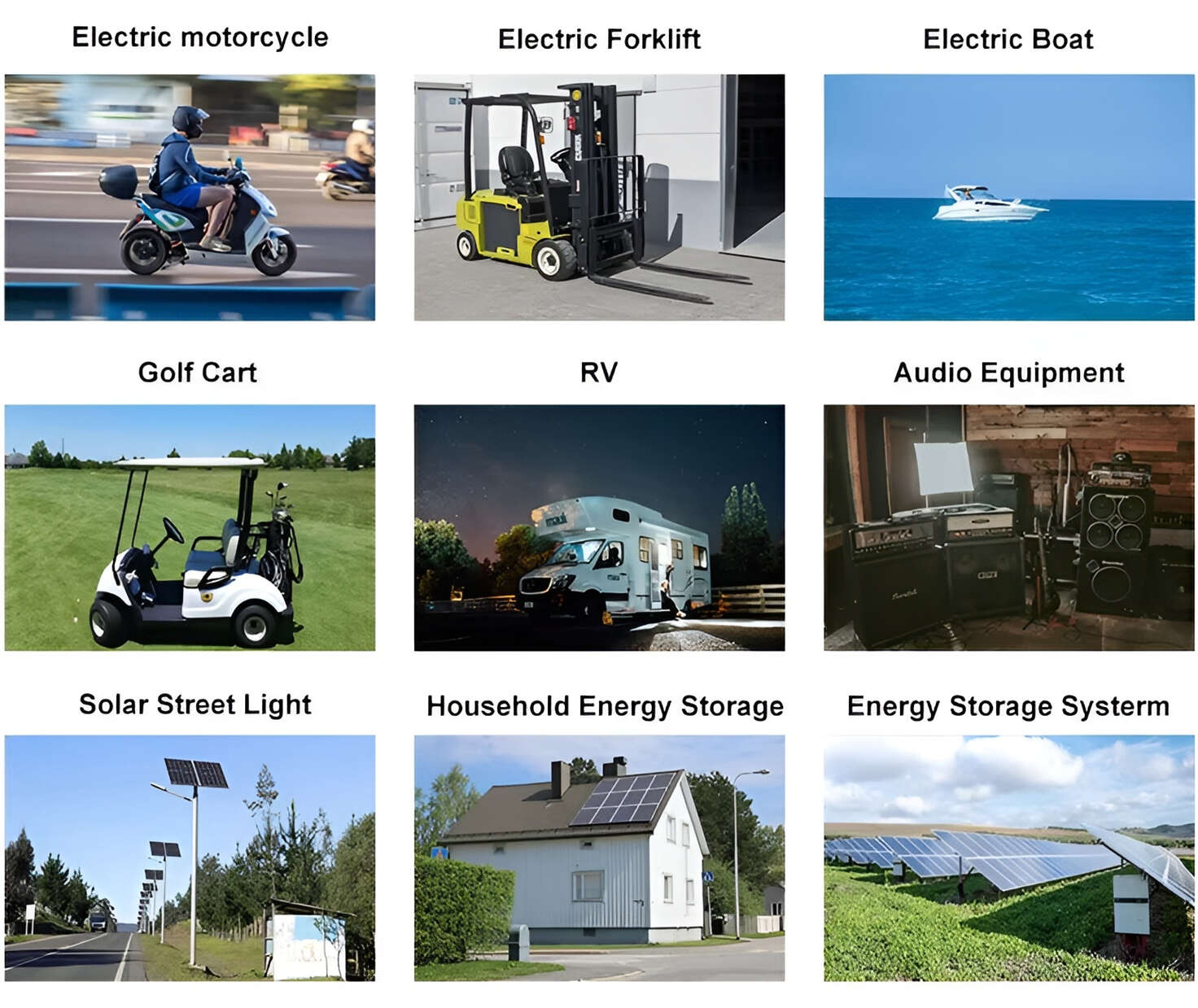
Applications: E-bike, Electric Scooter, Golf Carts, RV, Electric Wheelchair, Electric Tools, Robot Cleaner, Robot Sweeper, Solar Energy Storage System, Emergency Light, Solar Power Light, Medical Equipment, UPS Backup Power Supply.
We can provide you with customized services. We have the ability to provide a vertical supply chain, from single cells to pack/module and to a complete power solution with BMS, etc.
HomSolar (Shenzhen) Technology Co., Ltd