How To Use Charging Instructions: A Comprehensive Guide To Maximizing Battery Health And Performance
In our increasingly connected world, the ability to power our devices efficiently and safely is paramount. While plugging in a device seems straightforward, truly understanding and following proper charging instructions is the key to unlocking long-term battery health, optimal performance, and overall device longevity. This guide provides a deep dive into the principles of modern charging, offering detailed steps, expert tips, and crucial precautions.
Understanding the Basics: The Lithium-Ion Battery
Most modern electronics, from smartphones and laptops to wireless earbuds, use Lithium-ion (Li-ion) batteries. Unlike older battery technologies, Li-ion batteries have no "memory effect" and prefer partial charges to full discharge cycles. Their health is measured in charge cycles, which is defined as using 100% of the battery’s capacity, not necessarily from a single charge. For instance, using 50% one day and 50% the next counts as one cycle.
Step-by-Step Charging Procedure
Following a systematic approach ensures safety and effectiveness every time you charge your device.
1. Consult Your Device's Manual: Before anything else, locate the official charging instructions provided by the manufacturer. This is the most reliable source for information on compatible chargers, cable types, and any device-specific requirements.
2. Gather the Correct Equipment: Always use the charger and cable that came with your device or certified replacements from the manufacturer. Using uncertified, cheap alternatives can lead to inefficient charging, damage to the battery, or even safety hazards like fire.
3. Inspect the Hardware: Visually check the charging cable for any fraying, cuts, or exposed wires. Examine the ports on both the charger and your device for dust, lint, or damage. A damaged cable or a clogged port can cause poor connection and overheating.
4. Initiate the Connection: First, plug the charger into a wall outlet. Then, connect the cable to the charger. Finally, connect the other end of the cable to your device. This sequence can help avoid power surges from the outlet.
5. Monitor the Initial Connection: Look for a visual indicator on your device, such as a charging icon, LED light, or an audible tone, confirming that charging has begun. Most devices will also display a battery percentage.
6. Allow for Uninterrupted Charging: Once charging has commenced, place the device on a hard, flat, and stable surface. Avoid charging on soft surfaces like beds or sofas, as this can trap heat and cause the device to overheat.
7. Disconnect Safely: When charging is complete, or when you need to unplug, reverse the connection process. Gently unplug the cable from your device first, then from the wall outlet.
Pro Tips for Optimal Charging Practices
Moving beyond the basic steps, these strategies will help you maximize your battery's lifespan.The 20-80 Rule: The single most effective practice for prolonging battery health is to keep its charge between approximately 20% and 80%. Avoid letting it drop to 0% and, equally, avoid consistently charging it to 100%. Many modern devices have settings that can limit charging to 80-90% to facilitate this.Utilize Optimized Charging Features: Both iOS and Android offer smart charging features (e.g., "Optimized Battery Charging" on iPhone, "Adaptive Charging" on Pixel). These features learn your daily routine and delay charging past 80% until just before you typically unplug the device, reducing the time the battery spends at full capacity.Charge Slowly When Possible: While fast charging is convenient, it generates more heat, which degrades the battery over time. For overnight charging, use a standard, slower charger. Reserve fast charging for situations where you need a quick power boost.Manage Heat Generation: Heat is the enemy of Li-ion batteries. Never charge your device in direct sunlight or in a hot car. If you are performing intensive tasks like gaming or video editing, it is best to do so while the device is not plugged in, or at least ensure it is well-ventilated.Store at Partial Charge: If you plan to store a device for an extended period, do not leave it fully charged or fully depleted. A charge level of around 50% in a cool, dry place is ideal for battery preservation.
Critical Precautions and Safety Warnings
Ignoring these warnings can lead to permanent battery damage or dangerous situations.Avoid Extreme Temperatures: Never charge a device that is excessively hot or cold. If your phone is hot from use, let it cool down before plugging it in. Charging in a cold environment can also cause irreversible damage.Beware of Counterfeit Chargers: Cheap, off-brand chargers often lack proper safety mechanisms and can deliver unstable voltage, damaging your device's internal circuitry and battery. Always invest in genuine accessories.Do Not Use Damaged Equipment: If a cable is frayed or a charger port is loose, stop using it immediately. Continuing to use damaged charging equipment is a significant fire and electrocution risk.Keep Liquids Away: The combination of electricity and liquids is dangerous. Always charge your devices away from sinks, bathtubs, or any source of moisture.Unplug After Full Charge: While modern devices have safeguards, continuously trickle-charging at 100% for days on end (e.g., on a charging dock) can still contribute to long-term stress on the battery.
By internalizing these charging instructions and making them a part of your daily routine, you transition from simply powering your device to actively preserving it. A well-maintained battery not only ensures your device remains reliable throughout the day but also protects its resale value and delays the need for a costly battery replacement. Empower yourself with this knowledge to get the most out of your technology.
Customized/OEM/ODM Service
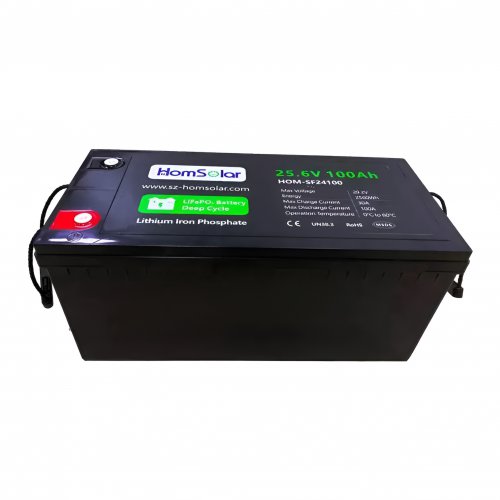
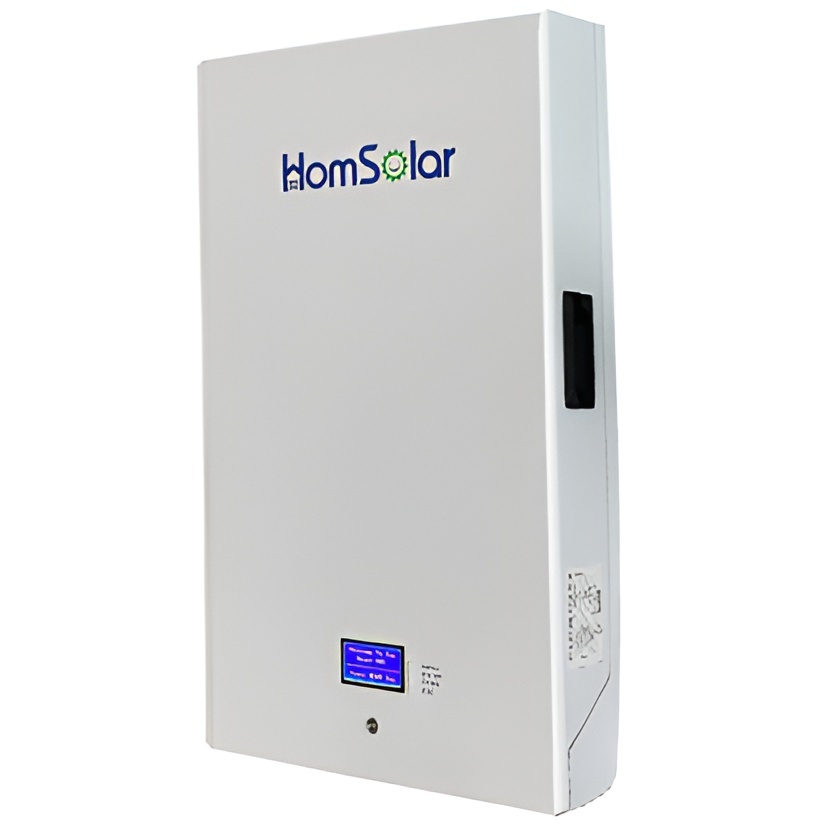
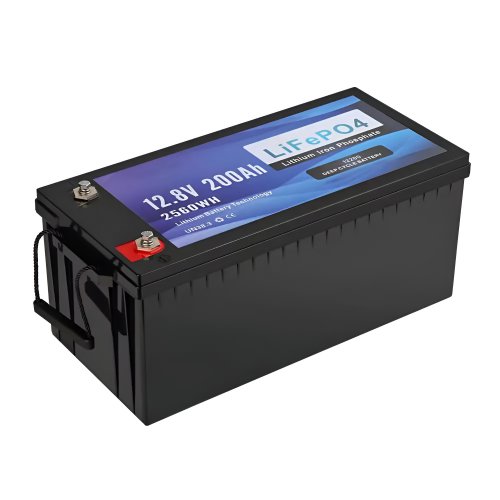
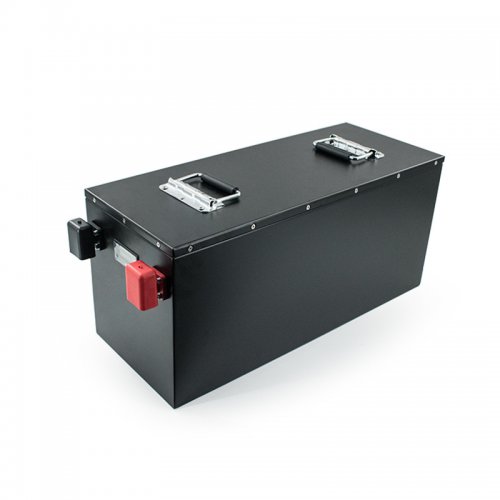
HomSolar Supports Lifepo4 battery pack customization/OEM/ODM service, welcome to contact us and tell us your needs.


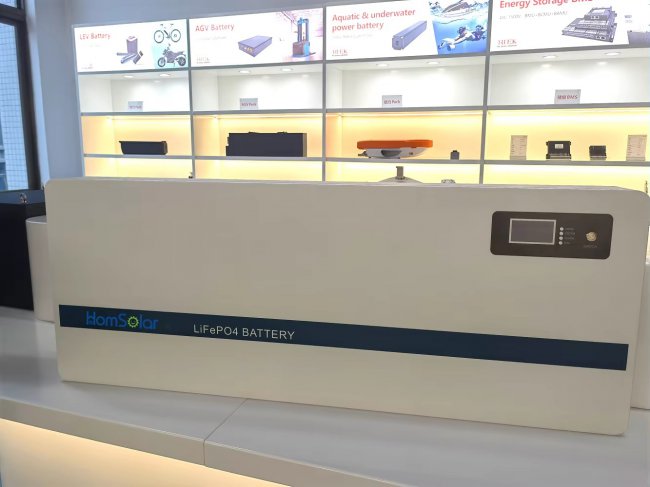
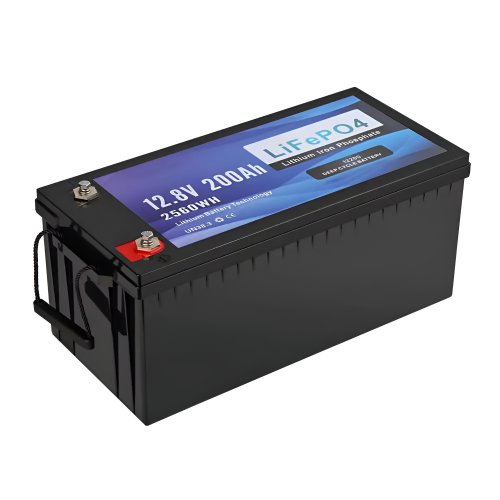
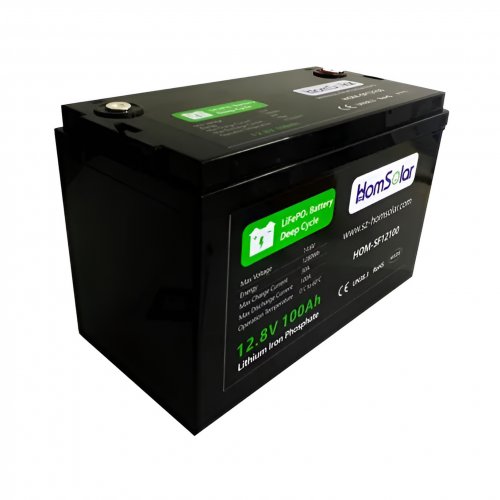
HomSolar: Your One-stop LiFePO4 Battery Pack & ESS Solution Manufacturer
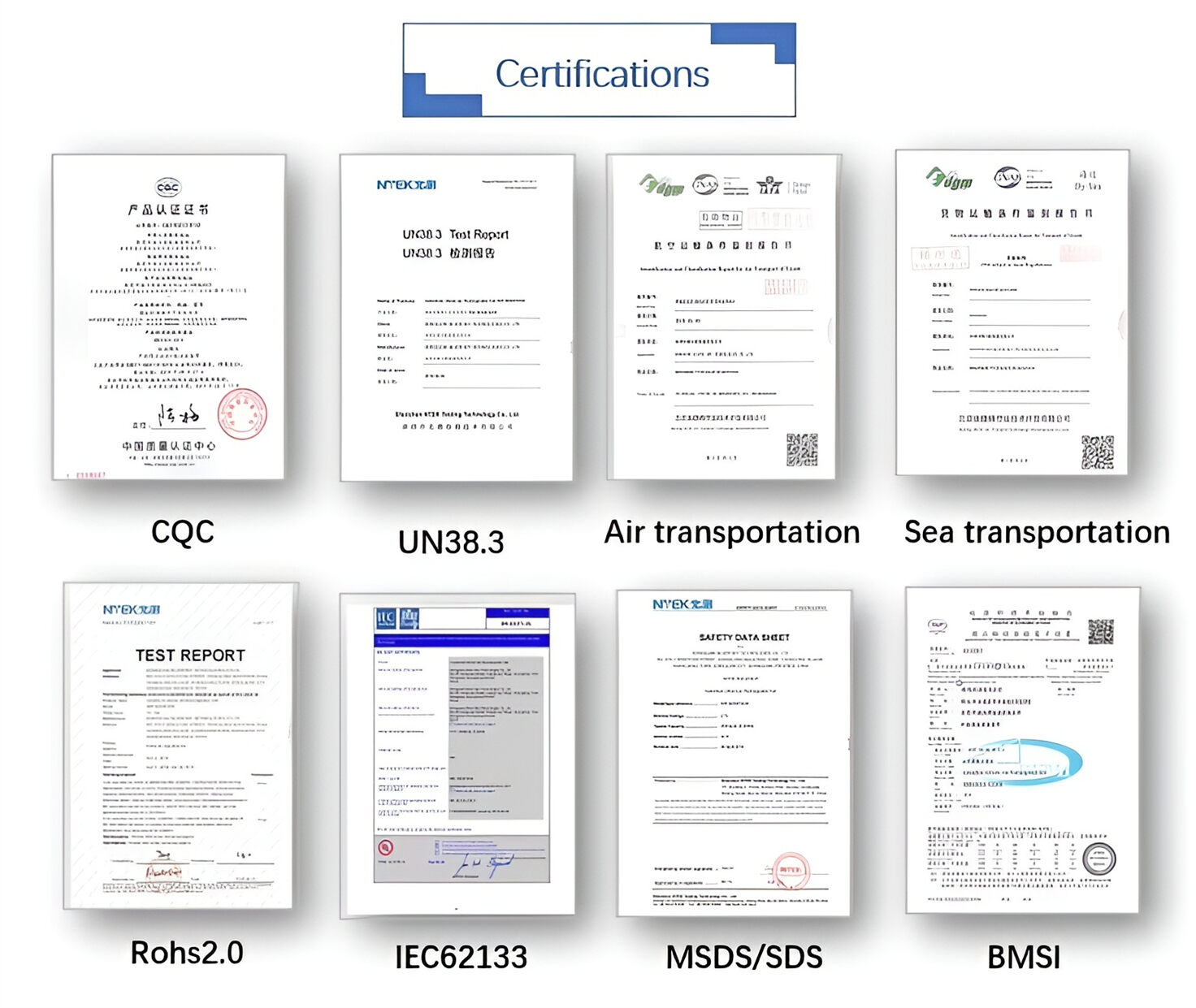
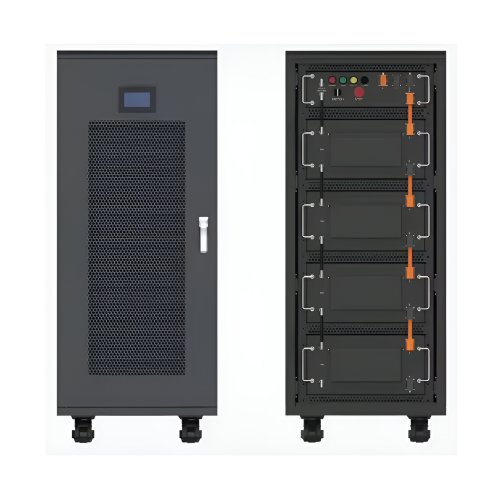
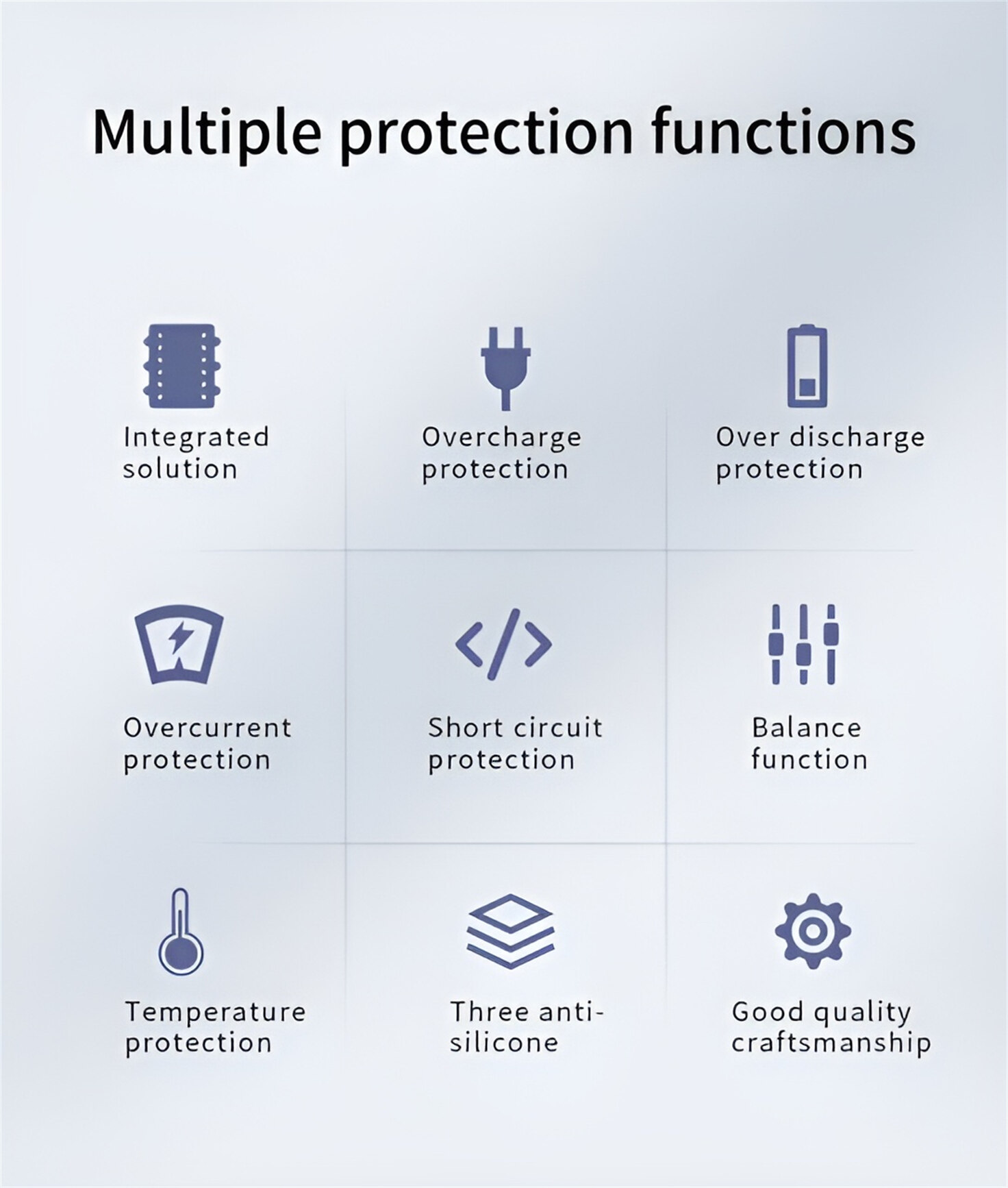
Our line of LiFePO4 (LFP) batteries offer a solution to demanding applications that require a lighter weight, longer life, and higher capacity battery. Features include advanced battery management systems (BMS), Bluetooth® communication and active intelligent monitoring.
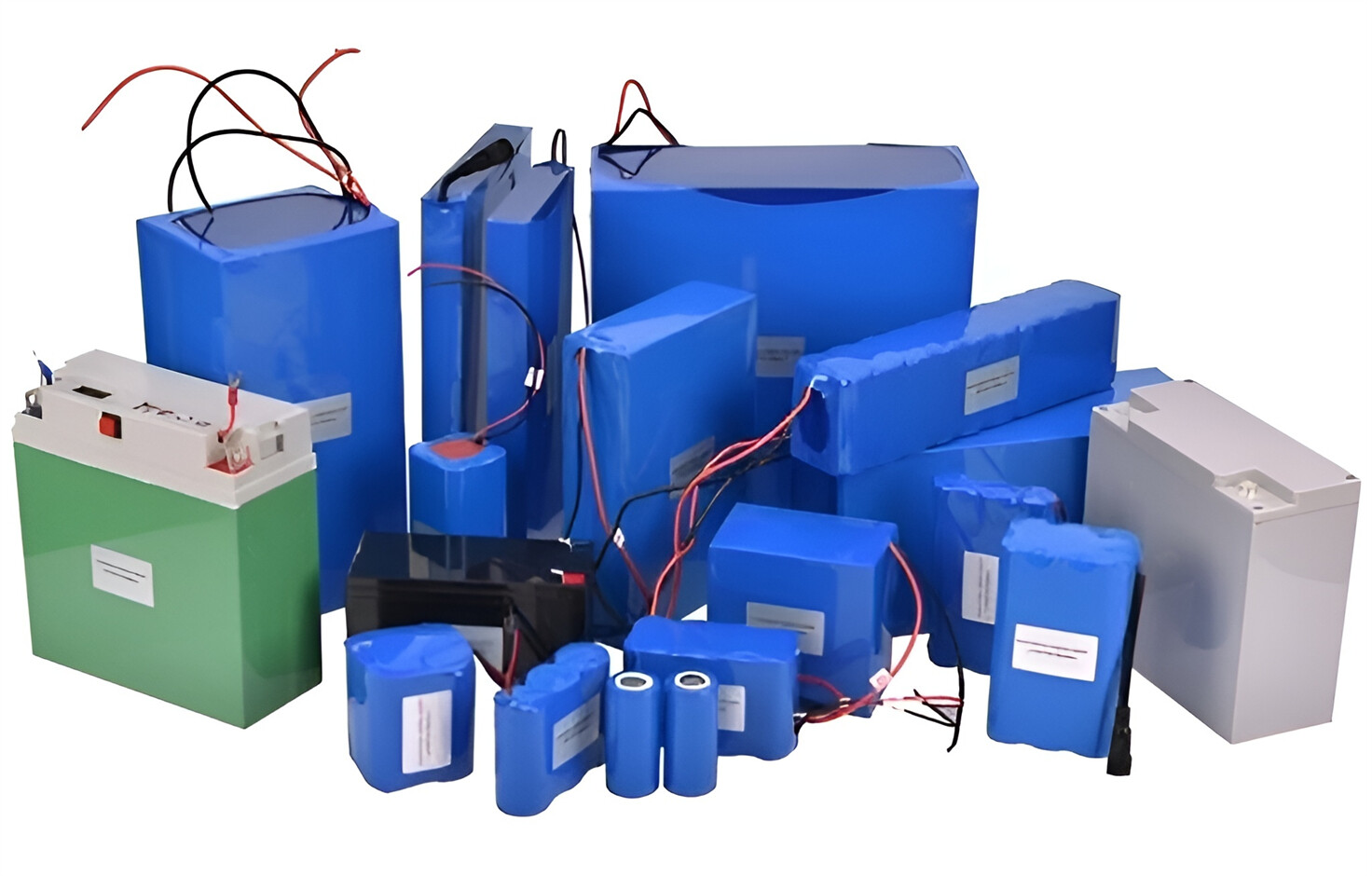
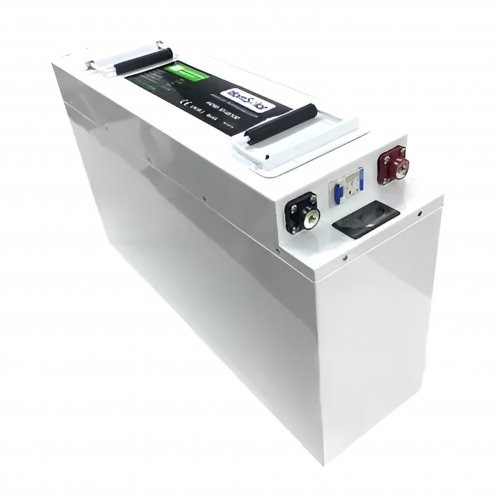
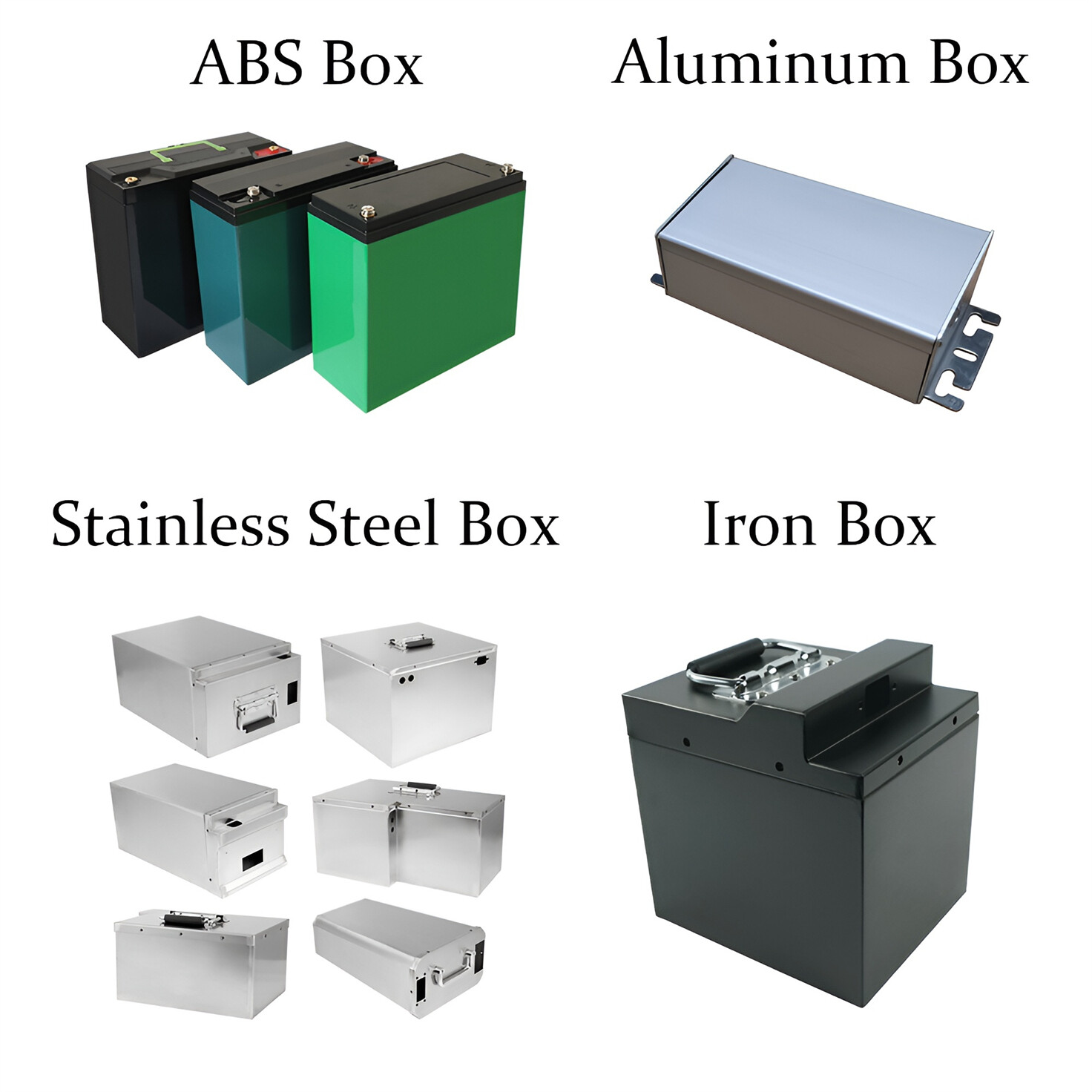
Customised Lithium Iron Phosphate Battery Casing
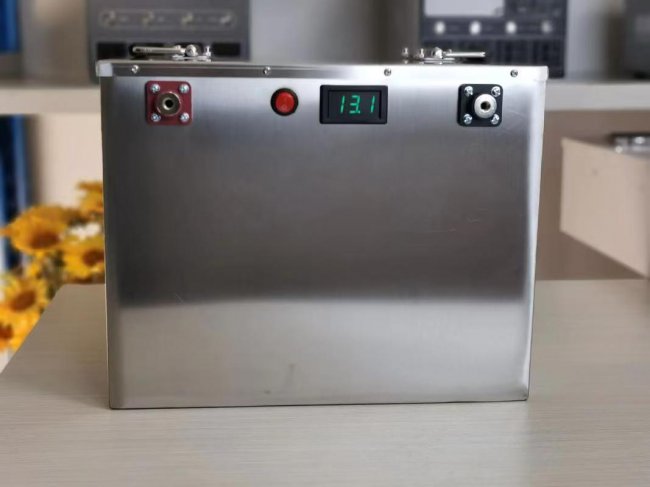
ABS plastic housing, aluminium housing, stainless steel housing and iron housing are available, and can also be designed and customised according to your needs.
HomSolar Smart BMS
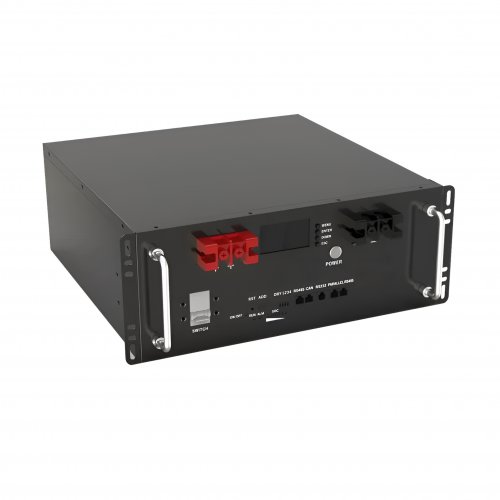
Intelligent Battery Management System for HomSolar Energy Storage System. Bluetooth, temperature sensor, LCD display, CAN interface, UART interface also available.

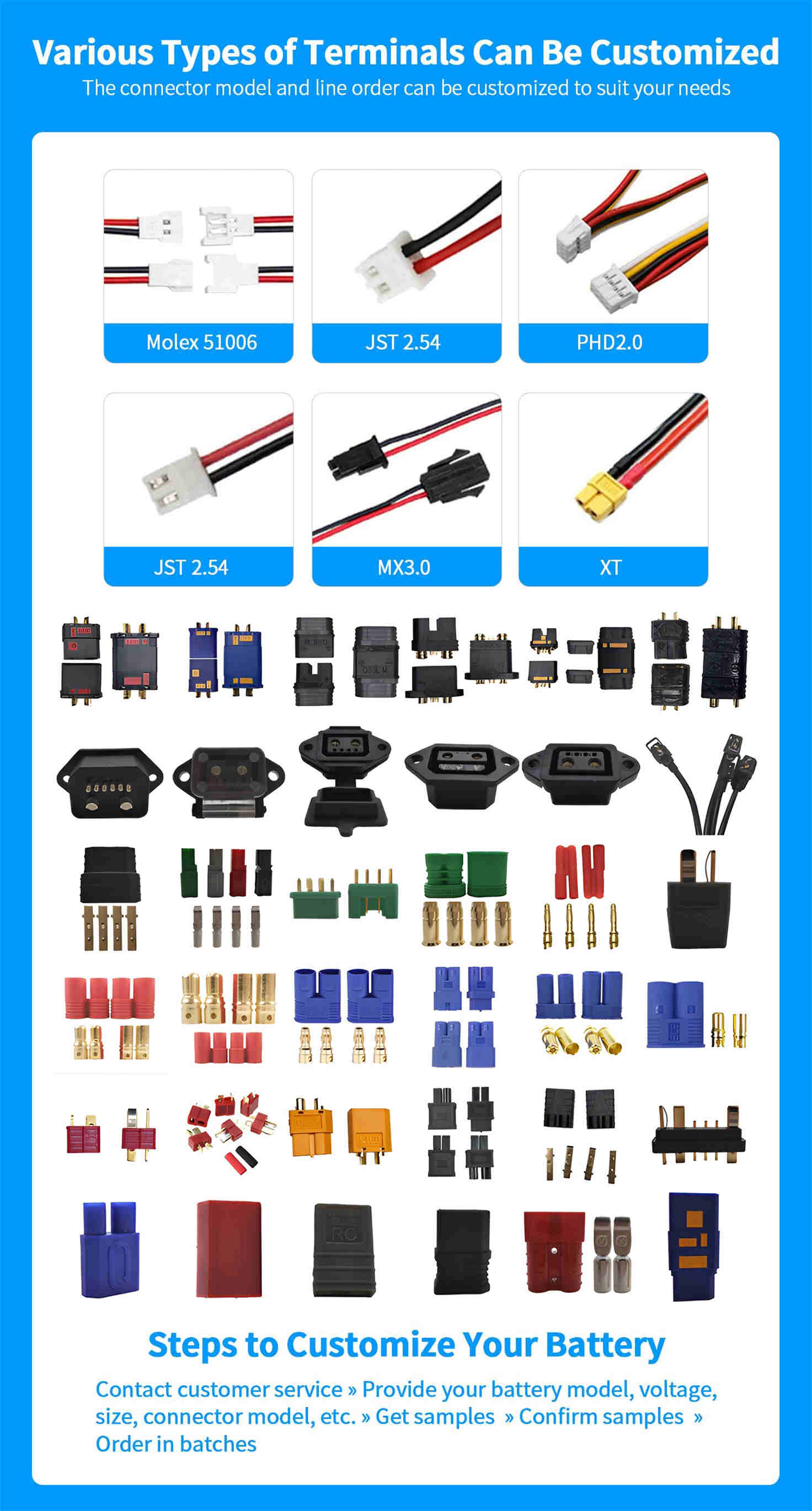
Terminals & Plugs Can Be Customized
A wide range of terminals and plugs can be customised to suit the application needs of your battery products.
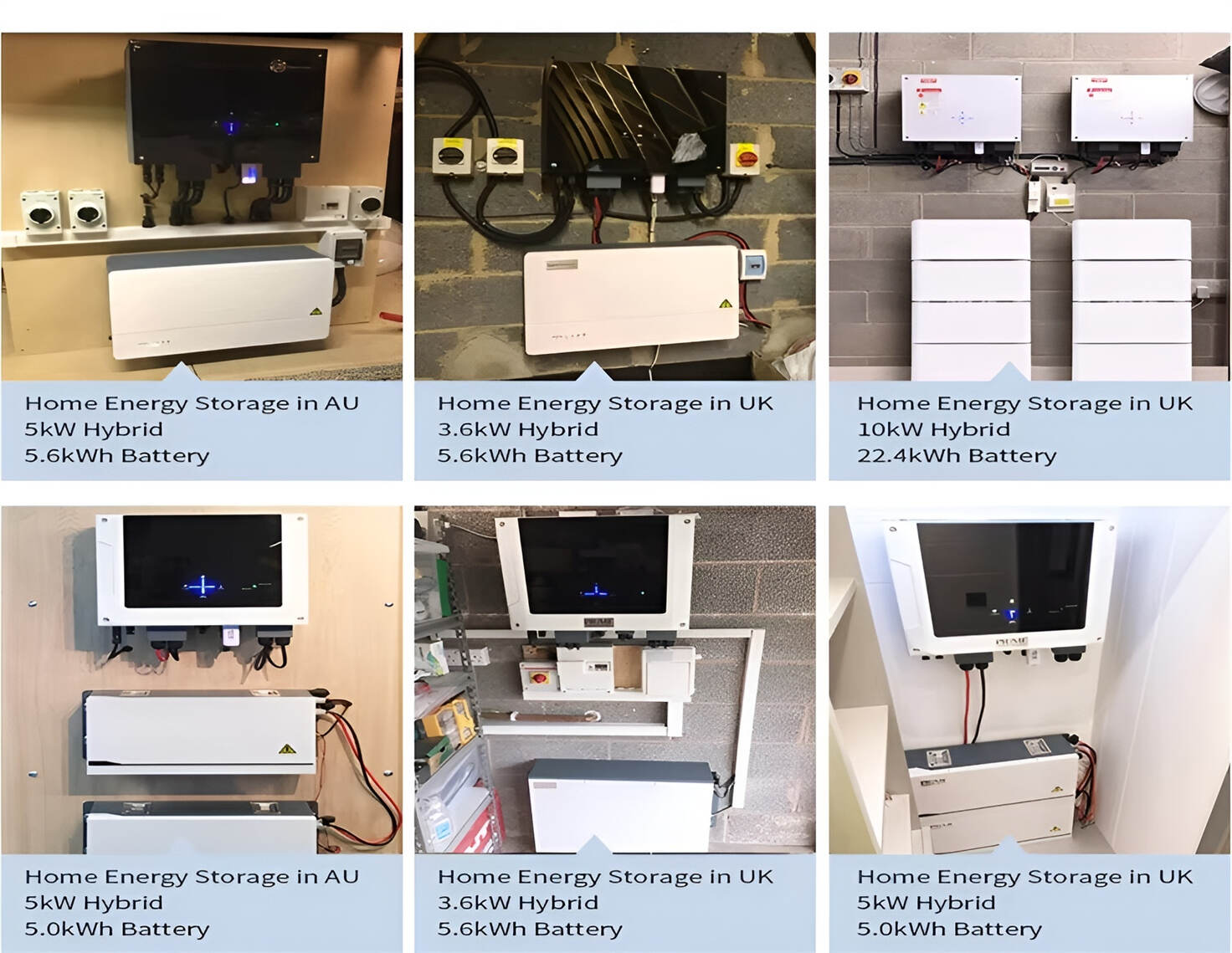
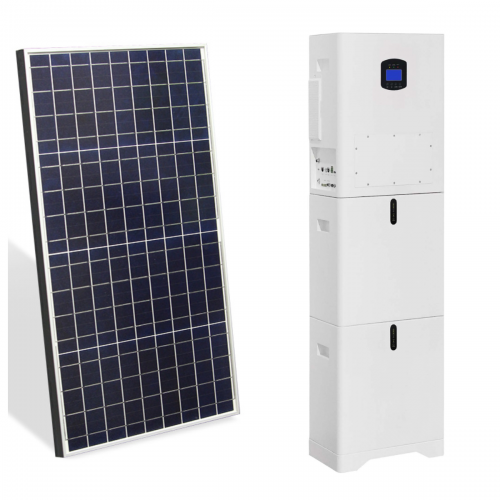
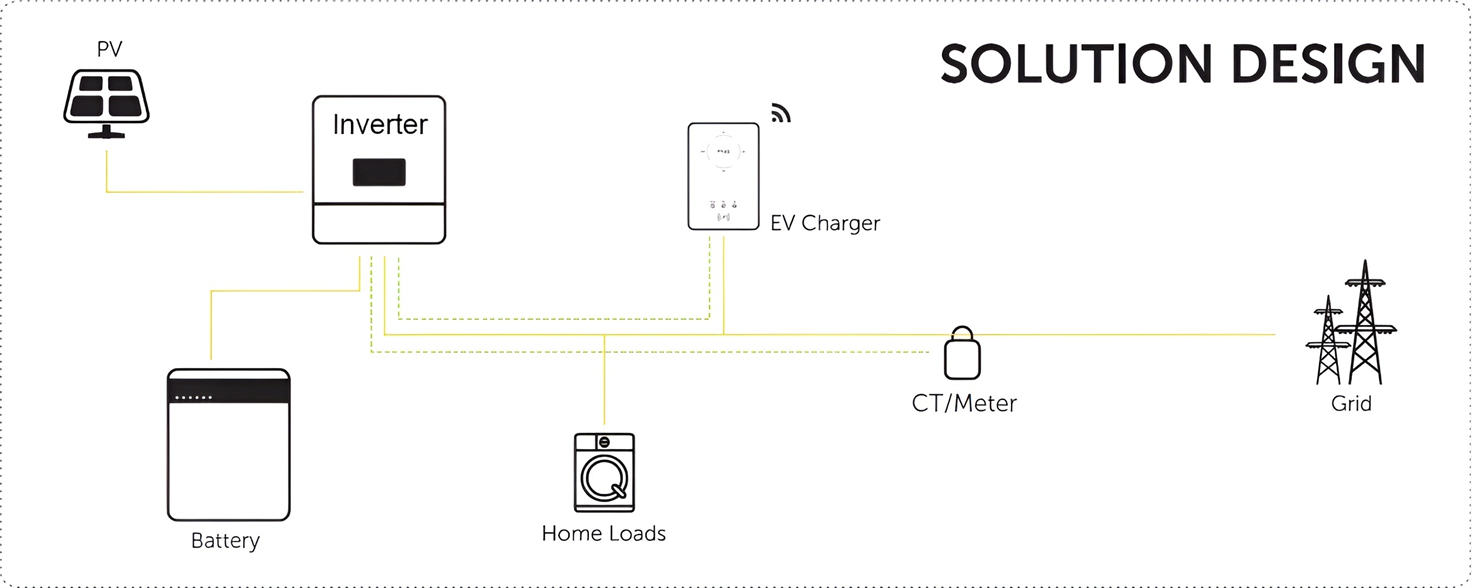
Well-designed Solutions for Energy Storage Systems
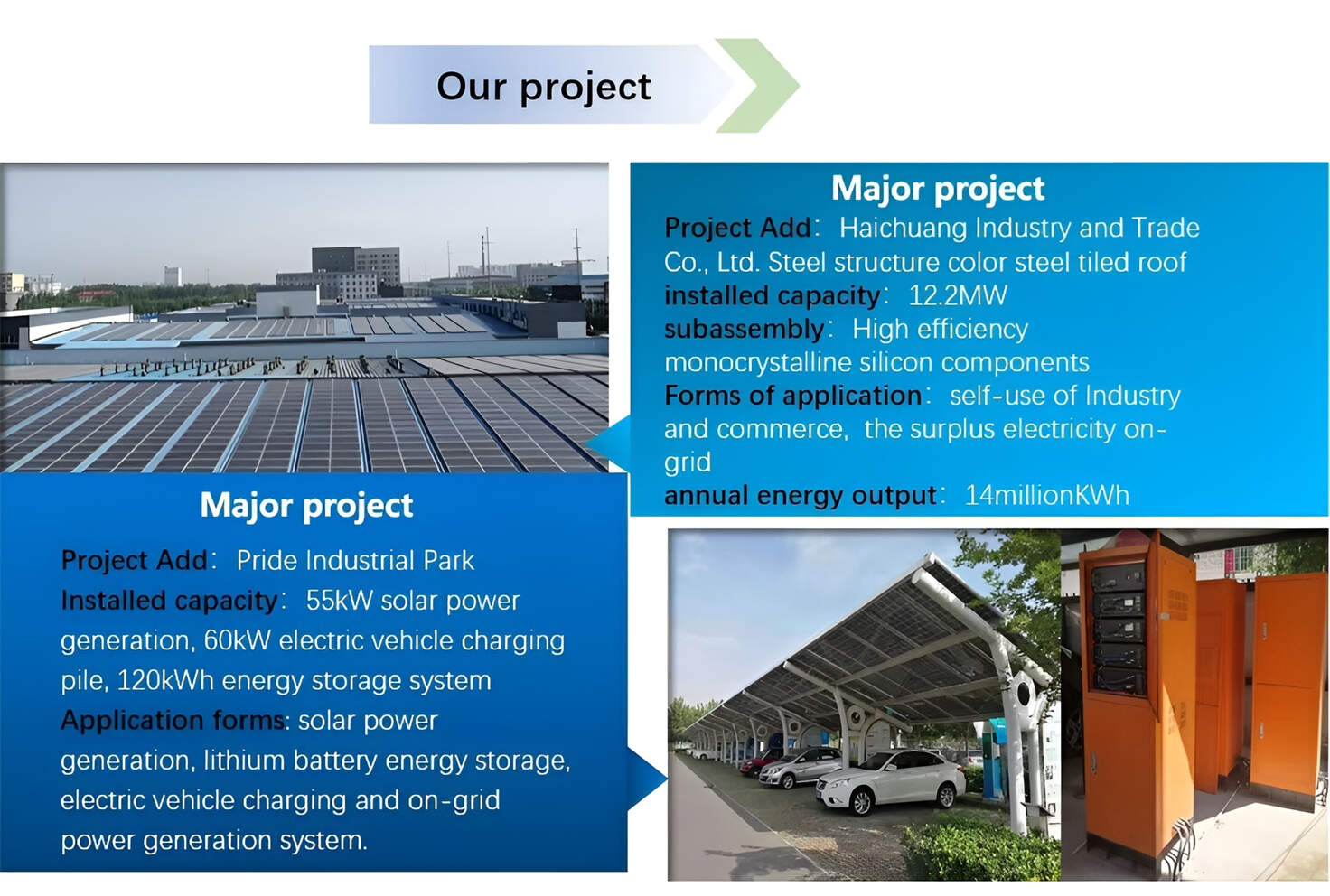
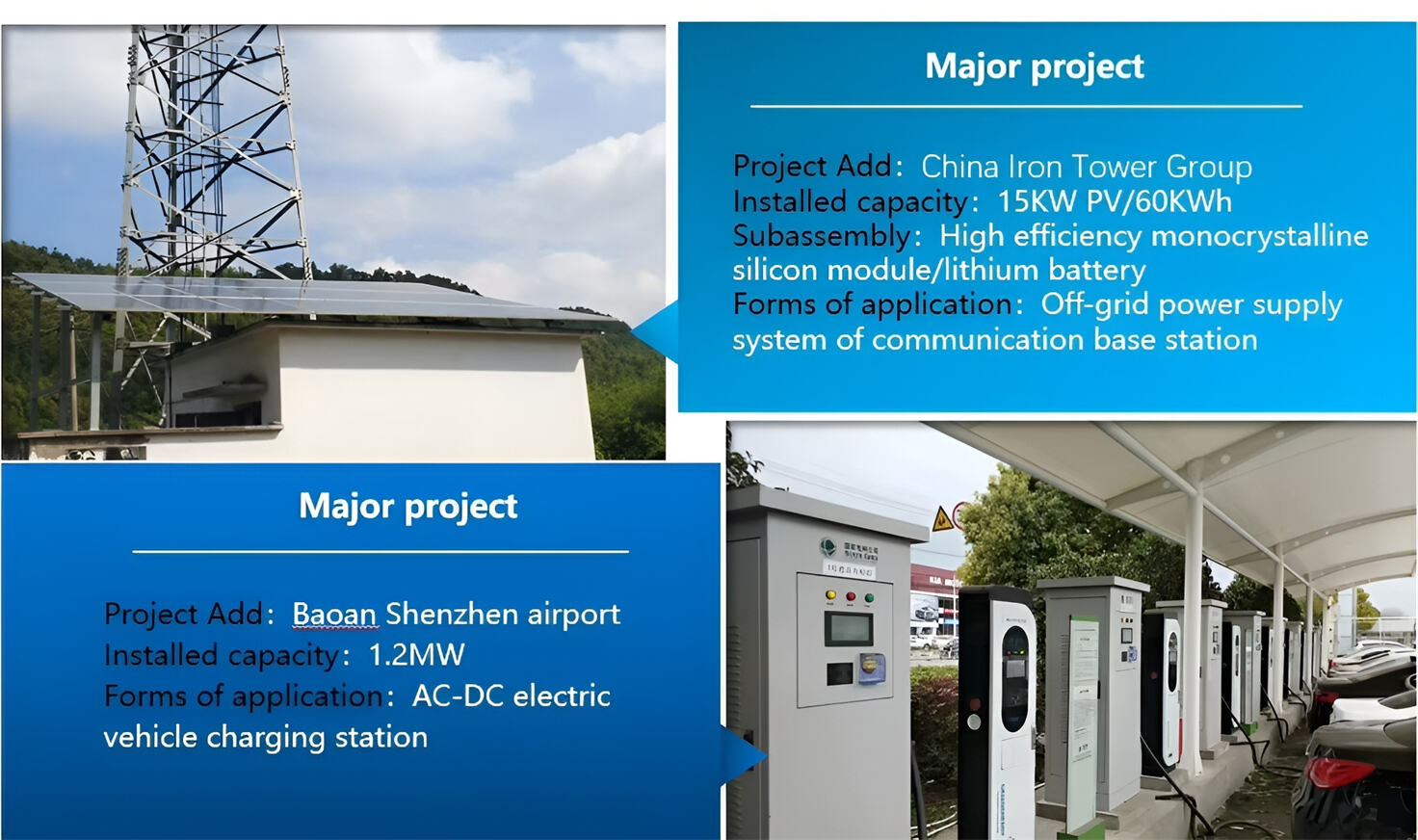
We will design the perfect energy storage system solution according to your needs, so that you can easily solve the specific industry applications of battery products.


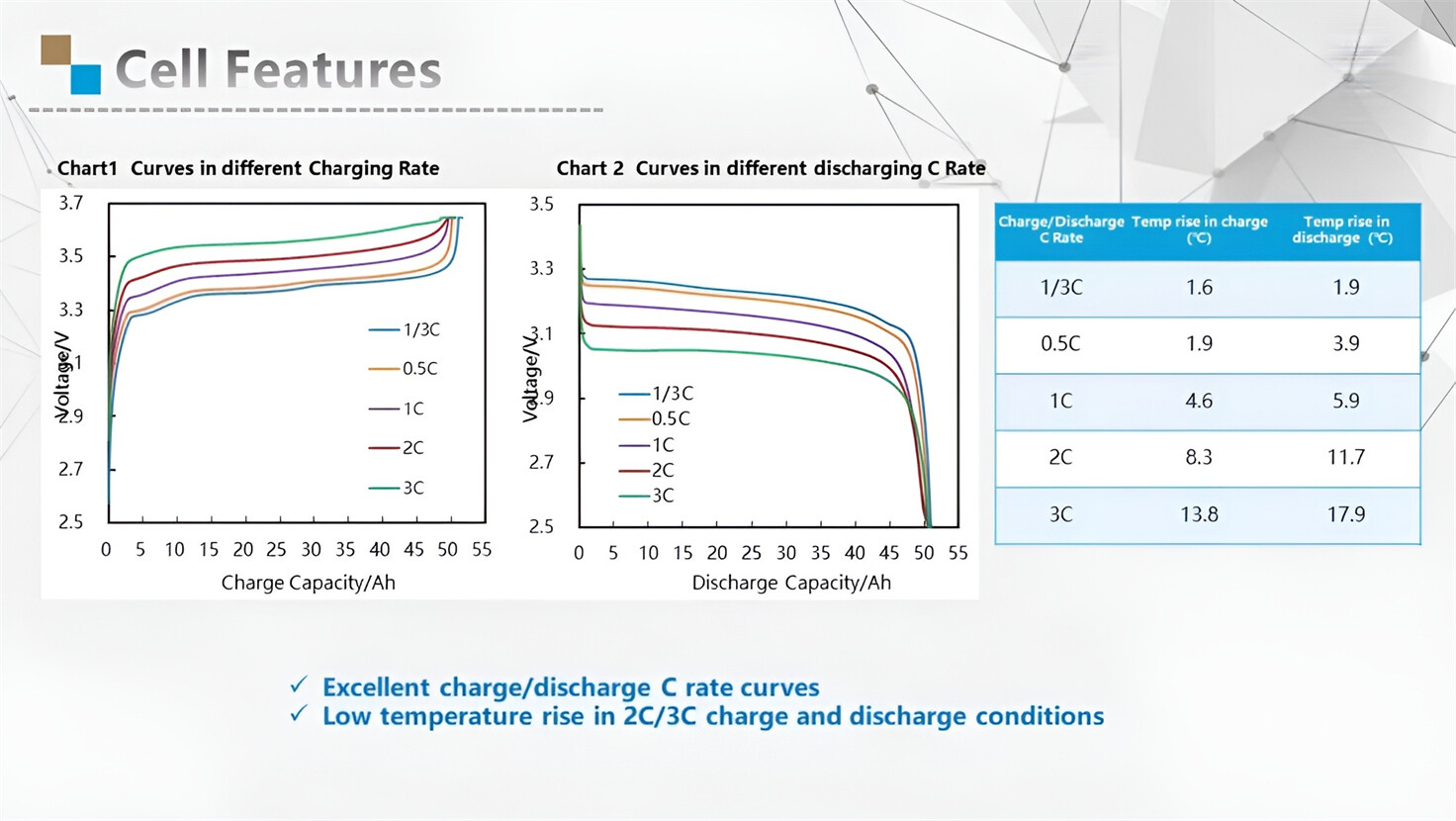
About Our Battery Cells
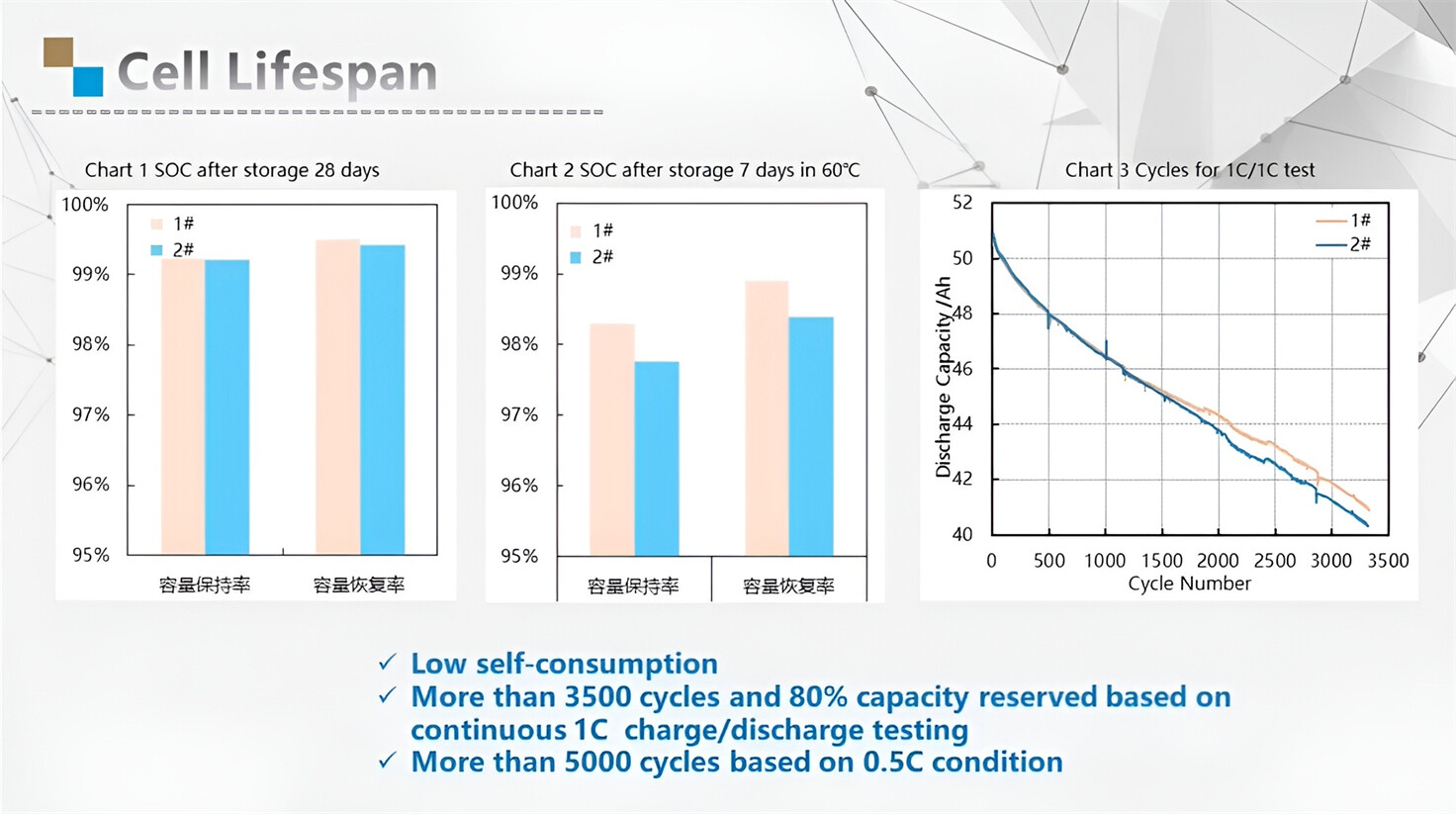
Our energy storage system products use brand new grade A LiFePO4 cells with a battery lifespan of more than 4,000 charge/discharge cycles.

Applications in Different Industries
We supply customized & OEM battery pack, assemble cells with wiring, fuse and plastic cover, all the cell wires connected to PCB plug or built BMS.
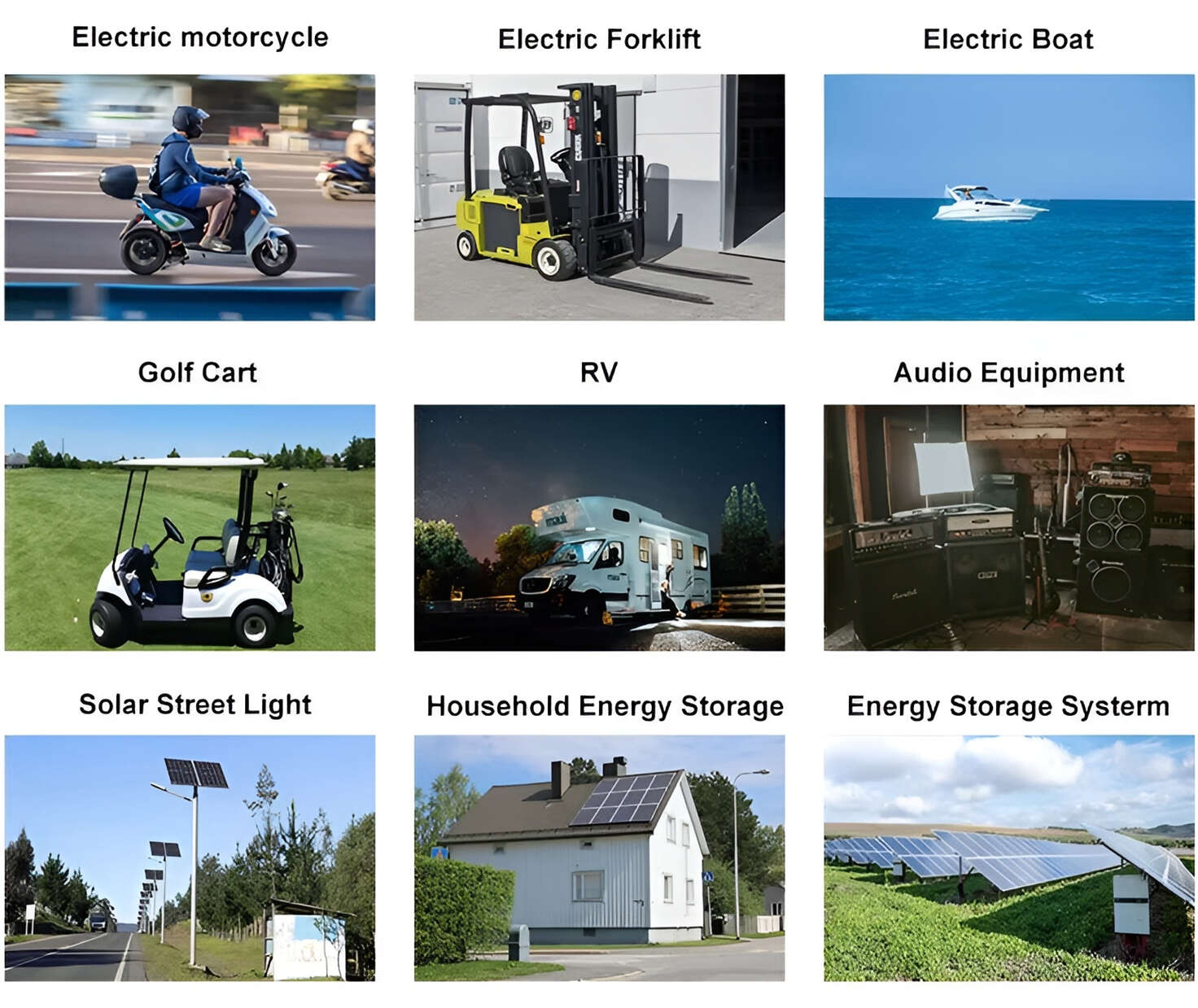
Applications: E-bike, Electric Scooter, Golf Carts, RV, Electric Wheelchair, Electric Tools, Robot Cleaner, Robot Sweeper, Solar Energy Storage System, Emergency Light, Solar Power Light, Medical Equipment, UPS Backup Power Supply.
We can provide you with customized services. We have the ability to provide a vertical supply chain, from single cells to pack/module and to a complete power solution with BMS, etc.

HomSolar (Shenzhen) Technology Co., Ltd